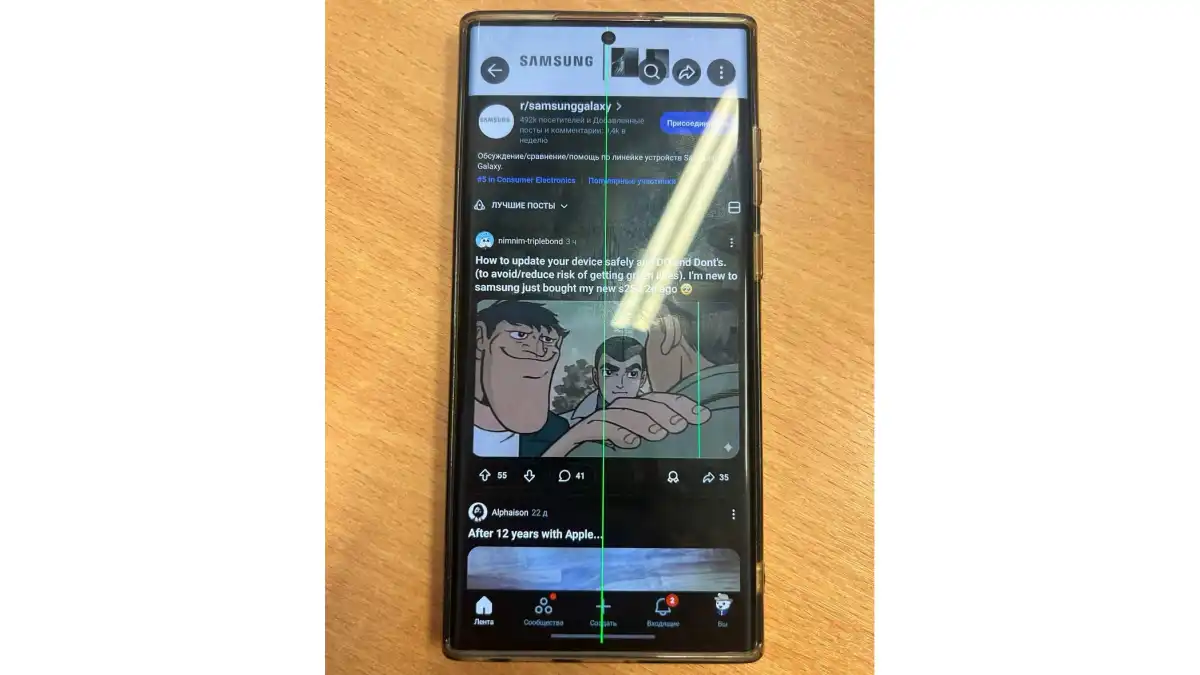
Summary created by Smart Answers AI
In summary:
- Tech Advisor reports that Samsung Galaxy phones are experiencing a permanent green line display bug after installing April and May security patches.
- Multiple models including Galaxy S22 Ultra, S23+, and S26 are affected, with users sharing evidence on Reddit of this recurring issue.
- Overheating during updates appears to be the suspected cause, with recommendations including updating at night, removing phone cases, and cooling devices beforehand.
Samsung Galaxy S phones seem to be suffering from a bug that displays a permanent green line across the display following the April security patch.
Right across Reddit, a small but significant percentage of Samsung Galaxy phone owners are reporting a disquieting bug. After updating their handsets to the recent security patch, users have noticed (it’s difficult to miss) a green line spanning the height of the display – and it never goes away.
This doesn’t appear to be confined to a particular model either. We’ve seen the Galaxy S22 Ultra, Galaxy S23+, and even this year’s Galaxy S26 implicated, including with pictorial evidence.
The latter case involved the update to the May security patch, which suggests there might be a deep and persistent problem with Samsung’s update process.
While Samsung hasn’t addressed this concerning issue as yet, there’s a great deal of discussion online as to what might be the cause and how to avoid the problem.
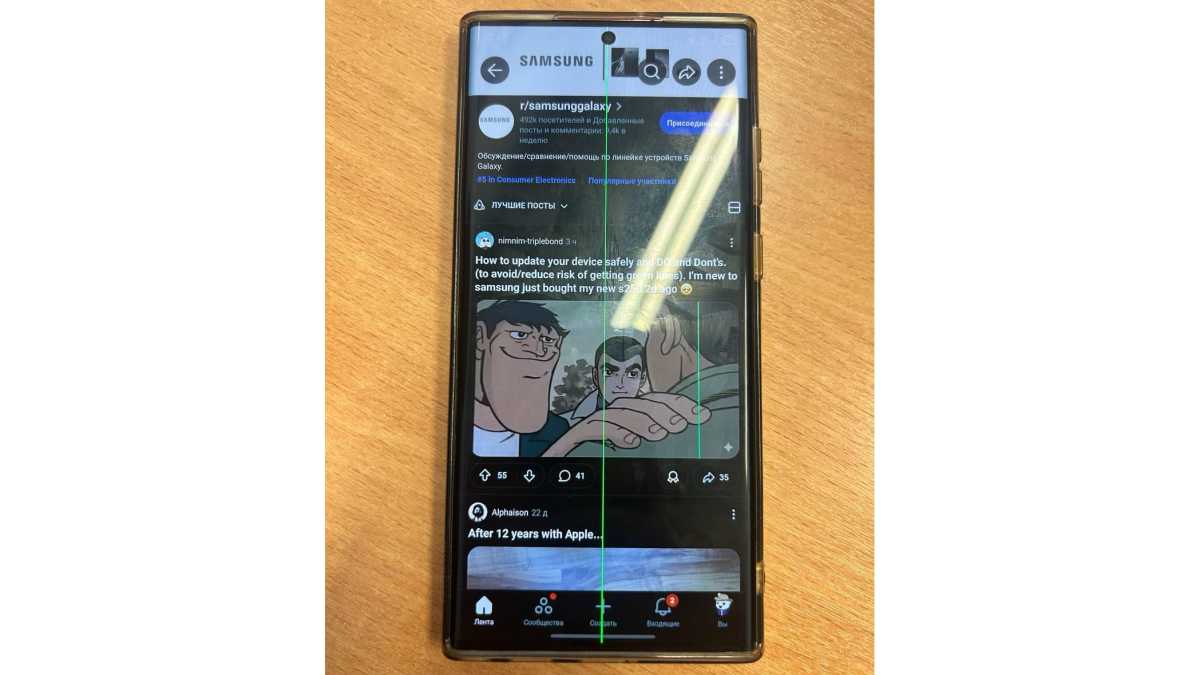
timohaX on Reddit
What’s the issue?
As this post from last June on the official Samsung community website shows, the green line issue isn’t new.
One poster at the time claimed that this might be a screen burn issue caused by overheating. Advice for addressing this problem spans from not updating your Galaxy phone following a marathon gaming session (seems smart) to putting your phone in the fridge whilst updating (not so much).
We should stress that the latter seems somewhat extreme and could lead to damage of another kind, so we don’t endorse it.
Others recommend charging the phone before the update, but unplugging and waiting until the phone has cooled before initiating the process.
Removing the phone from its case and updating at night in cooler conditions are both worth trying, too.
We’ll update this piece as soon as we hear some form of acknowledgement from Samsung. In the meantime, be very careful when updating your phone!