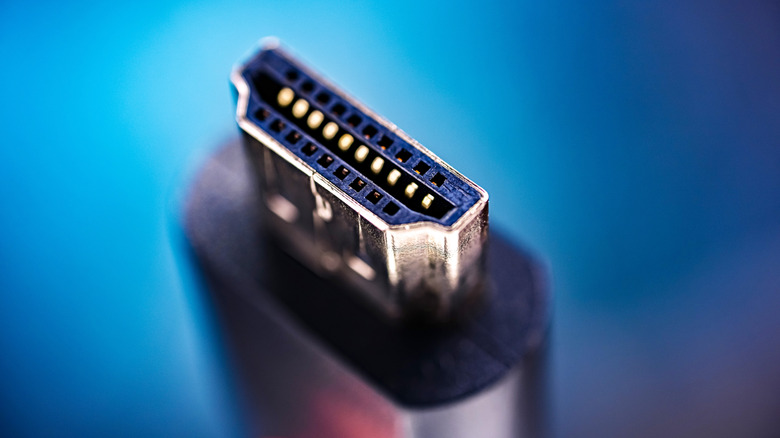
In most cases, a $100 HDMI cable won’t be better than a $10 cable. But there are some exceptions.
HDMI cables can become surprisingly expensive for something that spends its life hidden behind a TV. Fortunately, there isn’t a secret tier of picture quality waiting inside a $100 cable. As long as a cable can reliably carry the signal your setup requires, spending more won’t make the picture sharper or the sound better.
What can justify paying more is higher bandwidth or a longer run. A streaming box connected to a nearby 4K TV doesn’t have the same demands as a PlayStation 5 running at 4K/120Hz. Meanwhile, sending HDMI across a room to a projector is another setup entirely. The trick is buying the cable your setup actually needs, not just grabbing the fanciest one on the shelf.
Expensive HDMI cables don’t improve picture or sound
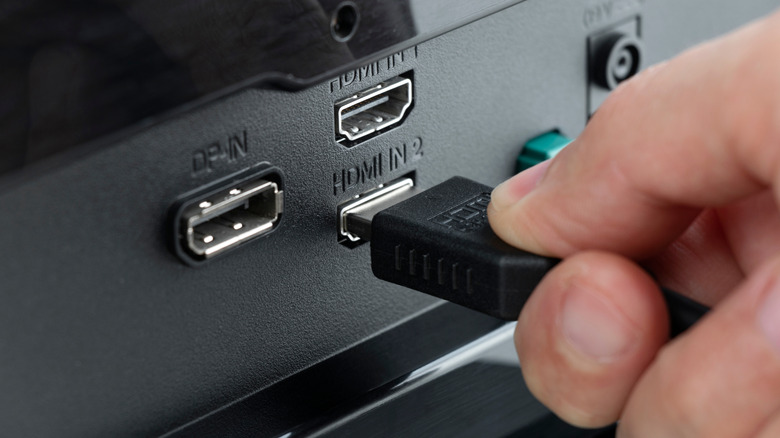
An HDMI cable transports digital video and audio between devices; it doesn’t process either one on the way through. Its job is to carry enough data for the resolution, refresh rate and other features you’re using.
That makes the familiar claim that “digital cables either work or don’t work” broadly useful, but a little too neat. A cable can be fine for one video mode, then run into trouble when you ask more of it. Sony, for example, lists the HDMI cable among several points to check when you expect your PS5 to output 4K at 120Hz but it instead shows no picture or 1080p at 120Hz. Sony specifically recommends using the cable included with the PS5 or an Ultra High Speed cable rated for 4K/120Hz.
If an older-generation cable can’t reliably handle that signal, replacing it with one that can should fix the problem. When comparing two cables that each carry the signal correctly, though, the pricier one has no extra picture or sound quality to add.
Buy the HDMI cable speed your setup requires
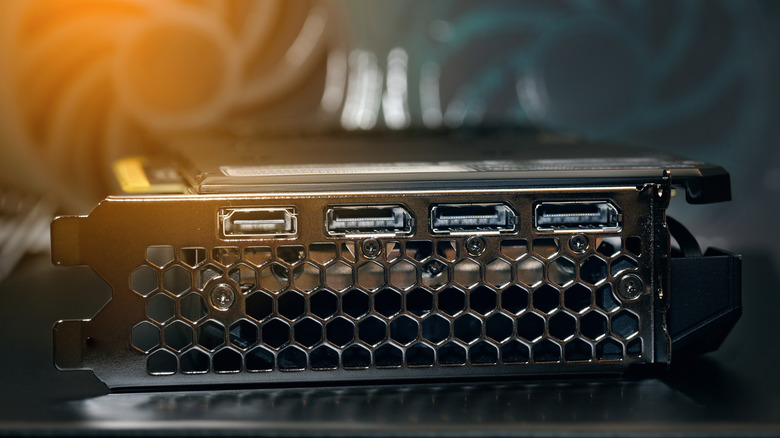
The cleanest way to shop is by cable category, not version number. Under the HDMI Licensing Administrator’s rules, version numbers aren’t allowed by themselves in the labeling, packaging or promotion of cable products. The official categories are more useful: Premium High Speed HDMI cables are certified for up to 18Gbps, Ultra High Speed HDMI cables support up to 48Gbps and Ultra96 HDMI cables support up to 96Gbps.
You likely don’t need the fastest one. If you’re mainly streaming video, the 18Gbps supported by a Premium High Speed HDMI cable is already enough for most 4K streaming. Gaming can be more demanding, with 4K/120Hz falling within the capabilities of an Ultra High Speed HDMI cable connected to one of the best gaming TVs.
Ultra96 (or HDMI 2.2) is the newest cable category, but it’s only useful in the rare case when your equipment needs more than 48Gbps. That extra bandwidth is aimed at particularly demanding video formats, including uncompressed 4K at 240Hz and 8K at 60Hz. Ultra96 devices may support maximum bandwidths of 64Gbps, 80Gbps or 96Gbps, with an Ultra96 cable required to reach those higher modes. If your setup tops out at 48Gbps, an Ultra High Speed HDMI cable already does the job.
Rather than choosing by price or brand alone, look for the official certification label on an HDMI cable’s packaging. Every model and length sold as an Ultra High Speed or Ultra96 HDMI cable has to pass certification testing. The QR code on the label lets you verify details including its brand, model and length.
Spending more can make sense for longer HDMI runs

Cable length is the other big exception to the cheap-cable rule, and there isn’t a universal 10- or 15-foot cutoff. The HDMI Licensing Administrator doesn’t specify a maximum cable length because the workable distance depends on the cable’s type and construction. At the higher demands of Ultra High Speed HDMI, however, it says cables longer than a few meters are likely to need powered active circuitry.
An active HDMI cable uses electronics to help carry the signal farther, while some longer cables use optical fiber for the high-speed portions of the connection. Those designs can cost more for a legitimate reason: you’re buying a different way of moving the signal, not an improvement to the image itself. Active HDMI cables can also be directional, so the end marked for the source needs to connect to the console, streaming box or other device sending the signal.
For a short connection behind your TV, a properly certified cable with enough bandwidth is usually all you need. Longer runs are where paying more for an appropriate active or optical cable can make sense.