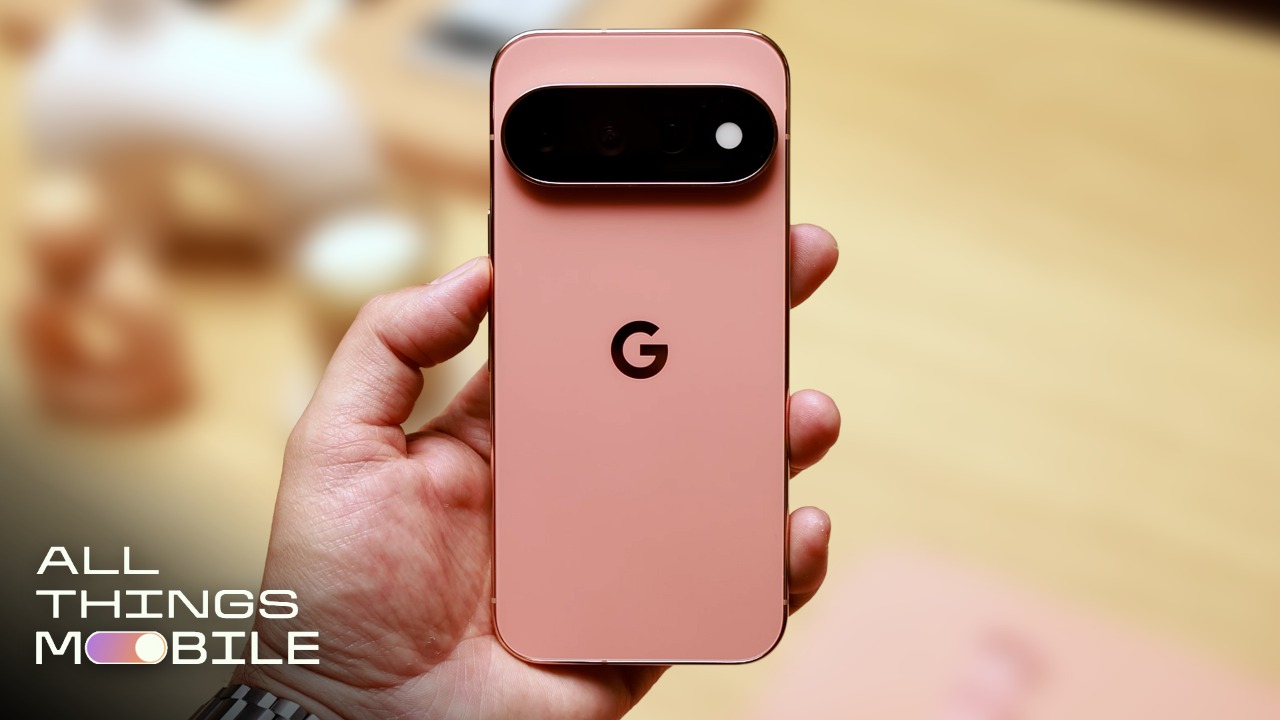
Google’s new HiLight — launching exclusively with the higher-end Pixel 11 Pro, Pro XL and Pro Fold — feels a little light. And while I love new experimental features, adding one that feels half-baked amid a noticeable price hike on Google’s 11 Pro XL and 11 Pro Fold taints its debut.
HiLight is supposed to be a cool notification light on the back of the phone that replaces the temperature sensor on prior Pro-level Pixel phones. It does have a lot of promise, more so than using the Temperature app to find out if your coffee is hot.
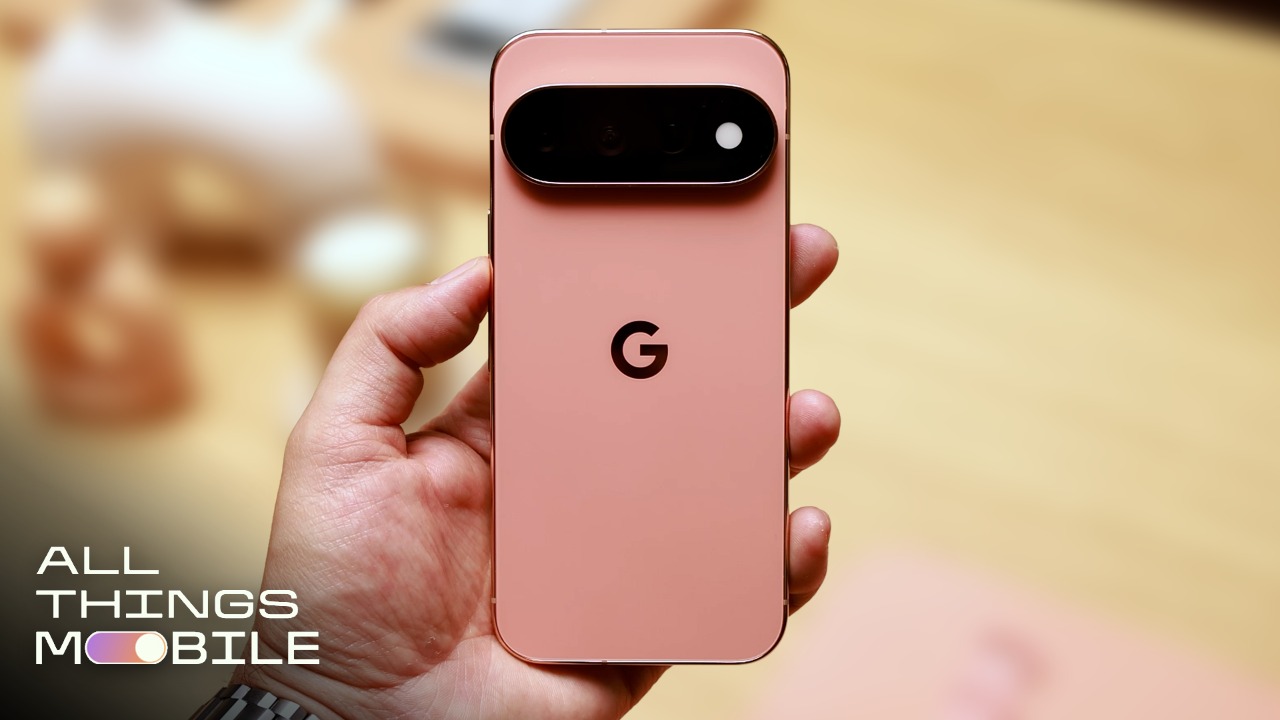
HiLight is a throwback to the BlackBerry days, where a red light would blink when you received new emails and texts. Many early Android phones carried over that functionality in the form of a notification LED. And since the HiLight LED emits a variety of colors, it offers a ton of customization potential.
At launch, HiLight is severely limited. In an early press demo I got, a Google representative walked me through HiLight’s current state – and it will light up for only two purposes. While your phone is face down, you can have the phone light up in a specific color for phone calls received from an assigned contact — your best friend can be yellow, your partner can be red, your parent can be purple, etc. Or — and I struggle with imagining when you would want to do this — HiLight will light up in a swirl of colors when you activate the Gemini assistant while the phone’s screen is face down.

Someone tell me why I would do that.
Perhaps if you’re using Gemini hands-free from across the room like a smart speaker, HiLight might come in handy. Or for those times that you want to walk over to the phone to press the Gemini button without turning on your entire display.
But right now, that’s it. HiLight doesn’t light up for emails, text messages or any other notifications. What’s particularly surprising about these basic omissions is that we’ve seen several other companies get far more creative with similar features, such as how Nothing has turned the backs of its phones into notification centers.

The Nothing Phone 3 has a small LED display on the back.
Andrew Lanxon/CNET
We’ve seen better than HiLight
I’d love to see Google find more ways to make HiLight more exciting, and there are plenty of existing examples on other Android phones.
The Nothing Phone line includes the most obvious examples, which have “Glyph” LED lights to signal when a timer is counting down, when particular people are calling and how far away your Uber driver is. In some recent models, Nothing has replaced the Glyph Light with a mini-LED Glyph panel, which can do even more. While HiLight is just a circular LED, its ability to show a variety of colors and flash in different patterns could work for several of these use cases.

The Snake Venture game — which is akin to the classic Snake game — is on the back of the Asus ROG Phone 9 Pro.
Mike Sorrentino/CNET
Other companies have gone the extra mile by adding full LED displays on the backs of their phones, providing a second-screen experience. For instance, the 2024 Asus ROG Phone 9 Pro has a mini-LED display for playing games, along with basic information like the time.
Earlier iterations of the Motorola Razr and the Galaxy Z Flip series also used smaller cover displays to show notifications and other, more limited functions. While both phone series have greatly enhanced their cover screens to now run full Android apps, they do provide a lot of ways that Google could use its HiLight LED to provide more information with less.

How HiLight could get a glow-up
HiLight’s inclusion on the Pixel series does have hope. Google’s known for launching new features with Pixel Drops, so I hope that the search and AI company allows more customization with one of these updates.
Google could use HiLight as it continues to get people to use Gemini to accomplish tasks. For instance, if you set up Gemini to monitor for a cheaper flight, HiLight could light up in a specified color to indicate when tickets are available to purchase at the price you’re looking for.
Or moving away from shopping — even though Google’s made quite clear it hopes you’ll use Gemini to buy stuff — HiLight could also light up in specified colors when certain tasks have finished. For instance, HiLight could light up to indicate when you’ve finished uploading a video file to Google Drive. Or flash when it’s time to leave for your next appointment. If third-party apps eventually decide to build for HiLight, perhaps it can turn green to indicate new texts on WhatsApp.
We need to test the new Pixel 11 Pro phones to see if HiLight is more useful than its first impression. There is potential for this little light to become a useful add-on, but right now it’s a multicolor flash-in-the-pan that’s going to get a lot of attention. I’m not sure if HiLight is there yet, but maybe it can be a highlight with a few Pixel Drops.

See full bio