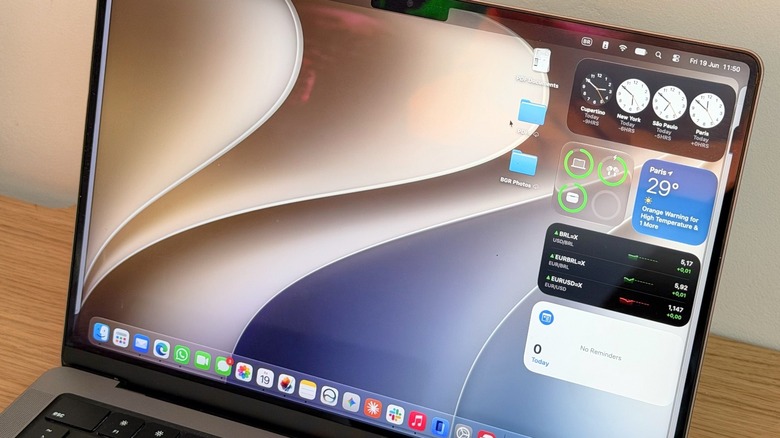
Apple’s macOS 27 Golden Gate marks an important milestone in Mac history. While this update focuses on a smarter Siri with Apple Intelligence, the biggest deal about this upcoming software is that some Mac apps won’t survive this new version if they’re still running outdated, Intel-based software. Even though it’s pretty easy to check which apps still need to be updated to run on Apple Silicon-based chips in Settings, it’s important to understand why some apps might stop working on your Mac soon.
When Apple announced its proprietary M1 chip in late 2020, the company unveiled Rosetta 2, a software that could make Intel-based software run smoothly on Apple Silicon Macs. Six years ago, this software was crucial to give developers the time to optimize their apps and still ensure Mac users would have a great experience with their new hardware. However, as the company stated in 2025 that macOS 27 wouldn’t support Intel Macs, it’s only natural that with macOS Golden Gate now in tests, Apple says it’s phasing out Rosetta 2.
For those unaware, the first Rosetta software was released when Apple was making the transition from PowerPC chips to Intel processors; this software, as its second version, was fundamental to ensure a stress-free transition, especially for those running legacy software. However, six years later, Apple now considers that developers have had enough time to adapt to this brand new world.
macOS Golden Gate offers a quick way to check unsupported software
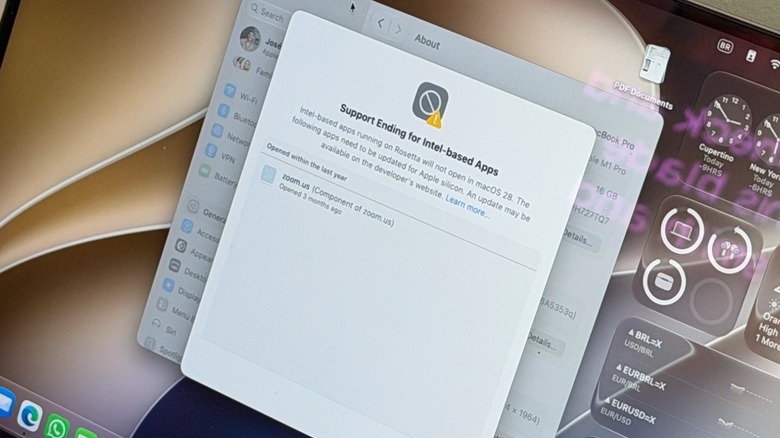
When you’re running macOS Golden Gate, there’s a very straightforward way to check which software you have on your computer that doesn’t support macOS Golden Gate. Gog to Mac Settings, tap General, then About. There’s a new “Intel-based Apps” option with the warning that the support for Intel-based apps is ending with macOS 28, which means that these apps won’t open anymore by late 2027. When you click Details, Apple shows all the apps you opened last year that are still Intel-based.
In this screen, Apple writes: “Intel-based apps running on Rosetta will not open in macOS 28. The following apps need to be updated for Apple silicon. An update may be available on the developer’s website.” Apple also links to a support page regarding the transition from Intel to Apple’s proprietary chips.
If you’re still running macOS Tahoe, then Apple will give you a warning whenever you open software or when you restart your Mac. This way, the company keeps offering a gentle, yet annoying reminder that something needs to be done. Sometimes, it’s as easy as going to the developer’s website and downloading the proper Apple Silicon version, but for some others, you might be running a very specific software that hasn’t been updated for years, and it’s still crucial for your workflow.
What to do if you’re still running legacy software
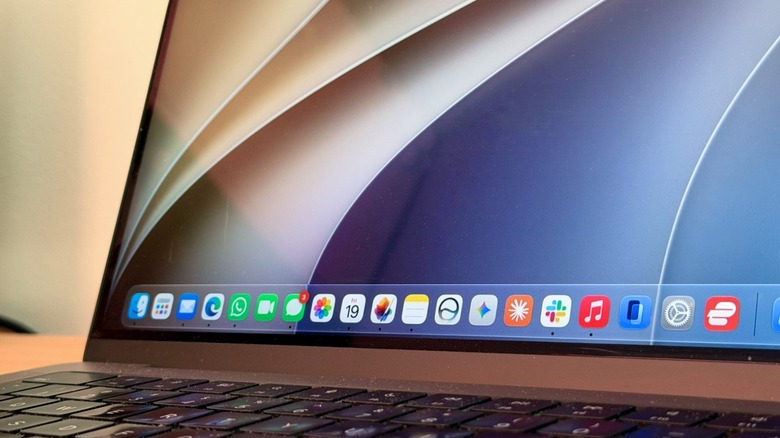
As of this writing, developers have until late 2027 to update their Mac software. While most of the developers are already taking advantage of the benefits of Apple Silicon by making their programs run faster, more power efficiently, and with new features powered by new Apple software and hardware, there are a few that still haven’t updated their apps.
If you run a few of the legacy programs that haven’t been updated, or you never bothered to see if there’s a new version, there are a few things you can do to get ready for this transition. Firstly, check the developer’s website to see if there’s new software to replace the current version you’re using. If there’s not, and you need that software to work, play, or enjoy your computer, then you should reach out to the developer to see if they’re working on an update.
Lastly, look for other software that could replace the one you’ve been using. Not only is the Mac App Store full of great apps, but developers can also release their own software independently, whether through their own website or other marketplaces. That said, time is ticking, and both developers and customers now have a set date to be part of the full transition: Late 2027.