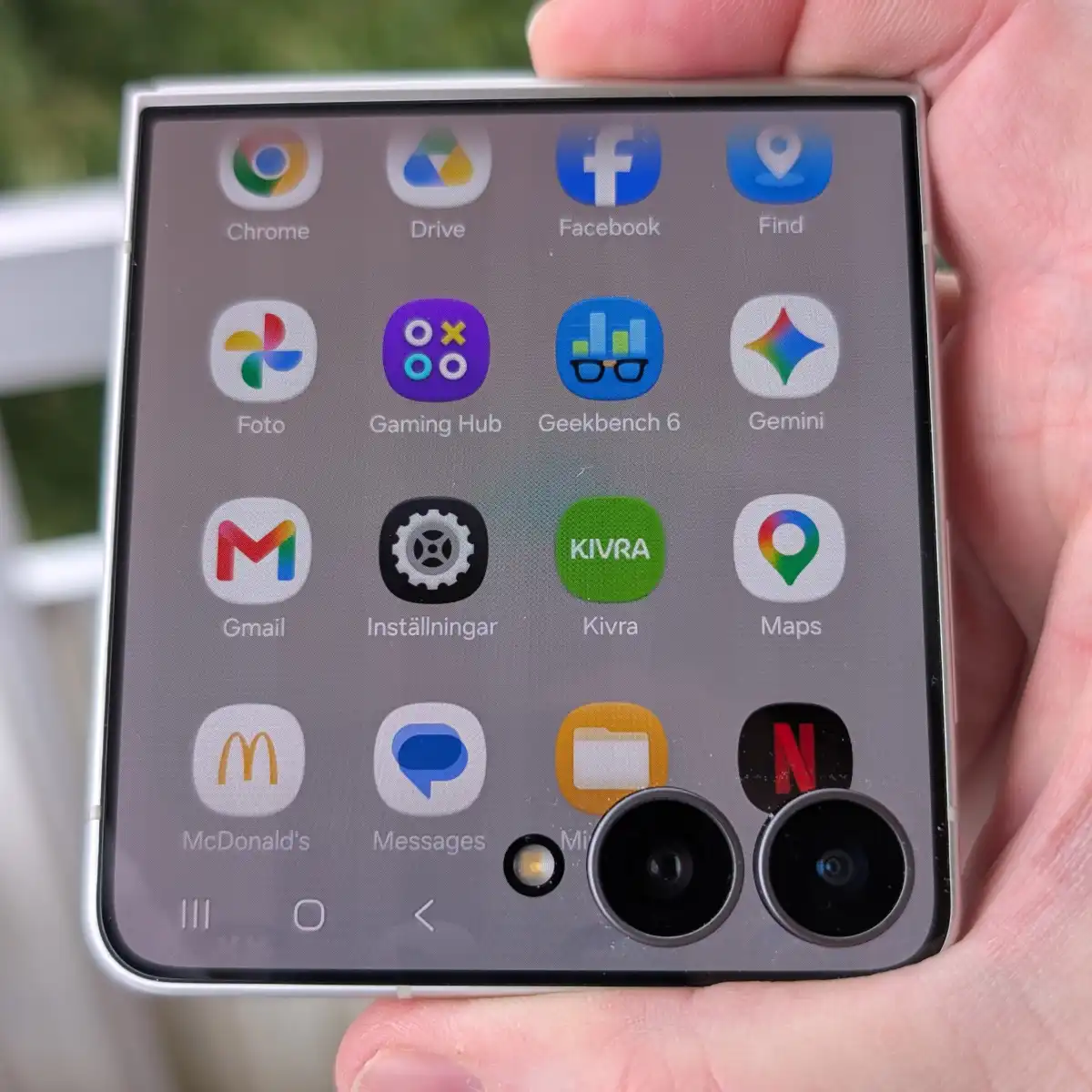
But things have changed. Now, when I use the phone in the closed position, I see the same panel-based interface as always, but also a prompt on the screen to install an app called Good Lock.
Mattias Inghe
Apps everywhere, almost
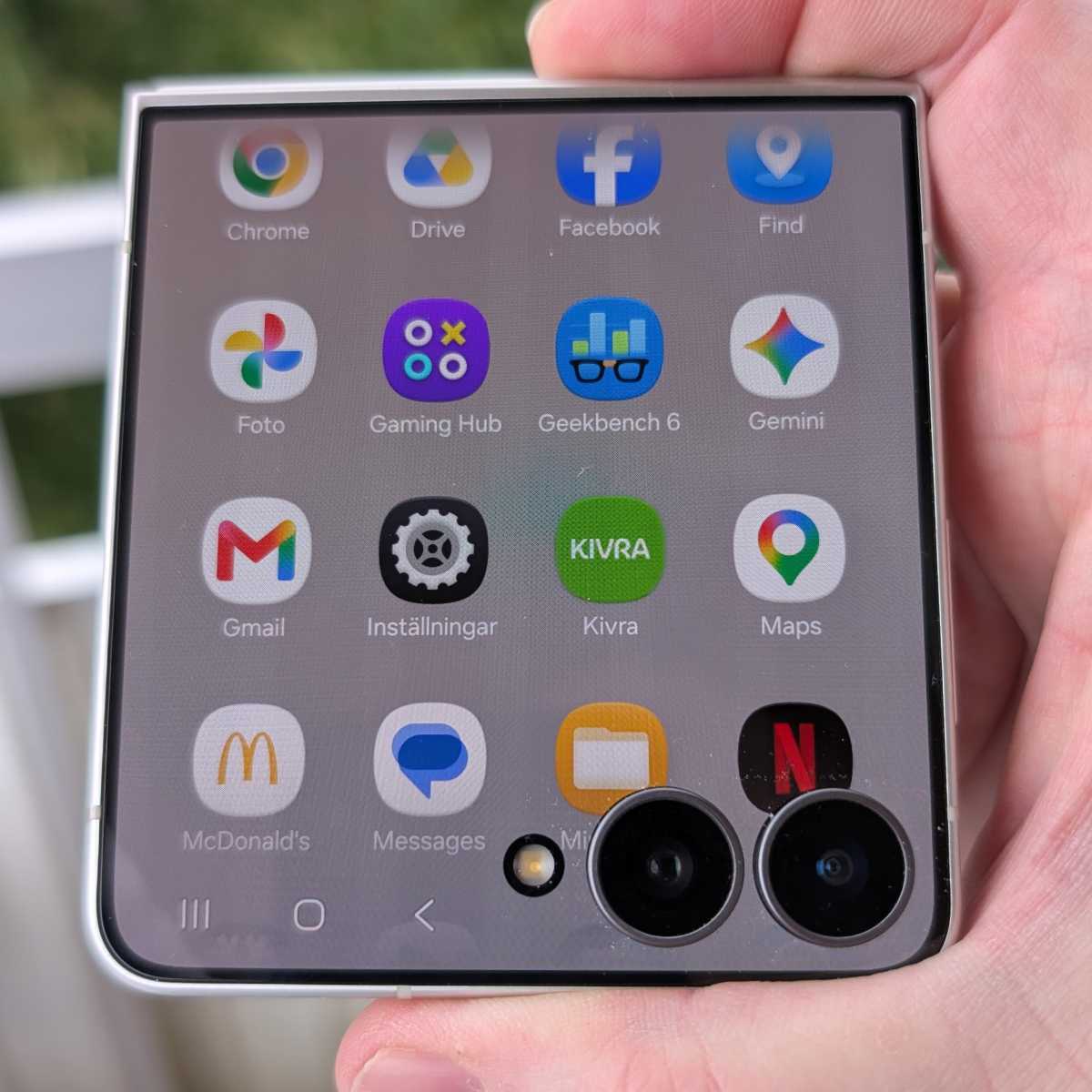
Once I downloaded Good Lock, I could then pick from among my installed apps which ones should also appear on the external screen, in a start menu that slides in from the bottom. I may not be able to choose from every single one, but the vast majority are available. I can also decide the layout of the app on the external screen between a squarer, full-screen view or portrait mode with cropped sides.
It’s not perfect, and not all apps handle resizing and running in small formats equally well. But this isn’t a Samsung-specific drawback, and you have the freedom to try it out with most of them. I appreciate that. An active app nicely follows over to the large screen if I choose to open the phone, but not the other way round – in this case, I have to actively switch over to it.
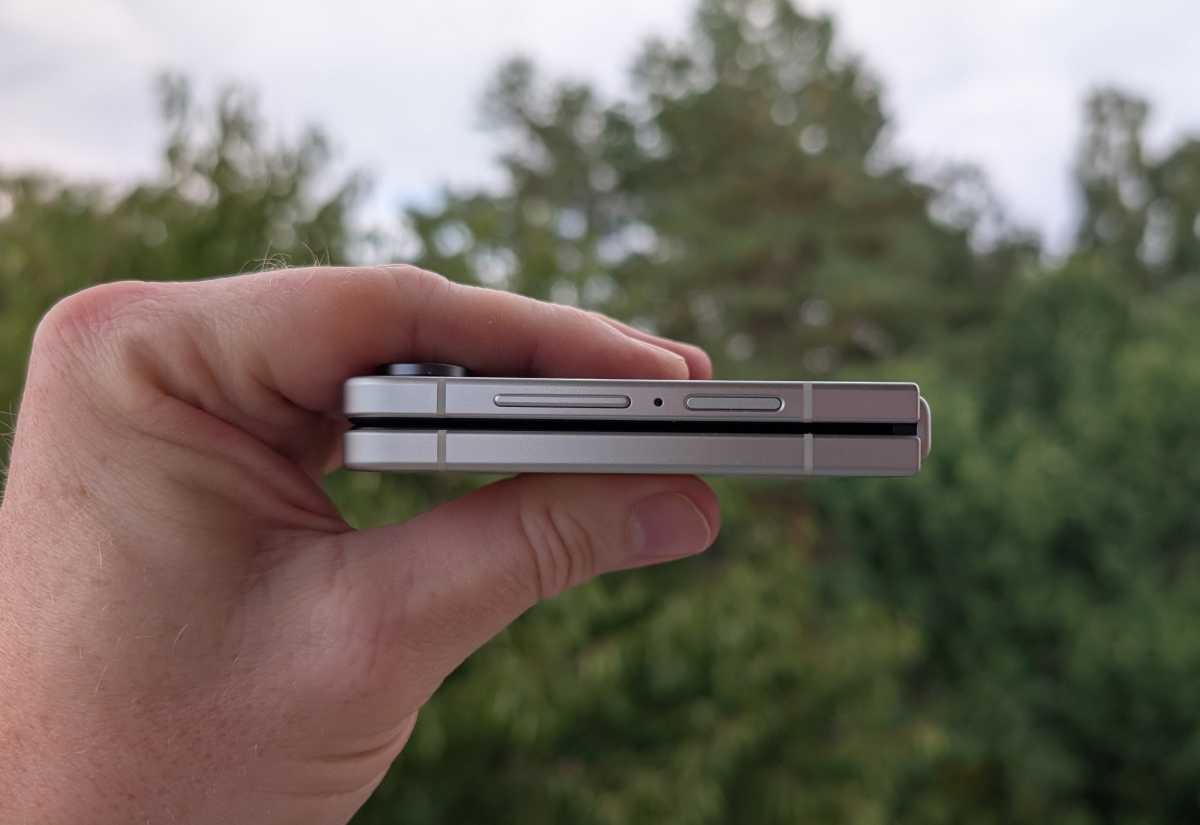
The design is familiar from previous models, with a slim profile, straight Armor Aluminium edges and a full-screen display on the outside when folded, featuring cut-outs for the large rear cameras in one corner. The hinge is said to have been upgraded for better flexibility and durability, and the whole design has been trimmed down slightly. It is half a millimetre thinner when unfolded, which means it’s almost a whole millimetre thinner when folded.
Mattias Inghe
Easier to flip open
Samsung has also rounded off the edges slightly, making it easier to slip your thumb between the halves and flip the phone open. I can now do this with one hand without any trouble. It’s still not quite as rounded, stylish or comfortable as a Motorola Razr, but definitely better than before, without Samsung having to compromise on the design it’s chosen.
Otherwise, most things are much the same. There’s One UI, with its many clever and useful AI features and numerous Samsung-exclusive apps – both with and without AI – the Bixby voice assistant, its own parallel app store, the browser, the Health and Wear apps (for those with a Galaxy Watch or headphones), and much more. As always, this has its pros and cons. It’s nice to have the extra features, but it can feel a bit excessive at times if you just want to make calls, browse the web and use a handful of your favourite apps.