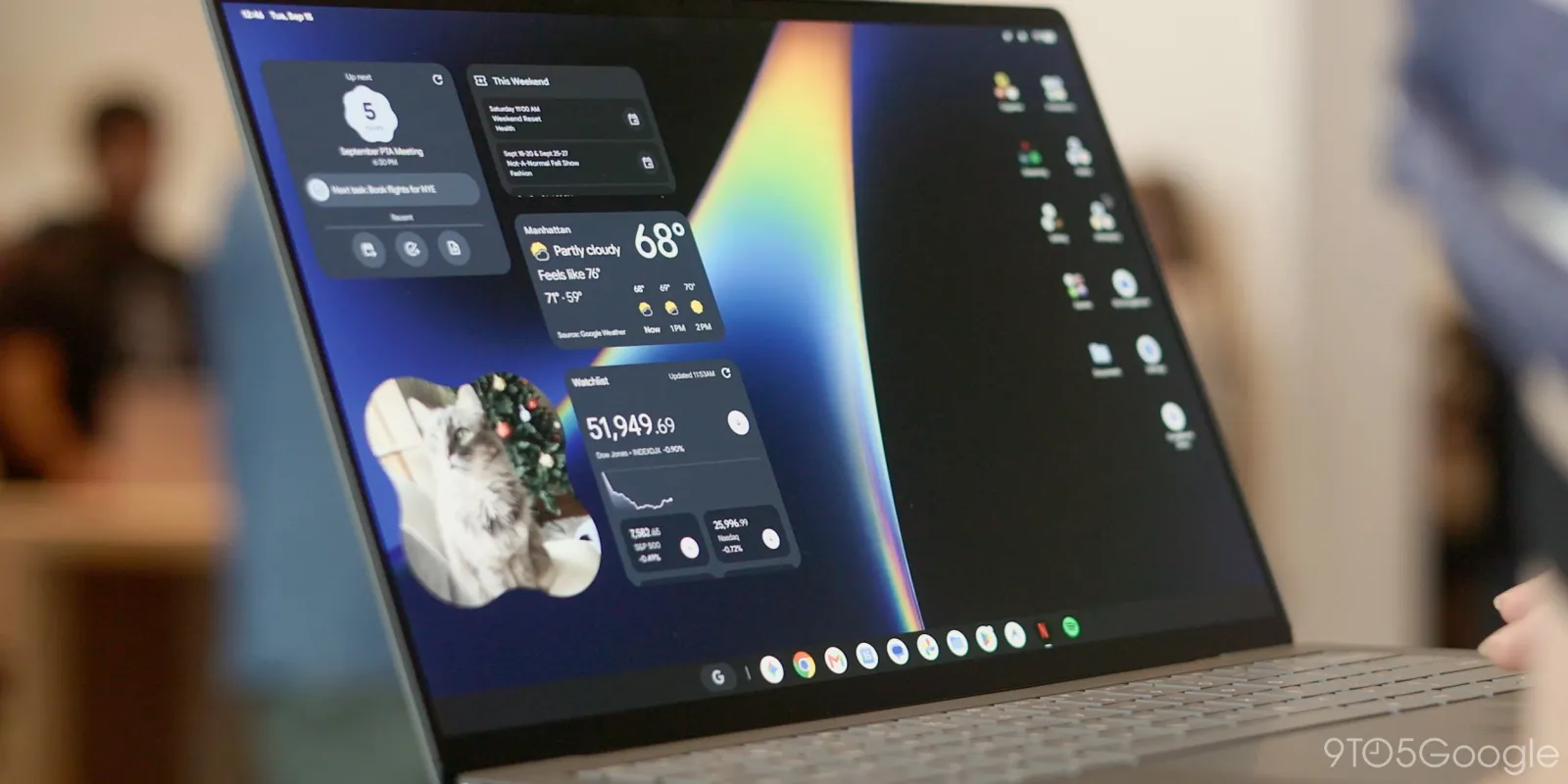
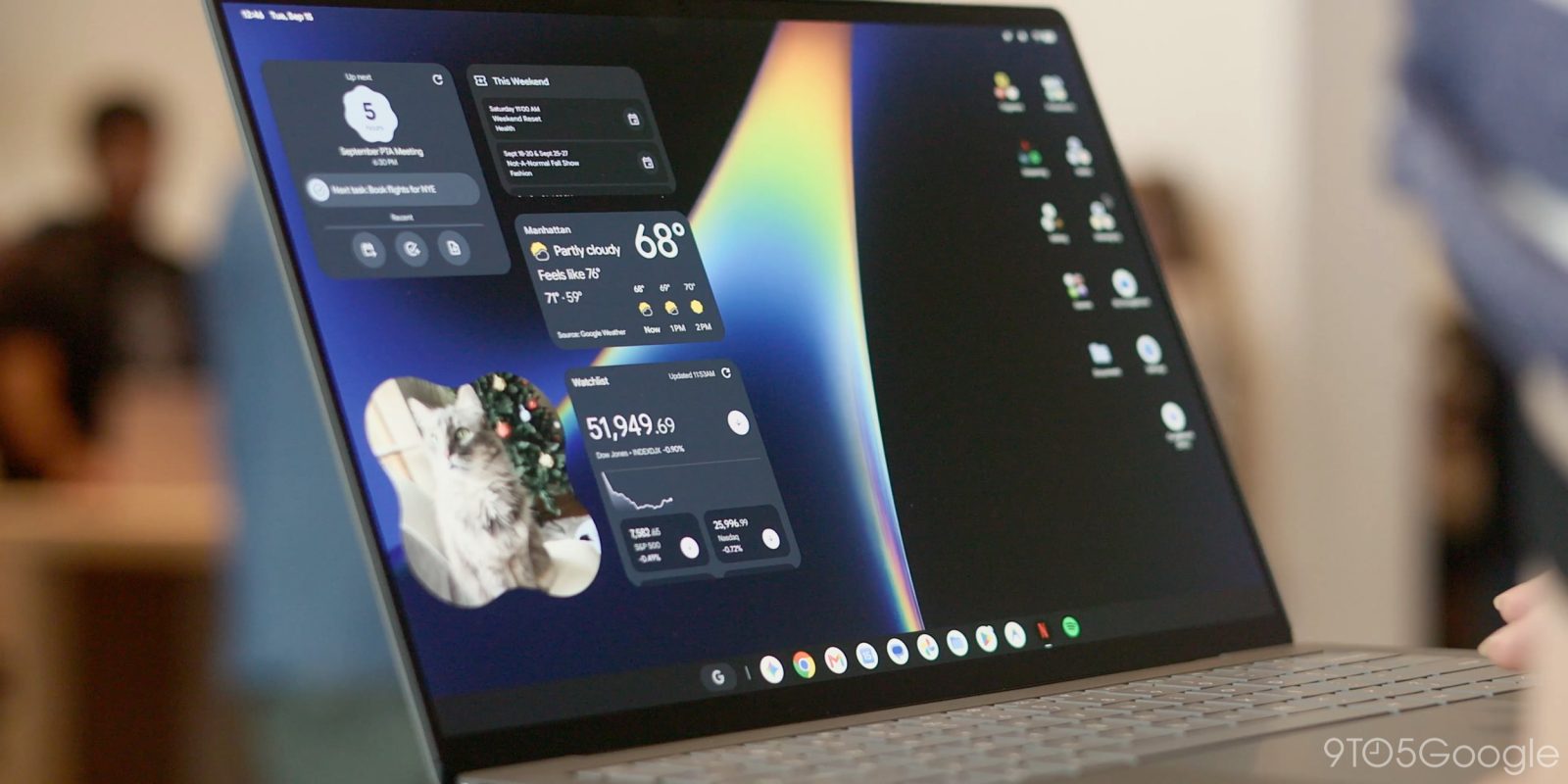
Create My Widget will debut in early October on Googlebooks. Ahead of that, a Play Store listing details what the interface will look like, including on Android phones.
On phones, we see a guided creation experience with categories like:
- Combo: Combine different or similar themed topics
- Weather alerts: UV Conditions, Tide times, Wind forecast
- My world clock: Timezones, Daylight savings countdown
- Daily Brief: Horoscopes, Daily recipes, Facts, Affirmations
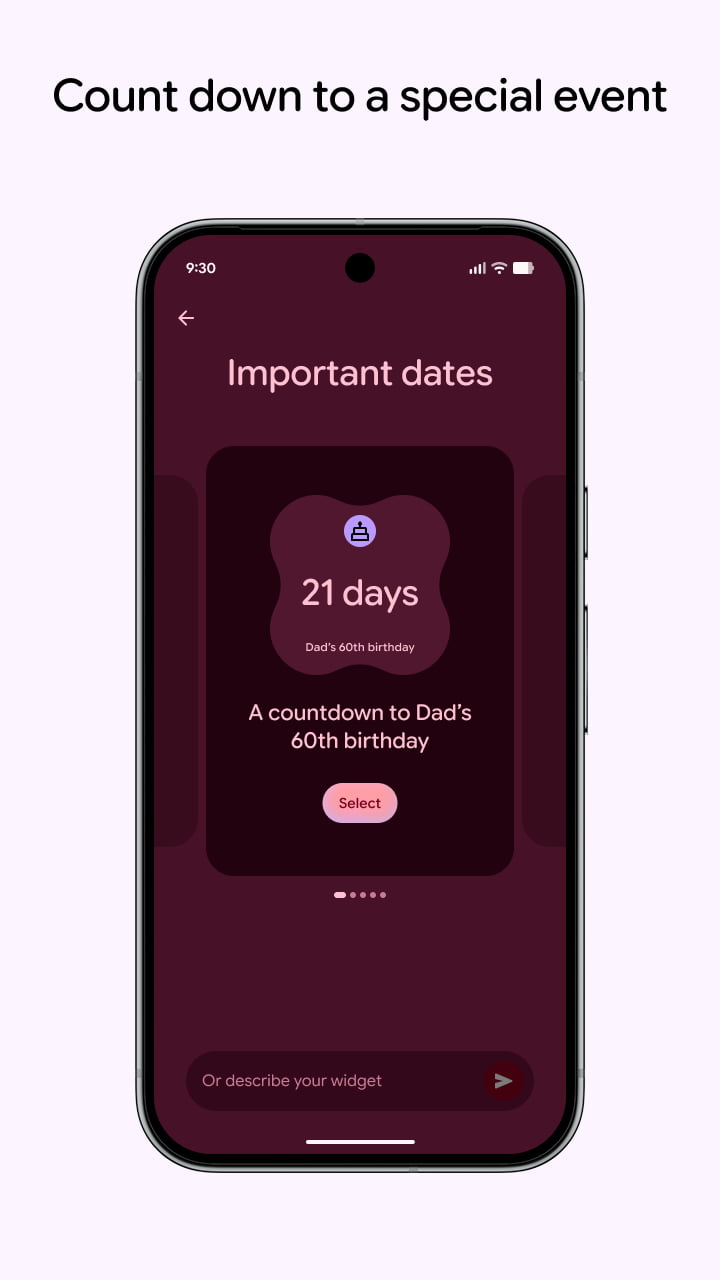
- Important dates: Countdown to birthdays, holidays, & anniversaries
- Markets: Stocks, Crypto, Exchange rates
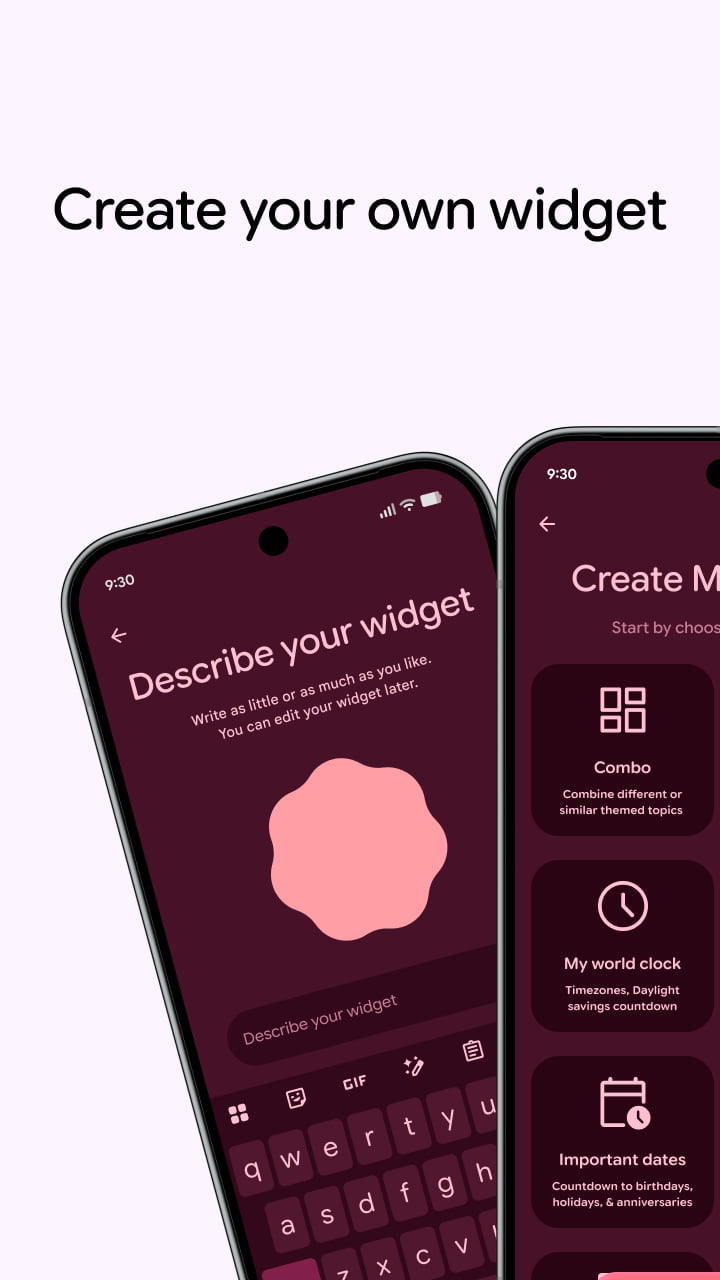
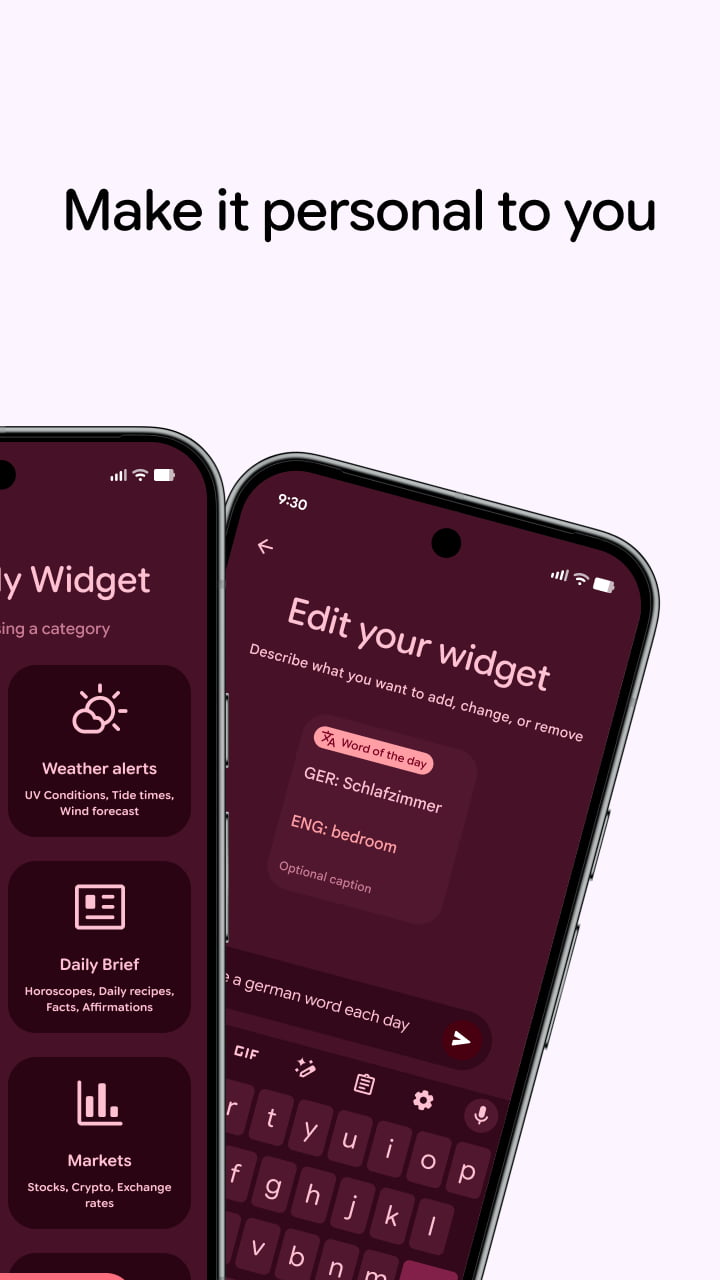
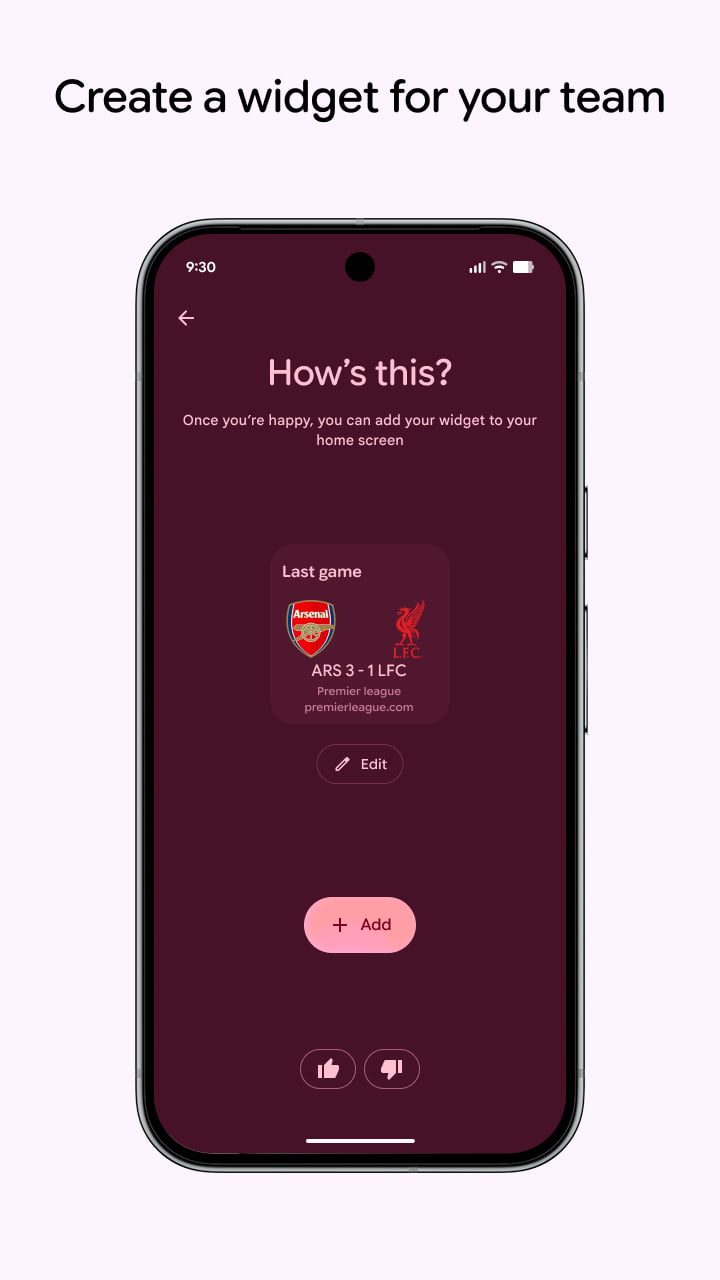
Each shows a carousel of suggested widgets, while you can always “describe your widget” with the prompt box at the bottom. The final step is to add it to your homescreen.
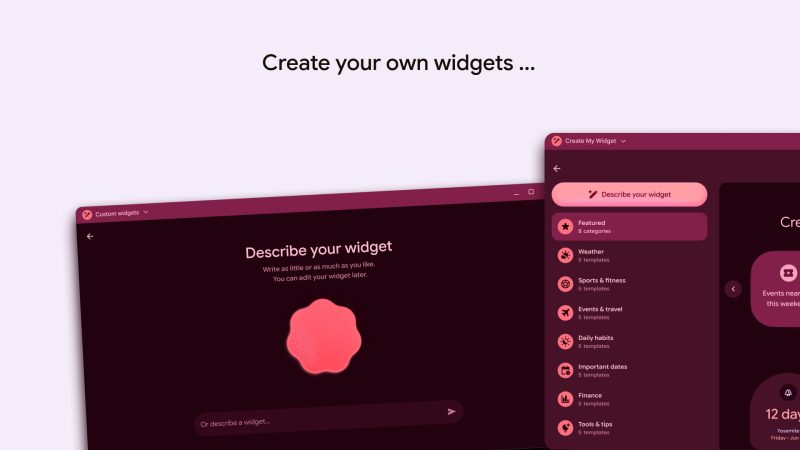
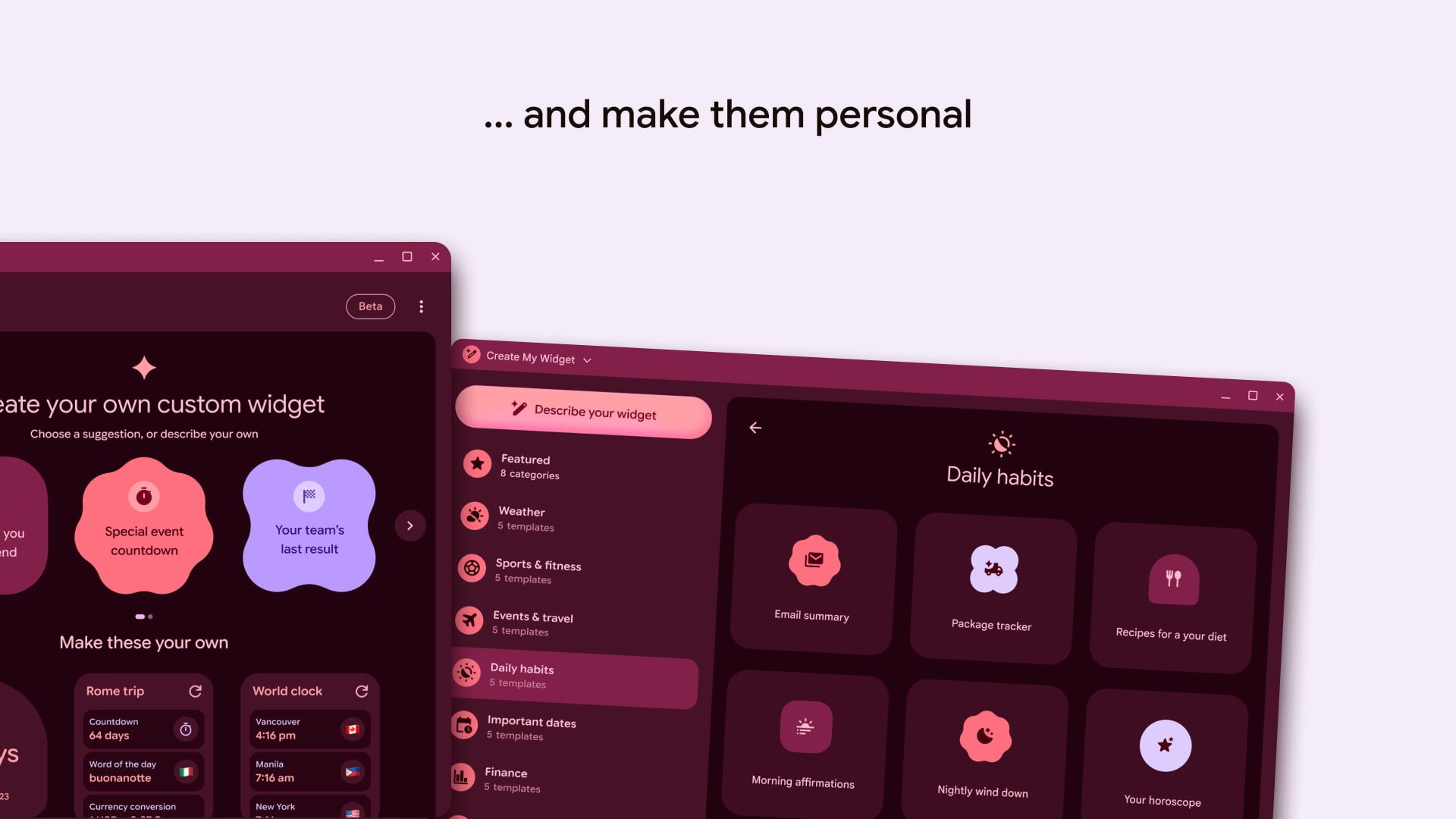
The Googlebook interface lists more categories like Weather, Sports & fitness, Events & travel, Daily habits, Important dates, Finance, and Tools & tips. Each is home to several “templates” that help teach users what is possible.
These generative widgets can make use of various Material 3 Expressive shapes for simpler, low-information designs.
The release date for Create My Widget is September 24, while the package name is straightforward enough: com.google.android.apps.yourwidget.
The version we have on the Play Store today is 1.27.983746769.0-desktop_release and focused on the upcoming Googlebook launch.


FTC: We use income earning auto affiliate links. More.