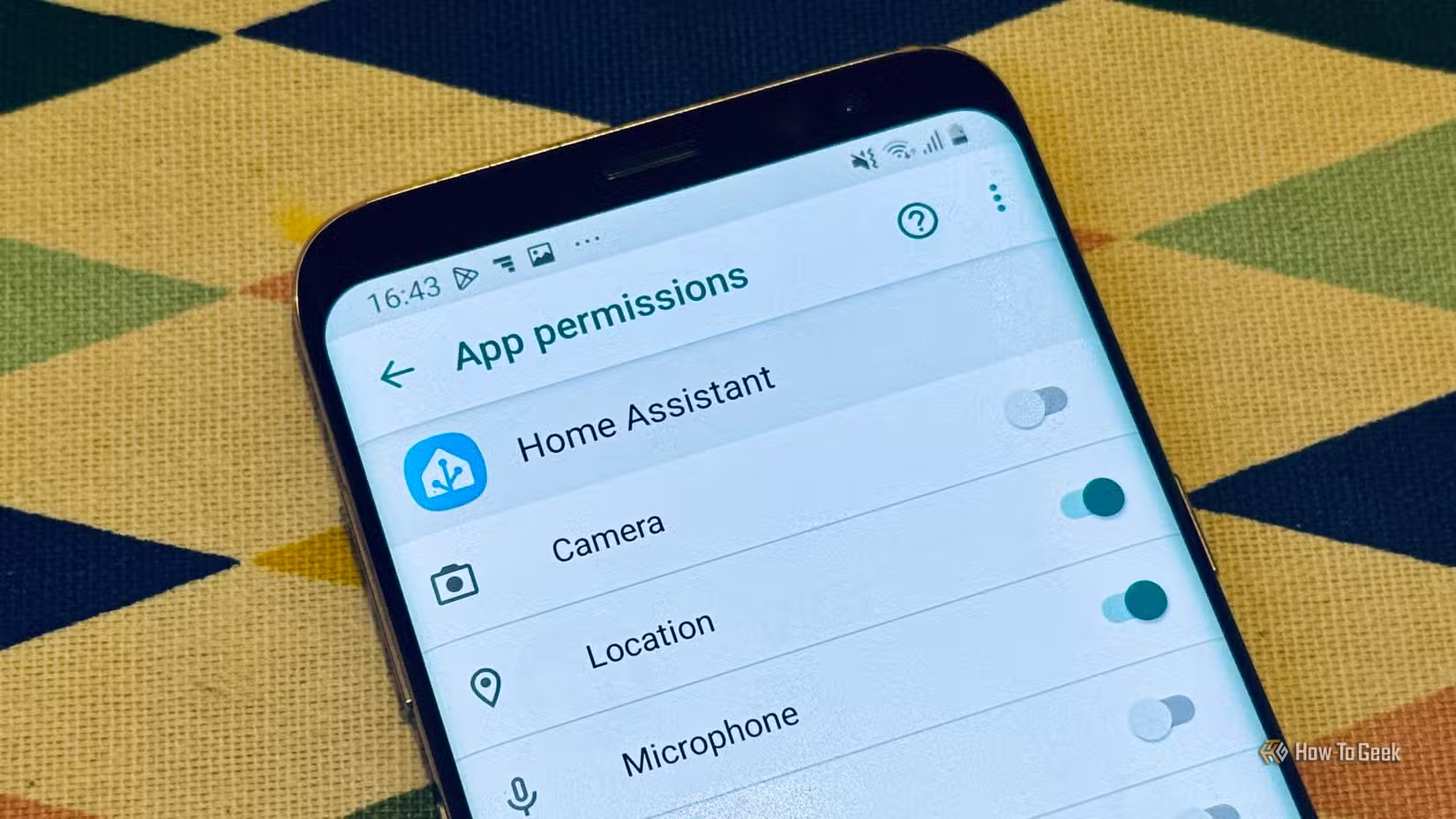
De-Googling an Android phone generally means removing annoying things from your device’s overall experience. You accept that you’ll lose certain functionality, but the main upside is a more private, secure experience. However, a handful of features become more useful once you remove Google from the equation. Stop treating Google like the default, and you’ll find that certain things on your Android device have a little extra functionality.
This is especially true if you’re going for a more privacy-focused setup, using something like GrapheneOS, a system that gives you more control in a Google-free world. These features aren’t simply alternatives to Google-based apps; they’re features you can only use when Google is out of the picture. They change how the phone itself behaves, and in some cases, they give you a level of control that a conventional Android setup tends to hide behind Google’s ecosystem.
Give every app its own internet switch
Some apps just shouldn’t need an internet connection

One of the most useful features on a de-Googled Android setup is the ability to control an app’s network access independently of its other permissions. For example, on GrapheneOS, you can control the network permissions for individual apps, disabling them and preventing them from accessing the internet at all. Some apps have no legitimate reason to communicate over the internet and simply violate your privacy by collecting your data. Good examples include your keyboard or your calculator. Being able to control an app’s internet access means you don’t have to trust it to behave once it’s installed, because you hold the control.
To use the feature, open Settings, go to the app’s permissions, and disable its network access. The app can continue to run and use its other permissions, but its internet connection will be blocked. This means that you don’t have to totally uninstall apps that quietly collect your information. You can also cut down on unnecessary background traffic.
Turn Android’s user profiles into privacy compartments
Have different profiles for different parts of your life

Another key thing that you can achieve is increased functionality when it comes to multiple user profiles on your Android device, as you don’t have to attach a Google account to each profile. Each user profile essentially gets its own app and data environment, meaning that you can create alternate spaces on your device for apps or activities that you want to keep isolated from your main profile. You could, for example, keep banking, private messaging, and other sensitive apps in your primary profile while using another profile for social media or for testing apps or services that you don’t fully trust.
Things like GrapheneOS make this pretty simple. GrapheneOS, in particular, lets you create up to 32 separate profiles. All you have to do is create a new user from the system’s user settings, then install only the apps you want in that environment. The profiles feature individualized application data and settings, so activity in one doesn’t simply spill into the other. This isolation is especially useful because you can even keep Google Play components inside a secondary profile, meaning you run apps that require Google’s services without making Google Play part of your main Android environment.
Get push notifications without Firebase
Notifications don’t have to be linked to Google’s servers
A lot of Android apps rely on Firebase Cloud Messaging (FCM) to deliver your notifications. This usually makes Google Play Services a major part of the communication chain between you and your apps. A de-Googled setup can, however, use UnifiedPush for certain apps instead. UnifiedPush is an open protocol that allows apps to receive notifications via a distributor of your choice, rather than relying on Google’s notification infrastructure.
This comes with a small caveat, though. Obviously, only apps that support UnifiedPush can make use of this feature. This means that it isn’t really a universal replacement for FCM. For compatible apps, you can install a UnifiedPush distributor and use a service such as ntfy to handle your notifications. If you want to stop depending on Google’s infrastructure but still need reliable notifications, this is one of the best ways forward. It also demonstrates one of the more interesting benefits of de-Googling. Even something as fundamental as how an app receives a notification can become something that you get to choose rather than an invisible part of the operating system.
De-Googling is about control, not compromise
The biggest misconception about de-Googling Android is that it means giving up features. In reality, removing Google’s services can reveal just how much control Android is capable of giving users when Google’s ecosystem isn’t dictating the defaults. Per-app network controls let you decide which applications can communicate online, user profiles can turn one phone into several isolated environments, and alternative push-notification systems can remove another dependency on Google’s infrastructure.
There are still compromises. Some apps won’t work properly without Google services, and not every Android feature has a mature alternative. But for users willing to accept those limitations, the payoff isn’t simply greater privacy. It’s an Android phone that can be configured around the user’s needs rather than a Google account. That’s what makes de-Googling interesting. You’re not just replacing Google’s apps; you’re changing which parts of your phone you control.