

Apple Maps has been around for a while, but people are still finding little tricks and changes to make it better.
One of the double-edged swords of the Apple ecosystem is that most apps work well enough ‘as is’ and users are generally happy with that.
As a result, they tend to never mess with the settings.
But, with Apple Maps, there are a couple of things you can change to make a difference.
Navigation and interface tricks to bear in mind
There are so many navigation features that most people may already be familiar with, but they are still certainly worth a reminder.
For starters, on supported iPhones, Apple Maps is compatible with Dynamic Island, which means the app can still provide real-time, turn-by-turn directions directly through Dynamic Island, even when the phone is locked.
Also, certain maps can be downloaded and used offline, and they can also include points of interest, directions, and so on.
The app also supports gestures to tilt, rotate, and zoom into 3D map views, which is something else we tend to forget about.
‘Hidden’ Apple Maps features
First and foremost – and a total lifesaver – when your iPhone disconnects from your car’s Bluetooth or CarPlay, Maps automatically drops a pin where you parked.
Also, the app supports ride-sharing integration, which means you can check prices and book rides through apps like Uber or Lyft directly from within the Maps interface.
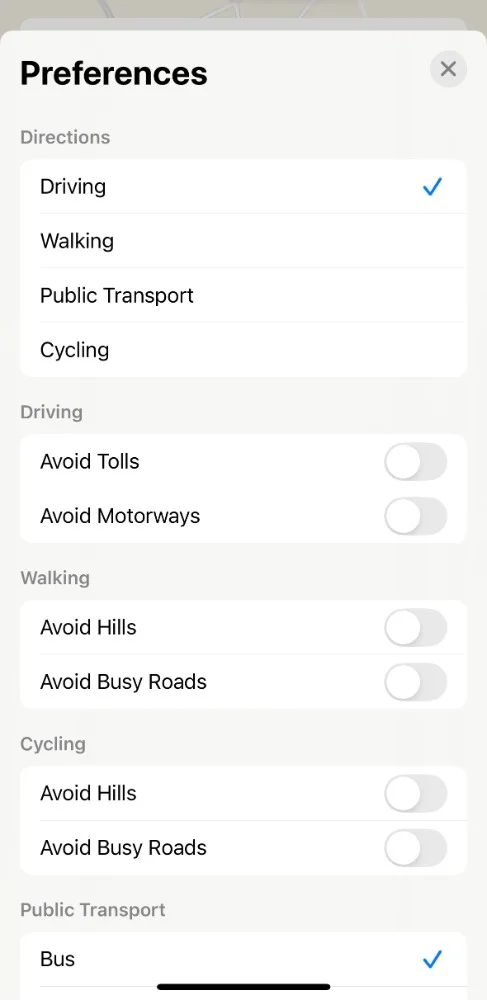
Something else that goes unnoticed a little too often is Route Preferences.
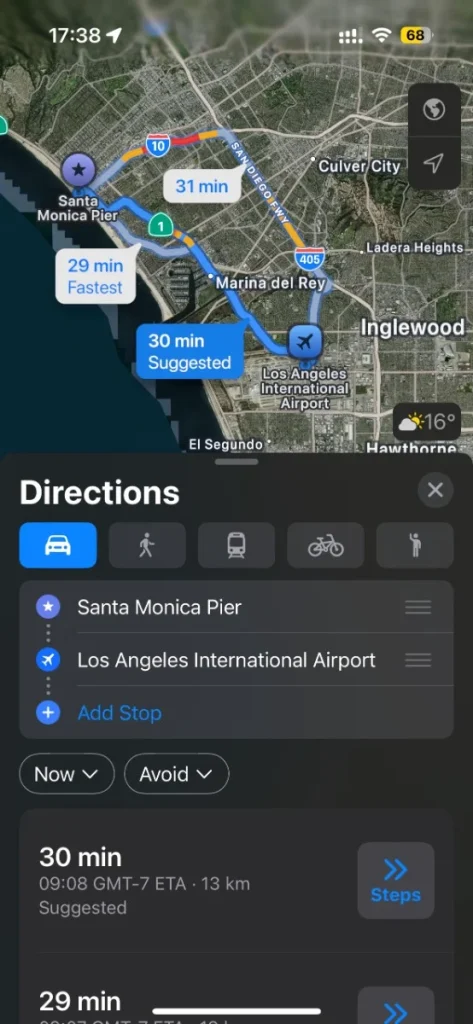
With Apple Maps, you can set the app to permanently follow certain route preferences.
You can avoid tolls, highways, or even hills if you are in cycling mode.
A commonly overlooked setting allows you to adjust Siri’s voice volume independently of your music, which is pretty useful considering the way Siri operates.
That way, directions are clear even when your playlist is loud.
