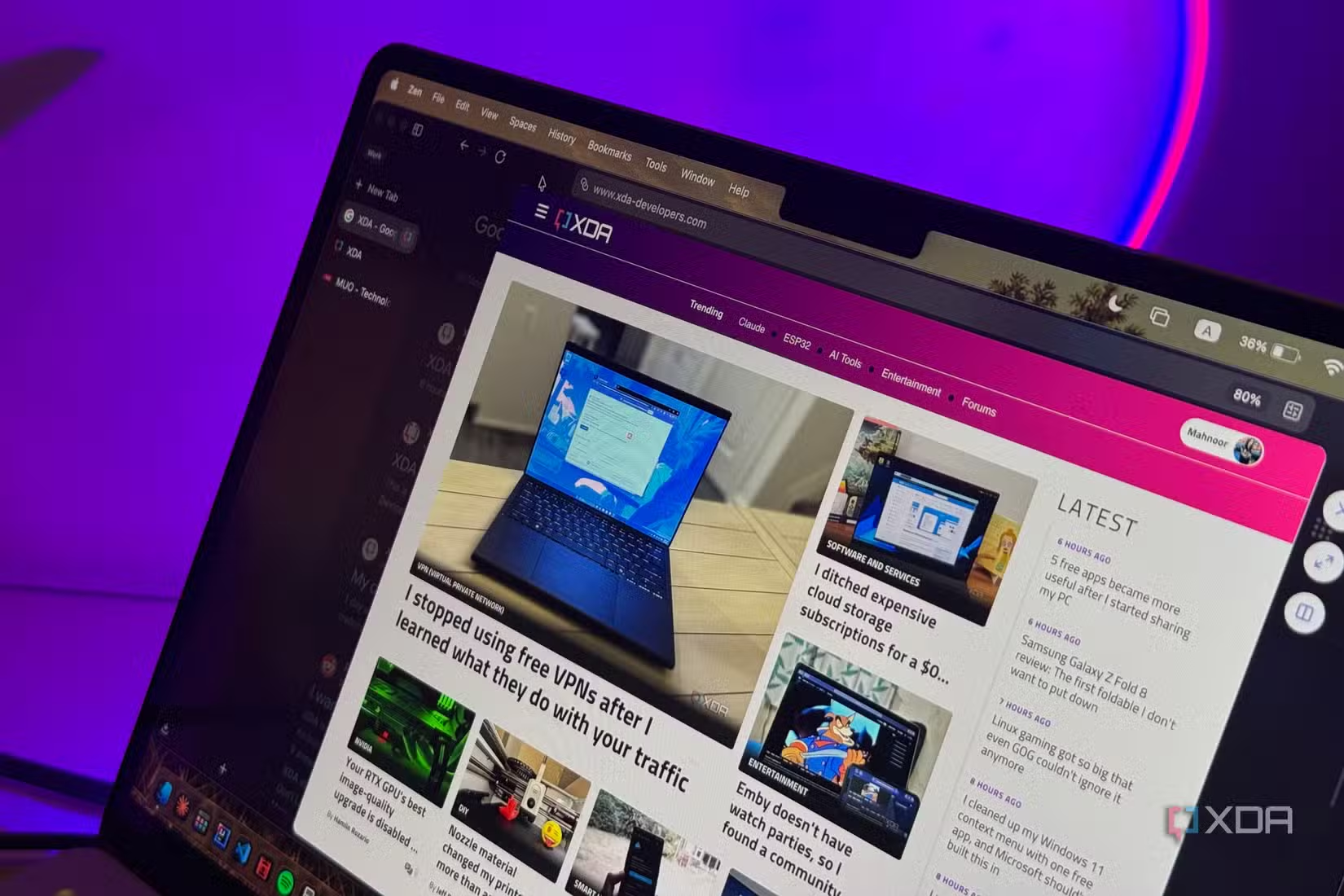
There’s one thing you, the reader, and I almost certainly have in common: we both spend a ridiculous amount of our day inside a web browser. Whether I’m writing, researching, answering emails, chatting with coworkers, or just trying to keep track of everything I need to get done, there’s a good chance I’m doing it in a browser tab.
Yet, for the longest time, I still treated my browser as just one part of my productivity setup. I had separate desktop apps for email, messaging, notes, tasks, and practically everything else, even when most of those apps were little more than another window into a service I could already access from my browser.
I then started wondering why I was constantly jumping between all of them in the first place and began looking for ways to consolidate my workflow. Moving most of my work into the browser seemed like the obvious place to start. After all, I was already spending most of my day there anyway. Before I knew it, I’d turned my browser into something closer to a full productivity workspace!
Most of my desktop apps were redundant
My desktop apps were mostly just websites
When auditing the apps I use beyond my browser, I realized the majority of them were apps I could be using in the browser anyway. Spotify, Slack, Adobe Express, Notion, Asana, Outlook, Zoom and even AI chatbots like ChatGPT and Claude all have perfectly capable web versions. In most cases, I wasn’t gaining much by keeping a separate desktop app installed at all.
There were obviously exceptions. Apps like VS Code and other development tools are part of my desktop app stack for a reason, and I wasn’t going to force everything into the browser just for the sake of it. Even with something like Claude, there are certain features, such as Cowork, that make more sense in the desktop app.
The goal here wasn’t to move every single app I use into a browser tab. It was simply to consolidate the parts of my workflow that made sense there and figure out which tools actually benefited from having a dedicated desktop app.
Workspaces are what made the whole setup click
My tabs finally learned some boundaries

Moving more of my workflow into the browser only really worked once I stopped treating every tab as if it belonged in the same place. If I was going to spend most of my day inside one browser, I needed some way to stop work, college, personal browsing, and everything in between from turning into one enormous pile of tabs.
That’s where workspaces in Zen made the biggest difference for me. I currently have separate ones for Writing, Work, College, and Personal, with each one holding the tabs and tools I tend to use for that part of my day.
My Writing workspace, for instance, is where I keep my CMS, Google Docs, research tabs, and anything else tied to whatever article I’m working on. Work is more for the administrative side of things, like Slack, email, my calendar, and other tools I need throughout the day. College gets its own space for coursework, portals, and study material, while Personal keeps everything that doesn’t belong in the other three.
It sounds like a small change, but separating everything this way made the browser feel much less like a collection of tabs and much more like an actual workspace. Instead of hunting through one giant window whenever I switch tasks, I can jump into the workspace I need and immediately have the right set of tools in front of me.
You don’t necessarily need Zen to recreate the same idea, either. Browsers that support proper workspaces can give each part of your life its own space, while something like Chrome’s tab groups can get you fairly close. The important part is simply keeping unrelated tabs from piling up in the same place!
Pinned tabs became my new Dock
Who needs a Dock anyway?

Once I had my workspaces sorted out, the next thing I did was pin the apps I reach for constantly. These are the tools I used to keep open as separate desktop apps or launch over and over throughout the day, like Google Docs, Notion, Spotify, Slack, and my AI chatbots.
Instead of treating them like regular tabs that could get buried among everything else, I now keep them pinned so they’re always sitting in the same place. Slack is always there when I need to check a message, Spotify is a click away when I want music, and Notion and Google Docs are permanently within reach whenever I need to jot something down or get back to a document.
I also keep tools like ChatGPT and Claude close by since I use them often enough that opening a fresh tab and navigating to them every time just adds unnecessary friction. The same idea works for things like Gmail, Google Calendar, Todoist, Adobe Express, or any other web app you find yourself opening several times a day.
At this point, my pinned tabs have basically replaced a good chunk of my Dock. The apps I use most are still always available, except now they live inside the same workspace as everything else I’m already doing.
Split View made the browser feel like a real workspace
Command-Tab is getting lonely

Split View has long been my favorite multitasking feature, and when it comes to using your browser as an all-in-one workspace, it only makes the experience better. When I had Slack and Notion open in separate desktop windows, I’d need to switch away from my browser entirely whenever I wanted to use them.
Now, everything stays within the same window. For instance, I currently have this article open alongside Asana in Split View. If I need Slack instead, I can simply swap Asana out for Slack without leaving the browser or jumping to another window. It feels much closer to switching between tabs than switching between apps, which makes the whole setup feel a lot more seamless!
The biggest benefit of all of this is that it massively reduces the amount of context switching I need to do throughout the day. Instead of constantly jumping between different apps, windows, and desktops, most of what I need is already sitting inside the same browser window.
That doesn’t mean I’ve abandoned desktop apps entirely. There are still plenty of tools that make far more sense as dedicated apps, and I’m not interested in forcing everything into a browser just for the sake of it. But for the apps that work just as well on the web, consolidating them into one place has made my setup feel significantly less fragmented.