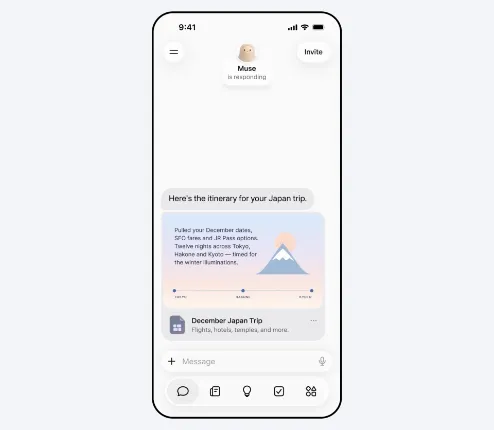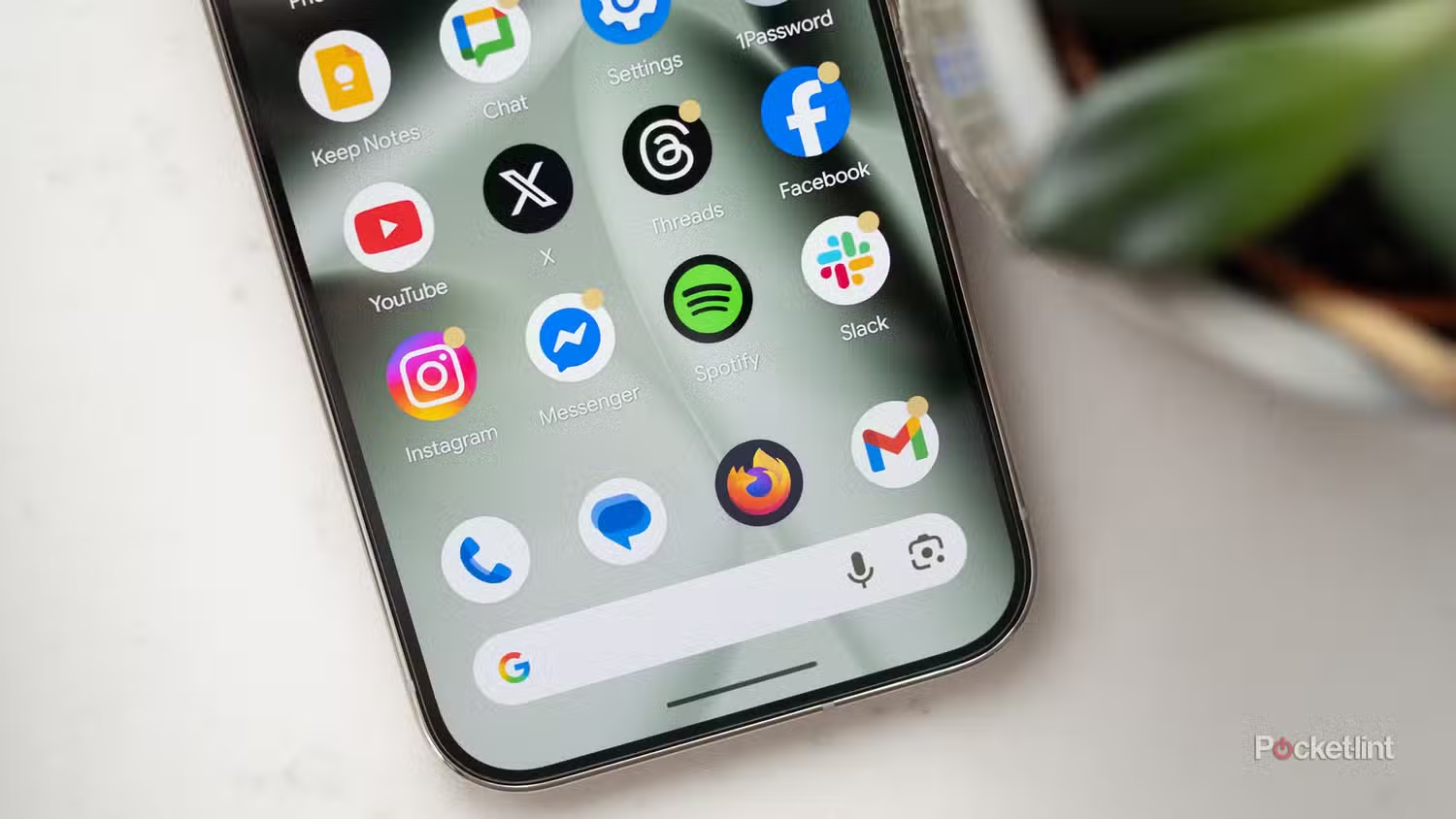
The smart TVis no longer simply a place to watch your favorite movies and TV shows. Companies are marketing TVs as central entertainment hubs, where you can enjoy apps like Netflix and Spotify while streaming video games and buying movies. They also want your TV to act as your smart home command system.
Basically, companies are trying to turn your smart TV into a smartphone. But it shouldn’t be. Watch out for these apps and features.
Personal data can be tracked and sold

Companies have learned that they can make more money by having you use your TV more. And if your TV becomes an extension of your smartphone, that’s a lot of advertising dollars on a bigger screen that is harder to escape from than the smaller screen in your hand. So one way companies are trying to make you use your TV as a smartphone is by making social media apps accessible.
Keep Instagram, TikTok, and any other social media app off your TV. They all want to be a part of your TV, but they shouldn’t be. It’s better for companies that you use a native smart TV app instead of casting or mirroring your TV. That’s because a native app that is built specifically for the TV is going to be far better at collecting data on your behavior. Casting apps don’t get access to the data from your TV, and social media companies very much want that information.
The more data for companies, the better. When it can combine your TV viewing habits with your social media interests, it can paint a very accurate portrait of who you are. Who you follow and interact with online, along with what shows you watch strongly suggest what your political, religious, and social beliefs are, as well as your age, ethnicity, and gender identity. And by creating a profile, companies can better advertise to you and interrupt everything that you actually want to do.
Don’t work or work out on your TV
There are better and safer options available

I’m struggling to imagine a setup in which your smart TV would or should be used for any kind of work. UNless you’re a filmmaker and literally using a TV to watch what you have done, I don’t know a ton of situations where you want to connect to a laptop or log into a work email or really do any kind of teleconferencing or meeting through your TV.
For many of the same reasons, you shouldn’t use social media on your TV, you don’t want to work on it either. Native apps are going to collect data, but even worse, you don’t know who will have access to that data, or how secure it is. Smart TVs are going to have far less security than a laptop, and that makes you vulnerable to data leaks. The more information your TV has about you and what you do, the more vulnerable you become.
If you simply want to use your TV as an additional screen, hooking it up to a computer via an HDMI cable, then you’ll be alright. But don’t go using native apps or conducting any online meetings with cameras on.
Be careful about native exercise and mindfulness apps as well. Again, because of the security risks of a smart TV, you should be careful about apps that are asking for a lot of personal information about your lifestyle habits.
Don’t operate a smart home
Security devices need to remains secure

You also don’t need to monitor your smart home from a TV. Some TV manufacturers, like Samsung and LG, have their own line of smart devices and appliances that they want you to invest in so that you can have compatibility with everything in your home, and better, you can watch and operate everything from a central giant screen.
Aside from the fact that this plan requires you to invest in a single company’s products and doesn’t allow you to shop for bargains and discounts, the idea of a central hub on your TV is unnecessary. Your phone is a better and safer choice. This all goes back to the privacy risks posed by smart TV, where harvesting of information, including what’s on your screen, and poor security can mean data leaks and cyber threats.
Consider what smart home devices you may have. A washer and dryer may not seem too personal or problematic, but what about a smart lock or smart light? These are fixtures that provide safety in and around your home. You don’t want any cameras vulnerable, and you don’t want anyone to get access to a floor plan that could be discovered by smart devices in your home that survey the environment, like a cleaning robot.
Watch out for mindless games
TV games invite security risks and bad habits

As companies try to bridge the gap between the smart TV and the smartphone, exclusive TV games are on the rise. You don’t want to download these apps either. Games present another kind of concern in which people may not know the manufacturer and what kind of bloatware comes with it. There are plenty of privacy concerns as well due to playing these games on a TV instead of a smartphone.
You should also stay away from the games within entertainment apps, even if they’re a legitimate app like Netflix or Peacock. That’s because if people indulge these companies, they won’t stop. The introduction of games on all kinds of streaming services is happening because streaming services want to command your attention. They don’t care too much about what you watch or do on the app so long as you spend as much time on the app as possible. That’s partly the reason Prime Video is so disorganized and confusing (the other reason is that Amazon doesn’t much care about its entertainment services). Platforms just want you to stay logged on, and now they have introduced games and interactive features to keep you hooked.
How to protect your data on a smart TV
Turn off ACR and employ best practices

There are a few things you can do to better protect your identity and your data. Firstly, check all your TV’s privacy and data settings. Turn off Automatic Content Recognition, an insidious feature that logs what’s on the screen at any given moment and collects that information to understand your viewing habits and create a profile. Go through all the settings, however, and disable everything you can. Don’t let your TV convince you that you need personalized recommendations; you don’t, and they’re not that good anyway.
You’ll also want to be very mindful of what you use your TV for and what apps you download. Keep your entertainment apps, but beyond that, you definitely don’t need any games, productivity, or social apps. If you want a bigger screen to share photos or information, connect via an HDMI cable or cast or mirror from your phone. A native app may seem convenient, but it will cause more problems than you need.
Lastly, connect your TV to its own Wi-Fi network if possible. This will isolate the TV in case of any security breaches or issues. Now, this will disable any casting options you might have, but if you’re not keen on sharing anything on a big screen, then this won’t be a problem.