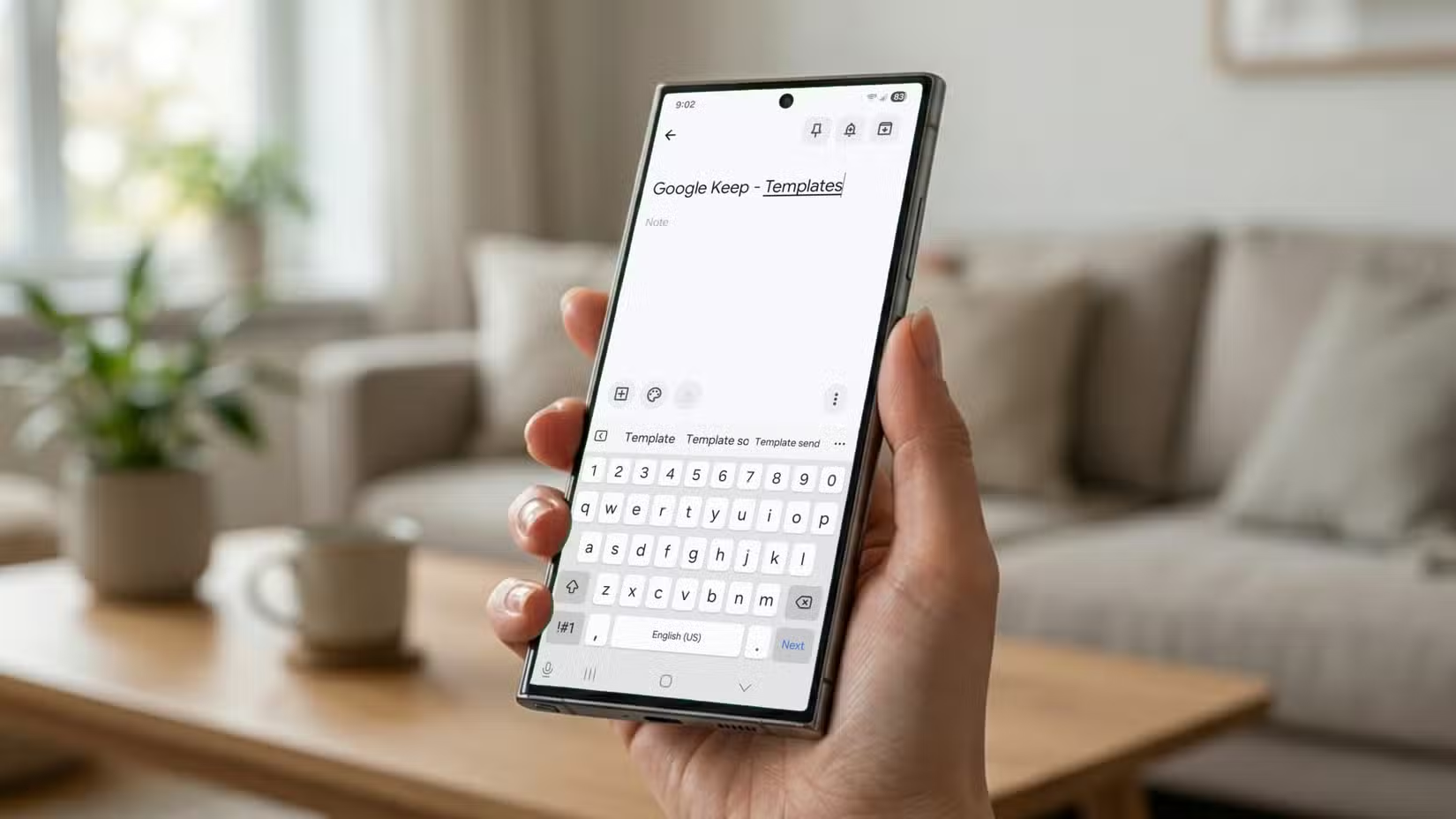
Earlier this year, I discovered the many joys of self-hosting. Since then, I’ve canceled countless subscriptions and replaced my favorite cloud services with apps running on my own hardware. Yet, I can’t seem to stop using a note-taking app that isn’t the most powerful and lacks many features techies look for. Of course, I’m talking about Google Keep.
I’ve replaced lots of apps with self-hosting, and Keep is one of the last standing
My NAS replaced all kinds of cloud services, but this simple app survived
When I spun up my laptop as a NAS and Jellyfin media server to replace my Netflix subscription, I immediately started thinking about what other services I could self-host to move away from big tech.
Immich quickly became one of my favorite projects, allowing me to run my own version of Google Photos with as much storage as I am willing to invest in. I’ve also replaced Google Home with Home Assistant to run my smart home locally.
However, when it comes to taking notes, I just can’t seem to shake Google Keep. While many enthusiasts have moved on to apps like Obsidian, which I occasionally use for article writing, or Nextcloud, which can replace much of the Google Workspace ecosystem, I still find myself coming back to Keep.
For those who have never used it, Google Keep is a rather basic note-taking app designed to look and feel like traditional sticky notes. Like most Google services, everything automatically syncs with your Google account, giving you easy access to your notes across all your devices and making sharing simple.
And that’s exactly why it has stuck around. I don’t use Google Keep to write long-form notes or build a database—I use it for tiny notes that I need to capture quickly throughout the day. Despite plenty of compelling alternatives being out there, I just haven’t found a compelling reason to replace something that fits so naturally into my workflow.
The trap of being a good enough app and getting used to it
Familiarity is the feature that matters most

Google Keep isn’t a particularly noteworthy note-taking app. In fact, it has a long list of shortcomings that would make most tech enthusiasts look elsewhere.
For starters, while a single note has a generous limit of 20,000 characters, Keep’s limited text-handling capabilities make it ill-suited for longer notes, whether that’s long-form writing or project research. It doesn’t even have an in-note search function, so forget about taking extensive notes and then trying to find a specific passage later.
It also lacks the ability to create backlinks between notes, so you can forget about building a large knowledge base with interconnected notes like you can in apps such as Obsidian.
Perhaps the biggest downside that bothers me as a self-hosting enthusiast is that Google Keep depends entirely on Google’s cloud. If I temporarily lose internet access or can’t access my Google account, all my notes become inaccessible until I regain access.
That being said, Google Keep is still the one note-taking app where I truly feel at home. I started using it back in high school over a decade ago, and over the years it has become such a natural part of my routine that replacing it with something more technically advanced has been surprisingly difficult.
At the very least, Keep excels at the task it was built for: taking simple, quick notes in a format that’s intuitive to use and easy to navigate.
I use Google Keep as the digital equivalent of the stack of sticky notes that used to clutter my desk. It’s where I capture random brain dumps, jot down fleeting ideas, record quick voice memos, and keep track of daily, weekly, monthly, and even yearly tasks, all neatly organized into color-coded notes.
I also love the fact that I can snap photos directly into Keep. Sure, my phone’s gallery can do the same thing, but given how many photos I take every day, it can be surprisingly difficult to find an important document or notice I photographed weeks ago. If I save it to Google Keep instead, I know exactly where to find it.

- OS
-
Windows, iOS, Android, macOS, Linux
- Brand
-
Obsidian
Obsidian is a note-taking and database creation app that lets you store notes privately, so others can’t see them unless you share them. It also has robust third-party app support, so you can customize everything just the way you want it.
My notes only make sense if they’re always available
Constant cloud sync is the feature I don’t want to waste time replacing

One of the biggest reasons I haven’t replaced Google Keep is that my notes only make sense if they’re available everywhere, all the time.
Unlike my media library or photos, I don’t want to think about how my notes are syncing, whether my server is reachable, or if something has randomly broken in the background after an update.
Many enthusiast note-taking apps either rely on a paid subscription for seamless cloud sync, like Obsidian, or require you to self-host your own sync solution (often through community-built plugins). While there is absolutely nothing wrong with either approach, my home server isn’t currently exposed to the internet, and I don’t plan on changing that for the time being, which means I wouldn’t have easy access to synced notes outside my house.
I’m sure there are other solutions out there, like storing a synced vault within OneDrive or another cloud provider, and technically I could do that for free. But at that point, I’m just replacing one cloud provider with another.
If I’m going to rely on the cloud anyway, I might as well continue using Google Keep. It doesn’t take up any additional space on my Google account, and it’s completely free, so I’m not worried about having to replace a subscription like with many other services.
Besides, having a popular cloud-based solution isn’t always the end of the world. While I have reduced my reliance on Google’s services, I’m still very much part of its ecosystem.
I use Google Calendar extensively to keep track of both my work and personal life, and now that Google Keep integrates with Tasks and Calendar, my notes and reminders finally show up alongside my schedule I already use anyway.
Again, I’m sure there are solutions that would allow me to sync a different note-taking app with Google Calendar, but Keep just works.
Perhaps my favorite example of “outsourcing” to the cloud is the fact that I can share specific notes with my wife. This allows us to keep track of shared tasks without even having to message each other. A great example is our shared grocery list, a note I keep permanently pinned at the top of Google Keep, allowing me to quickly glance over what we need to buy directly from the widget on my phone.
Google Keep has remained because not everything needs replacing
Google Keep is far from the most powerful note-taking app. In fact, you could argue that it’s not even that impressive, lacking basic features like Markdown support or the ability to search within individual notes.
Despite all that, the app just works for me. It’s easy to use, fits naturally into my workflow, and it’s one of the few services where I can’t justify self-hosting an alternative because the convenience outweighs the added complexity.
