We’ve seen a lot of weird things happen in the last few years, and most of them have AI’s fingerprints on them somewhere. We watched Jensen Huang walk onstage at GTC with a real, free-roaming robot version of Olaf, saw an AI-generated image of seven tech CEOs who can barely stand each other loitering in what looks like a McDonald’s parking lot, and watched the entire internet get redrawn in the style of one Japanese animator over a single weekend.
We’ve also seen AI take over a lot of the actual work people do daily, like writing code and building entire apps from single-line prompts. We called (and still call) that vibe-coding. While seeing people embrace vibe-coding more and more every day isn’t something that has surprised me at all, one thing I certainly didn’t expect to see is people editing actual videos with it. Turns out, Fable 5’s own launch video was edited entirely inside Claude Code.
The terminal can do a lot more than run code
The terminal is just a place to get things done now

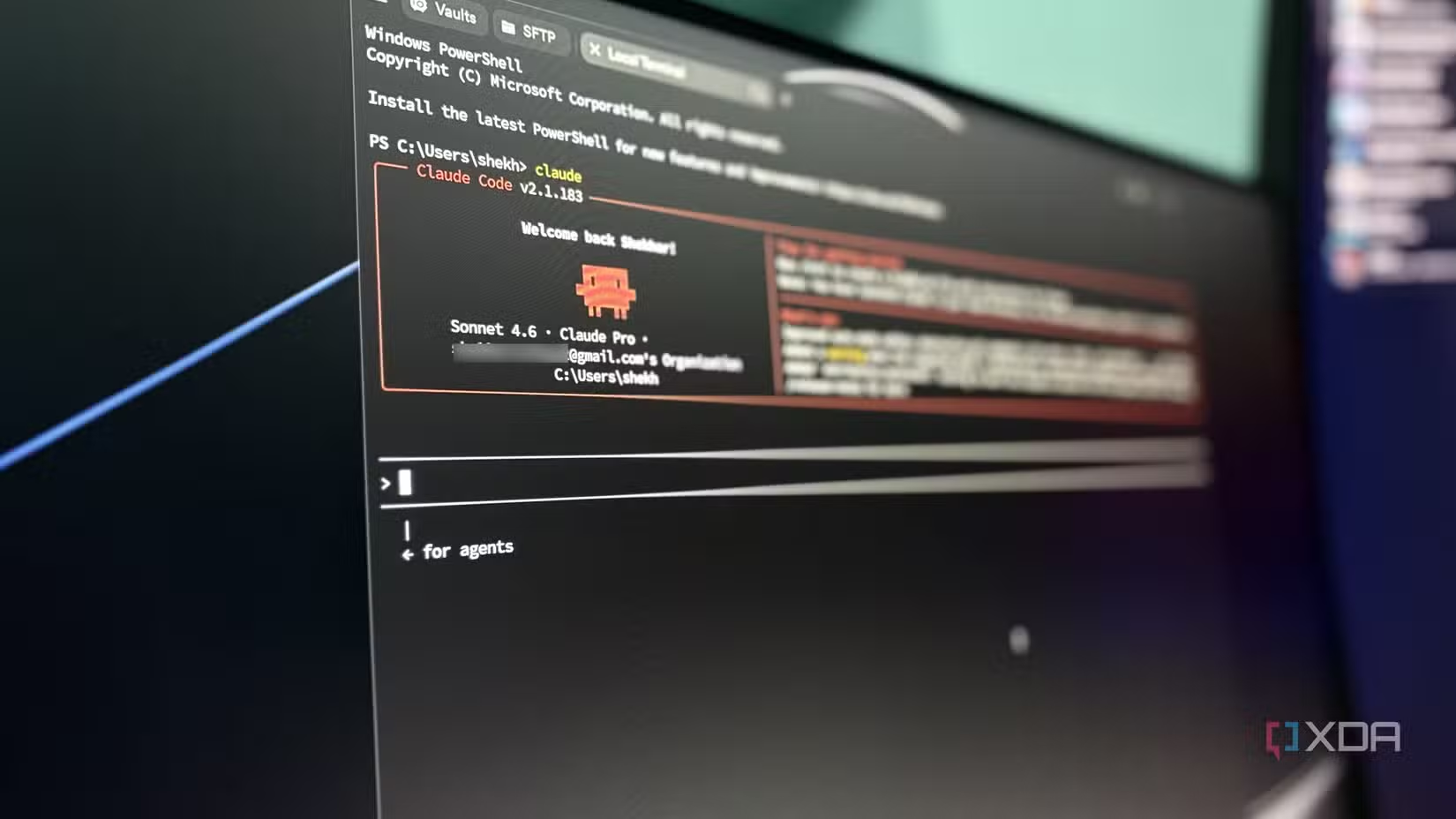
Something I’ve emphasized in a lot of my recent articles is that Claude Code, and similar agentic coding tools, aren’t just limited to coding. What makes them special is that they can actually do things on your machine. Rather than handing you a block of code to copy into your IDE and run yourself, they can read and write files, run commands, install what they need, call external tools, and check their own work as they go, all without you babysitting every step. Coding just happens to be what they’re most associated with, since that’s what they were built around. But once you start thinking of the terminal as a place where an agent can take actions, “coding” starts to feel like a label that hasn’t caught up with what these tools can do.
To be clear, everything they end up doing is still code under the hood. The agent is just writing and running it for you. The first non-code task I gave Claude Code was organizing my desktop, which had become a mess of screenshots, half-named drafts, and downloads I swore I’d sort out later. I told it what I wanted in plain English, and it did the rest, which was really just Claude writing and running the file commands itself. You can get it to batch-rename a thousand files, convert images, pull data out of a messy spreadsheet, rip the audio out of a video, or build you a slide deck. All of it runs on code, but you don’t need to know any of it, or even see it, to get the result you’re after. I make all my slide decks in Claude Code now using Zara Zhang’s Frontend Slides skill, written in HTML, CSS, and JavaScript, and I never touch a line of it.
Here’s how the Fable 5 video got made entirely in a terminal
The whole edit happened in a terminal
The reason why I went down that entire rabbit hole above was to set up the thing that actually left me amazed. If Claude Code can sort your files, rip audio, and build a full-fledged slide deck, a full video edit is really just the same idea scaled up. Think about it, a video being edited involves a pile of files getting read, cut, rearranged, and stitched back together. It involves trimming clips, dropping in graphics, nudging timings, color-correcting the footage.
I tried Anthropic’s open-source desk pet on an ESP32, and it fixes the most annoying thing about Claude
Anthropic open-sourced a cool desk pet project, so I ported it to the WT32-SC01 Plus.
Every one of those steps is something you can describe in words and express in code. So if you hand an agent the raw footage and tell it what you’re after, there’s no real reason it can’t do the cutting, grading, and stitching itself. This is exactly what happened with the Fable 5 video. Thariq Shihipar, a Member of Technical Staff at Anthropic who shares a lot of his own workflow and tips over at X, shared that he used Fable 5 to edit Fable 5’s own launch video.
After getting a lot of questions, he made a video breaking down exactly how he pulled it off, and put together an interactive deck that walks through the whole pipeline step by step. Thariq shared that the team had shot 17 takes spread across four scenes, and this amounted to 25GB of ungraded 4K footage.
He compiled all of this into a folder with the script, and dropped it into Claude Code. The process began with this prompt in the image below.
Notice that the prompt ends with the /goal command. I covered this slash command in a lot more detail in this separate article, but the short version is that /goal changes how Claude Code decides it’s done. Normally, you give it an instruction, it does a chunk of work, and it stops to check back in with you. That’s fine for small tasks, but for something like a video edit, with dozens of steps that depend on each other, you’d be sitting there re-prompting it every few minutes to keep going.
/goal flips that. Instead of a single instruction, you’re handing it a finish line and telling it not to stop until it gets there. So when Thariq wrote “/goal dont stop until you have a final video,” he was telling Claude Code to treat “a finished video exists” as the actual condition for stopping. It can transcribe, pick takes, write the JSON, run ffmpeg, notice something’s off, and loop back to fix it, all without waiting for permission at every step.
Claude Code then transcribed each video using Whisper, and created an array of every word spoken in each take, with a start and end timestamp attached to it. Once it had a transcript for all 17 takes, Claude Code went through them the way an actual editor would. Thariq’s prompt gave it a rough heuristic to work with (ie the best takes are usually the later ones with the fewest “ums,” but not always), so it wasn’t just grabbing the last clip of each scene and calling it a day. It spun up a subagent per scene, had each one read its takes against the script, and picked the strongest one, with verifiers double-checking the calls.
What was interesting here is that it didn’t just pick the best take and go on. It wrote down why it chose each one. For the intro, it looked at the version Thariq re-shot last and tossed it because there was a 5.8-second dead pause sitting in the middle of a sentence, so it went with the cleanest full take instead. For another scene, it noted the one it picked was the only take fully on script. Even the “Hey [name]” cut got handled down to the frame, with the cut landing in the silent gap between words so nothing got clipped mid-sentence.

I tested Claude Code, Codex, Lovable, and Replit side by side, and only one felt ready for real work
May the best AI ship.
All of this got written into a single JSON file, with every scene, the takes it considered, the clip it went with, the timestamps, and the reasoning behind each call. Now, the JSON file is where the entire “edit” actually is. There’s no timeline or project file you can open in an editing app. Instead, the whole thing is just text you can read top to bottom, see exactly what got cut and why, tweak a number, and run again to get an updated cut. From there on, ffmpeg, which is an open-source command-line tool for processing video and audio, read that file and did the actual cutting, one clip at a time, and stitched the picks into a single rough cut.
The rough cut was just the beginning
What Fable 5 ended up producing above was essentially a rough skeleton of the final video. The cuts were in the right place and the takes were the good ones, but it still looked flat and washed out. That isn’t a knock on the footage, though. The takes were shot in S-Log3, a deliberately low-contrast, desaturated profile that cameras record in precisely so you can color-grade it properly later. So the rough cut looked muted because it was supposed to, and grading is the step that actually brings the footage to life.
Now, Thariq doesn’t know color grading and admitted he has no idea how any of it works. So, he simply asked Claude Code to fix it by telling it the grading felt too muted, to fix that, and to make a few examples he could choose from.

Claude wrote seven color grades from scratch, as actual .cube LUT files, with names like neutral709, warm_filmic, punchy, and teal_orange. Thariq looked at the options and picked the one he liked best!

Similar to the JSON file above, the color grading is just a file too. If he wanted it warmer, instead of dragging sliders around in some color panel, he’d tell Claude Code and the model would edit the relevant file and re-apply it.
The animations landed on the exact words being spoken
With the footage cut and graded, the last thing missing was the graphics — title cards and on-screen text that turn a talking-head clip into an actual produced video. Thariq had a folder of these too, except they weren’t animations. They were just 11 flat PNGs his designers had made: a few cards, a few overlays.
So he pointed Claude Code at them with another plain-English prompt, saying he’d added the design files and wanted to use Remotion to stitch them into the clip and smoothly animate them in. Remotion, if you haven’t come across it, is a library that lets you build videos using React. So, instead of keyframing animations by hand in an editor, you describe them in code and it renders them out as video.
Claude Code rebuilt each static image as a React component, and then timed every animation to land on the exact word being spoken, using the word-level timestamps from that transcript it made way back at the start. So when an overlay needs to appear right as Thariq says a particular phrase, Claude is searching the transcript for the word, grabbing the timestamp, and dropping the cue there. The transcript that powered the cutting was the same transcript powering the graphics!
There was one more thing Thariq wanted, though. He wanted his design team to be able to tweak the graphics, but he didn’t want to drag them into the terminal to do it. So he asked Claude Code to let his designers make changes to the components, and then to export the whole thing to a Figma file. Using the Figma MCP, it generated a real, working Figma file. The file included the components, a color-grading station, and a motion page with live-rendering previews. The designers got to work in the tool they actually use every day, with no idea (or need to care) that the thing they were editing started life as code in a terminal.
Once the design team was done making their changes in Figma, Thariq imported the redesign back and prompted Claude Code with a single line, telling it the design had been updated in the Figma file and asking it to update the video to match. The Figma edits flowed back into the React components, which re-rendered into the video!
So, are we all video editors now?
I’m all for unique Claude Code and AI use cases, and this is one that caught me off guard. No, it won’t replace professional video editors tomorrow, since it took someone who knows these tools inside out, a frontier model, and likely a considerable amount of time to pull off. But the fact that the entire edit was just files, with no timeline and nothing locked inside some app, is super cool!