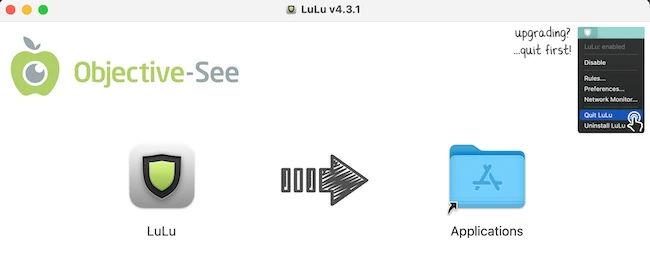
LuLu is a free, open-source firewall for macOS that lets you control which apps are allowed to send data from your computer. macOS includes a built-in firewall, but it mainly handles incoming connections. LuLu also monitors outgoing traffic.
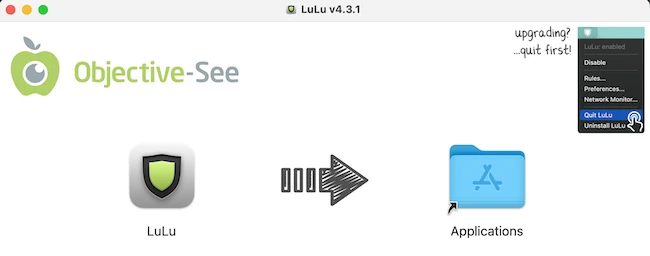
Installing and setting Up LuLu
After downloading and installing the app, I allowed the LuLu Network Extension in macOS Settings.
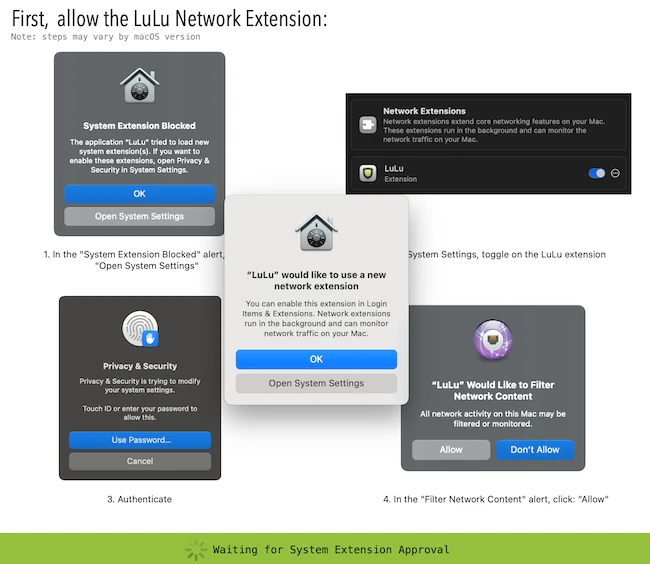
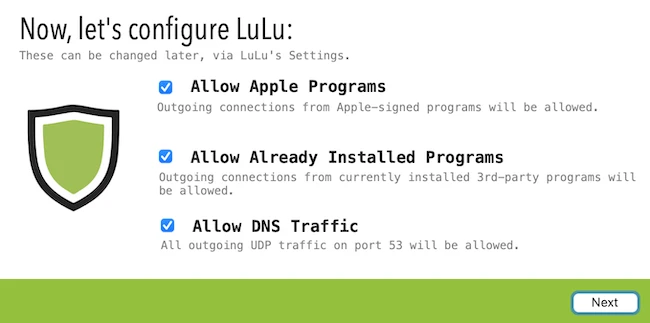
I then followed the configuration process.
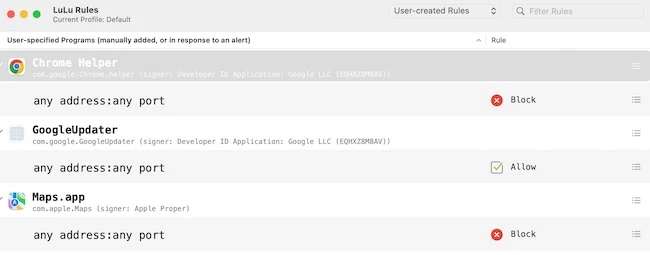
When I launched the app for the first time, the Settings window opened, where I could view and adjust rules for each app.
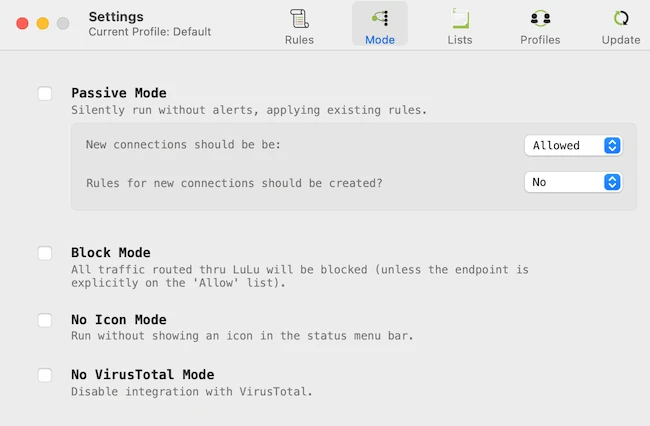
The Mode tab lets you configure how LuLu runs.
Monitoring and controlling network activity
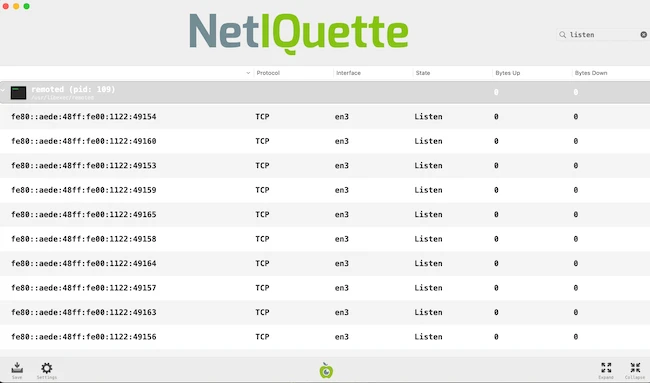
Selecting Network Monitor from LuLu’s status bar menu launches a companion app called Netiquette, which displays current network activity.
Managing rules and permissions
Whenever an application tries to connect to the internet, an alert appears showing the app name and destination. You can allow or block the connection.
To test this, I blocked Google Chrome from accessing the internet. When I launched it, a pop-up alert indicated that it was trying to connect. When I clicked on “Details & Options,” the alert expanded, giving me additional information about Chrome’s attempt and more options to control the rule’s behavior.
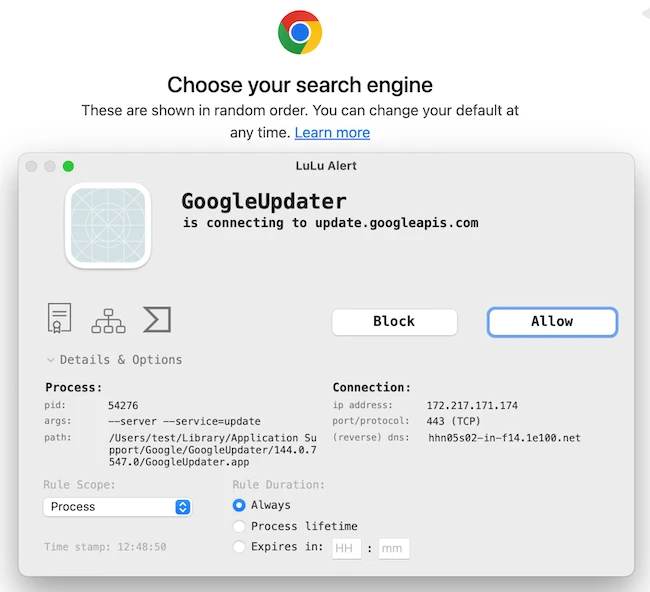
When you install a new app or run one for the first time, LuLu prompts you if it attempts to connect online. You make a decision once, and LuLu remembers it.
This allows you to build a set of rules that run in the background without constant interruptions. The rules system is easy to manage. You can view all allowed and blocked connections, delete rules, or adjust them.
LuLu can automatically allow connections from trusted system processes to reduce unnecessary alerts. You can override these defaults for more control.
Conclusion
Since LuLu is open-source, anyone can inspect how it works. This increases trust, especially for users concerned about software that runs at the network level.
Overall, LuLu is a practical tool for anyone who wants better visibility into their Mac’s network activity. It provides a simple way to monitor and control outgoing connections while maintaining control over system behavior.