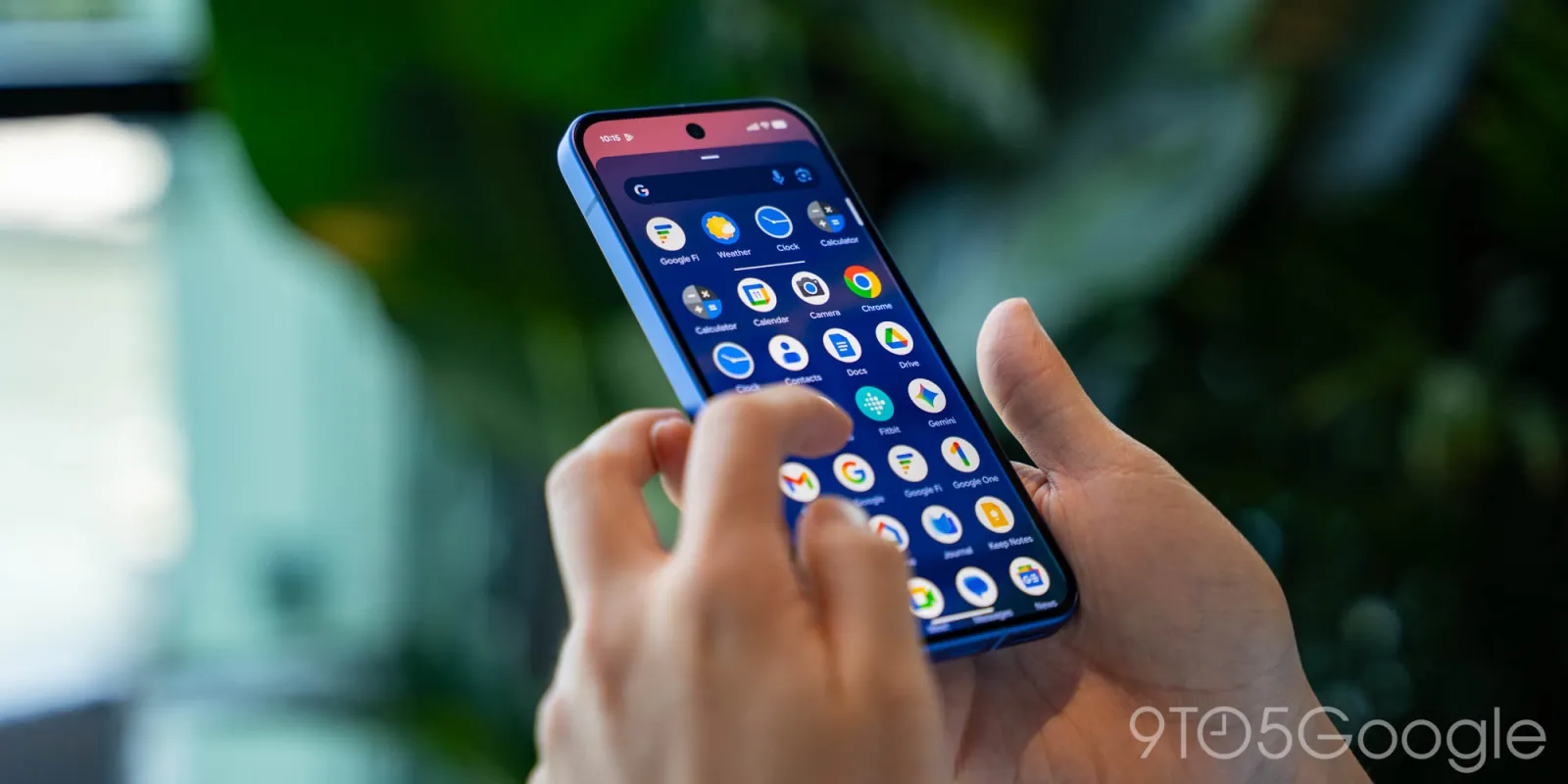
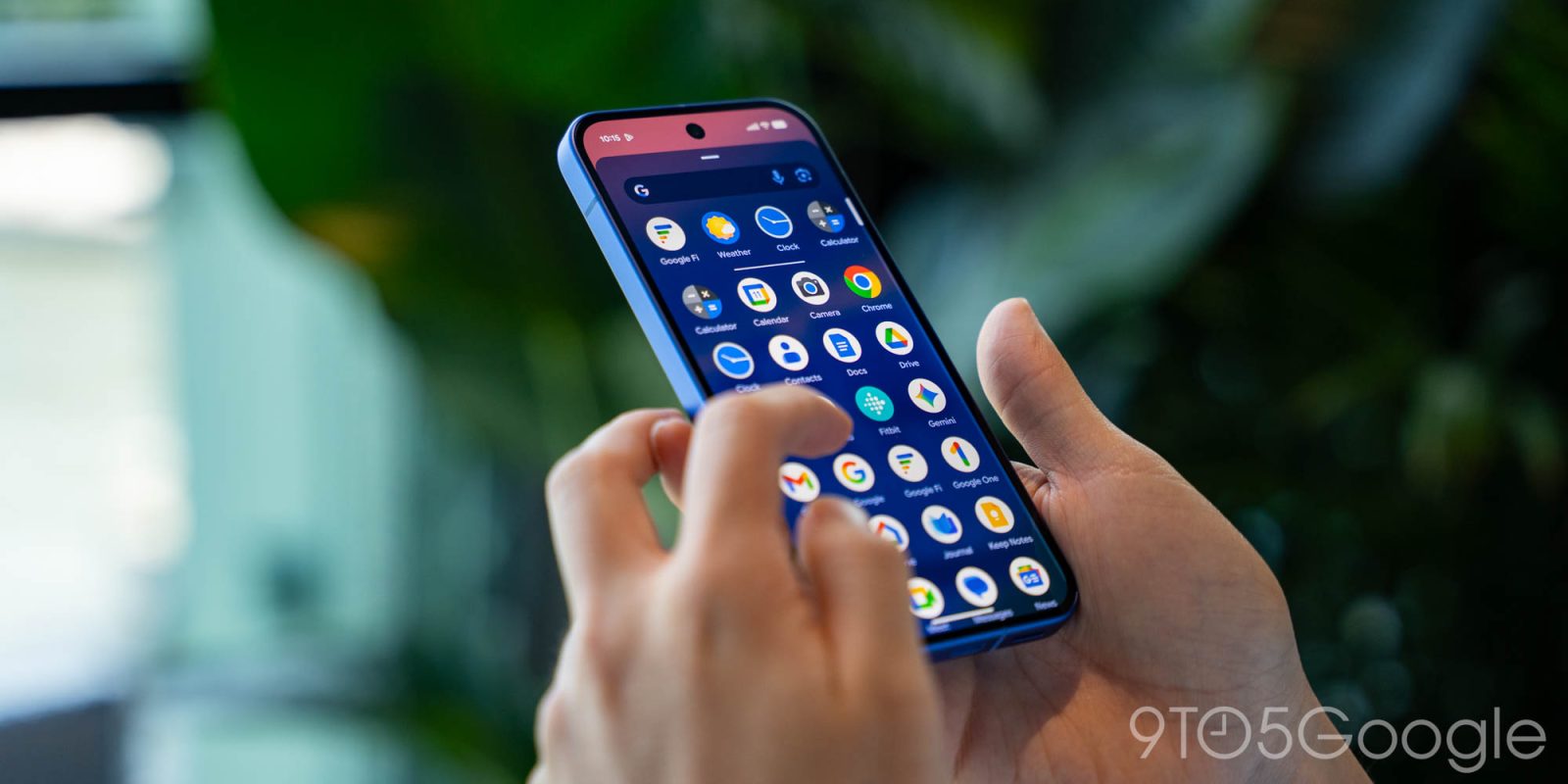
After the 2022 removal and restoration for some users last year, Pixel Launcher search is once again letting you open apps using the keyboard.
When you search for an app in the Pixel Launcher, Google will now highlight the first result in the application row and show an “open” prompt in the text field. Tapping the enter key — which switches from a magnifying glass — in Gboard will automatically launch the app. The first letter of the app is enough to trigger the shortcut.

As such, you don’t have to reach up to the top of the screen to open. This was the behavior before Android 13 QPR1 in December 2022 merged web and on-device search. In 2023, Google tested “quick launch” but that never became available.
In September of 2025, some users gained this feature. As of this week, it’s now widely available. If you don’t have it yet, restart the Pixel. As of today, a reboot should trigger this change on Android 16 QPR2 and the QPR3 Beta for all users.
This shortcut follows the Google app replacing Pixel Launcher device search last month to emphasize AI Mode. “Open” works well in conjunction with “Swipe up to start search” for a great one-handed experience.
More on Google Pixel:


FTC: We use income earning auto affiliate links. More.