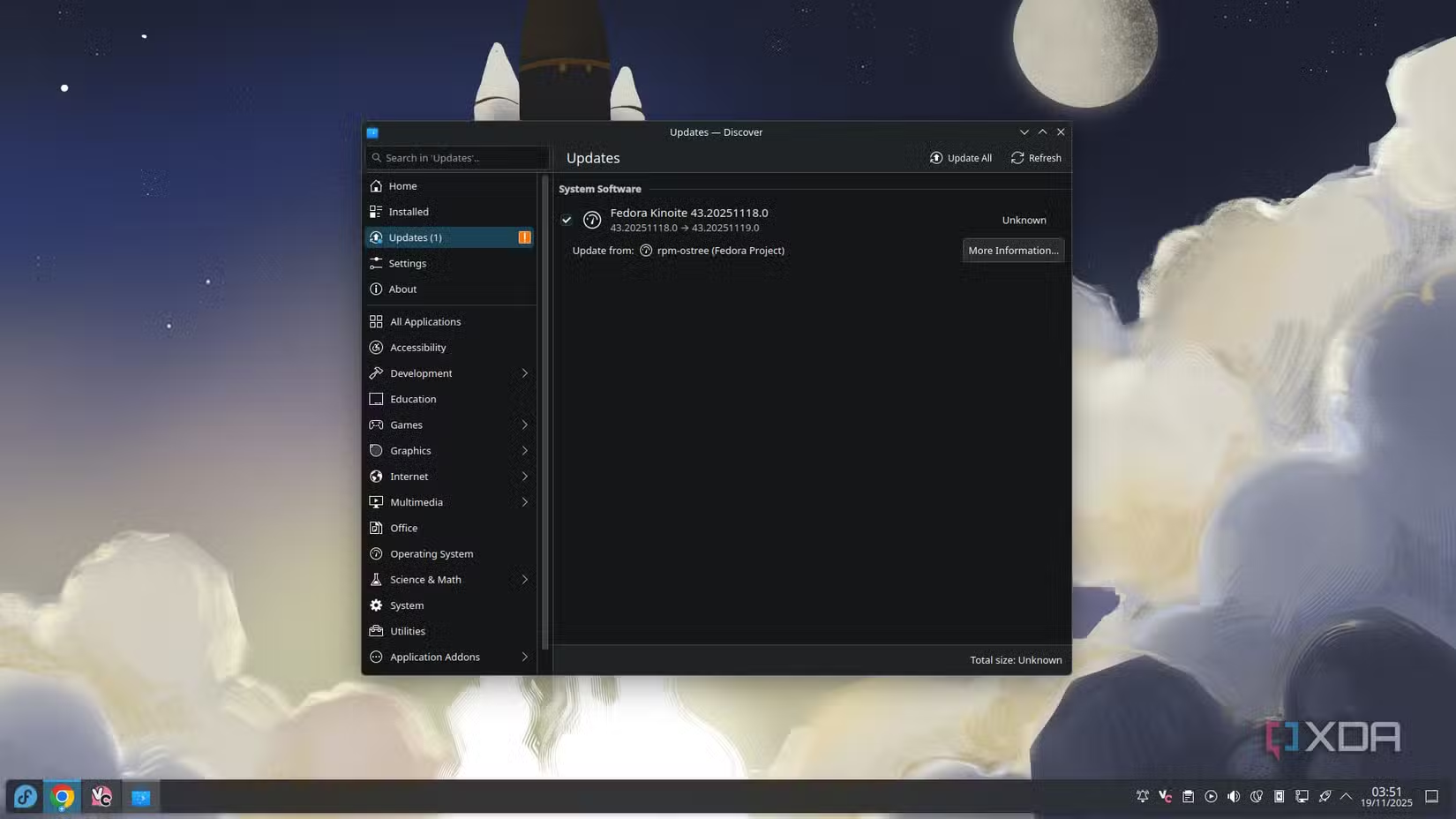
A few months ago, I deepened my knowledge of Linux distros by giving an immutable one a try. I’m still very much a newbie when it comes to the world of FOSS operating systems, so it was a big learning process for me. However, it was one that, eventually, left me really happy with my operating system. Not only do I use Fedora’s KDE Atomic spin as my daily driver (called Kinoite), but I’m not sure I can go back to a regular system.
One of the biggest hurdles to getting used to an immutable distro is that you cannot install apps on it. Well, you can, but doing so involves adding a layer, and it should really be used as a last resort if no other methods work. Ideally, you’ll find a way to get an app running without needing to install it, and I’ve been lucky enough that none of the apps I use daily require a layer to run. So, here’s how I got an OS running where I don’t install a single app, and why I won’t have it any other way.
Overcoming my ‘mutable system brain’ was tough
Old habits die hard

During my first week with Fedora Kinoite, I really struggled to wrap my head around how I’d get my daily driver apps to work. I was still very much locked into the mindset of ‘needing’ to install apps, and the concept of not being able to do that was very alien to me.
I knew that Flatpak would be one of my first ports of call. Grabbing an app like Chrome and Discord from Flatpak doesn’t install it; instead, it has it run in its own little container with all the dependencies bundled in. That means you can run any app you like from Flatpak without worrying about needing to install it or all the stuff it needs to run. Perfect for an immutable system.
However, I also use the cloud service Shadow for my gaming, and that wasn’t on Flatpak. I spent an embarrassing amount of time trying to figure out how to get it running without a Flatpak, when I remembered that Shadow came with its own official AppImage download. AppImages work similarly to Windows’ portable apps, where you just double-click the executable and it runs without installation. So I downloaded it, and, what do you know? I could use Shadow without installing it. D’oh.
That’s when I realised how I could essentially run my OS without installing anything. All I had to do was use either Flatpaks or AppImages, and I was golden. So, I vowed to see how far I could get with Fedora Kinoite without layering.

I switched to the COSMIC Linux desktop, and I can’t wait for the future
COSMIC is out of this world, even with its flaws
Migrating to Flatpaks and AppImages only was surprisingly easy
Especially after a few tweaks
Getting used to a life of Flatpaks and AppImages was easier than I thought. Flatpaks pretty much run right out of the box, and you can update them really easily. AppImages were a different story; I didn’t know how to set one up so that it registered with KDE Plasma so I could open it via the application menu or KRunner.
Fortunately, a kind commenter on one of my articles pointed me toward Gear Lever. This handy little app lets you load up an AppImage, then sets it up with a press of a button. That includes moving the file to a safe location, extracting the app’s icon, and getting it registered with your OS so you can search for it. Once Gear Lever was part of my Linux arsenal, I didn’t feel the need to install anything anymore; I could Flatpak it if I could, and use the AppImage and Gear Lever combo if I couldn’t.

5 reasons why Linux beginners should be using Flatpak
App management on Linux can be confusing for new users, and Flatpak simplifies it.
Now I have all the benefits of immutable distros without feeling the drawbacks
It’s win-win for me now

I love how immutable systems work, but one of their biggest drawbacks is the inability to install things. Fortunately, with my newfound knowledge, that downside no longer affected me. I’m happily using the apps I love, either as a FlatPak or an AppImage, and I didn’t have to layer anything in Fedora Kinoite.
Now I don’t have to worry about installing apps messing up my system files or leaving any detritus behind. If I want to uninstall it, I can just erase it from Flatpak or tell Gear Lever to clean it up. And given how immutable system updates work, I also get a fresh batch of system files every time I update. It’s a really nice separation of the OS’s files and my own apps, and I honestly believe it’s why my Fedora Kinoite machine feels as nippy and responsive as the day I installed it for the first time.

Immutable Linux desktops finally cured my upgrade anxiety
No more hoping for the best when updating.
Installing apps isn’t for me anymore
Making the jump to immutable systems taught me how little I really needed to install apps on a Linux machine. Now that I’ve hit a stride with using Flathub and Gear Lever, I don’t think I can go back to installing apps the ‘traditional’ way. So, I might as well chill in the world of immutable distros; it’s not like their biggest drawback affects me anymore, after all.