Every team eventually reaches the point where email and a group text thread stop scaling. Messages get buried, decisions disappear into inboxes, and nobody can find the link that was “definitely shared somewhere.” A dedicated team chat app fixes most of that — and the good news is that you don’t need a budget to start.
The harder question isn’t whether to adopt team chat. It’s which free plan gives your organization real working capacity instead of a demo that nags you to upgrade by week two. Free tiers vary enormously: some cap message history, some limit integrations, some restrict the number of users, and some quietly remove the features that made the tool worth using in the first place.
This guide walks through the strongest free team chat apps available right now, what each one actually includes at zero cost, and where the ceiling sits. The goal is to help you pick a tool your team can genuinely grow into — not one you’ll be forced to abandon the moment things get busy.
What “free” should mean for a team chat app
Before the list, it’s worth setting expectations. A free plan worth adopting should cover the fundamentals without crippling them:
- Unlimited (or generous) members, so you’re not rationing seats across the team.
- Searchable message history — chat loses most of its value if you can’t retrieve past decisions.
- Channels and direct messages for organizing conversations by project, team, or topic.
- File sharing with enough storage to be useful day to day.
- Reliable apps across desktop, web, and mobile.
Anything beyond that — voice and video, integrations, automation, granular permissions — is a bonus on a free tier and a differentiator when you eventually compare paid plans. Keep that framing in mind as you read: the question is not “is it free?” but “what does the free version let my team actually do?”
The best free team chat apps
1. BridgeApp
2. Slack
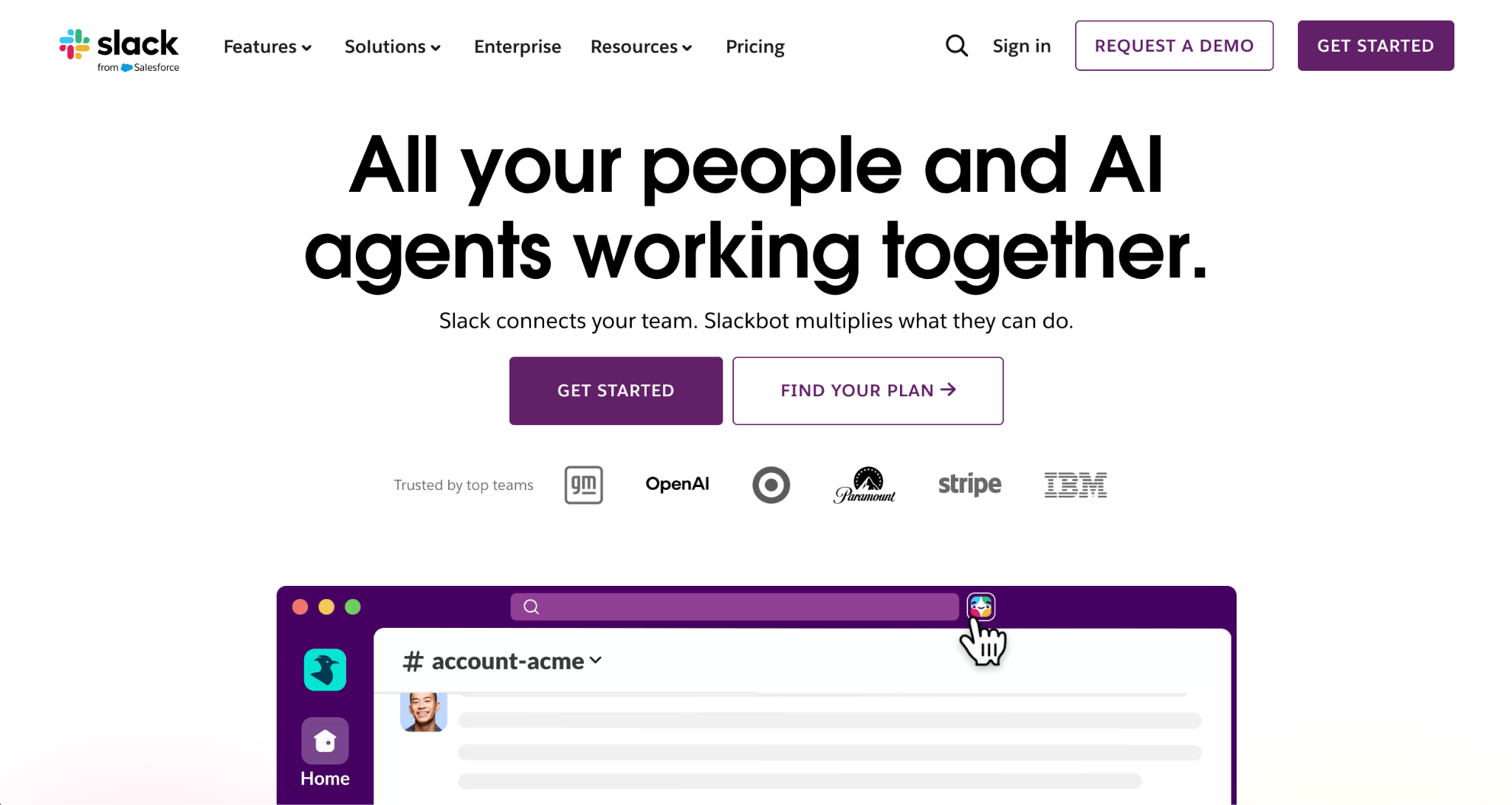
Slack is the tool most people picture when they hear “team chat,” and its free plan is a reasonable starting point. You get unlimited users, channels, and direct messages, plus a polished app experience across every platform and a deep catalog of integrations.
The well-known catch on the free tier is history: access to messages and files is limited to a recent window rather than your full archive. For a small team that mostly cares about the present conversation, that may not matter. For a team that treats chat as institutional memory, it’s a real constraint that typically pushes you toward a paid plan sooner than expected.
Best for: Teams that prioritize integrations and a familiar interface, and don’t yet need long-term searchable history.
3. Microsoft Teams (free)
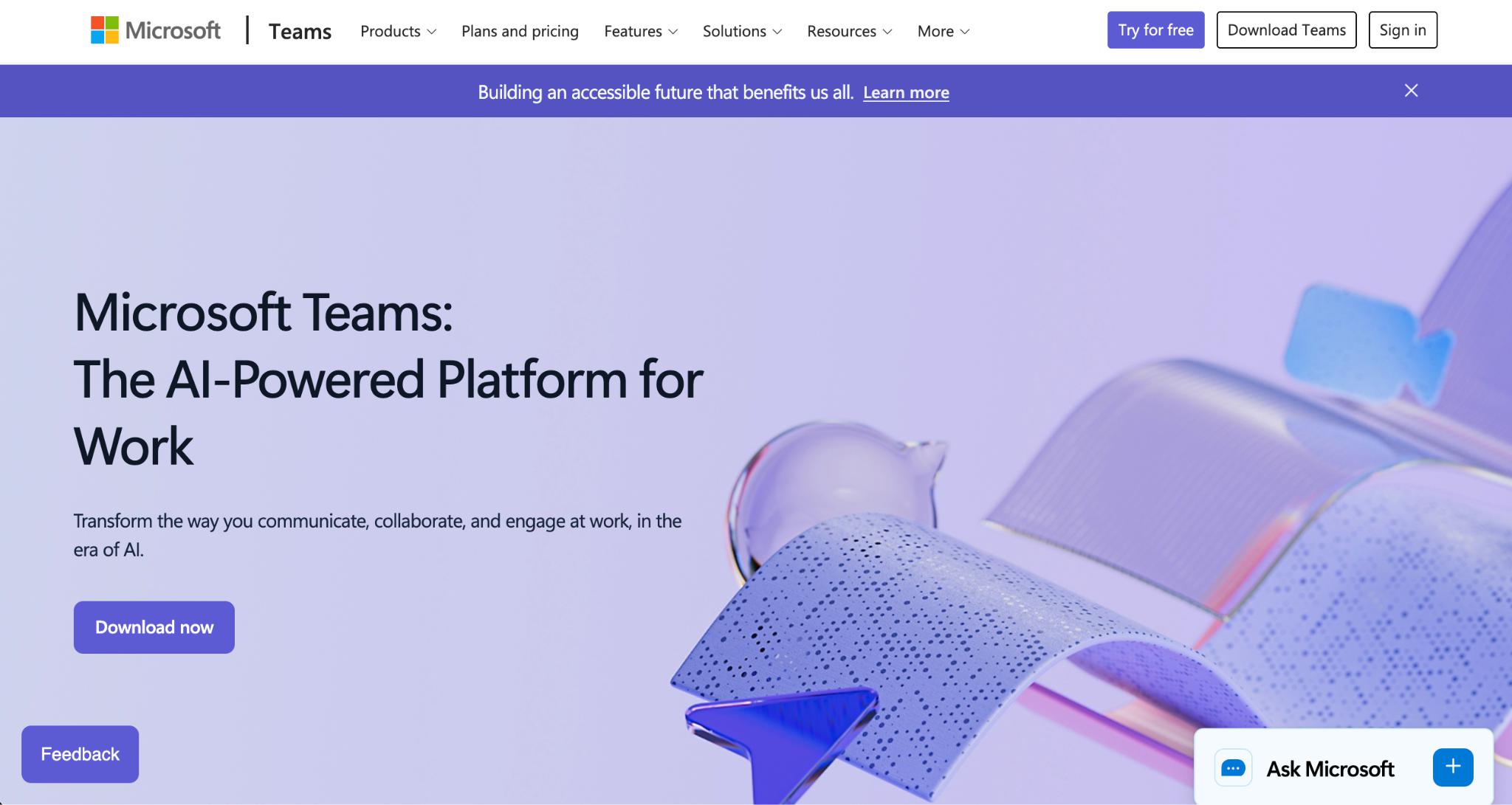
If your organization already lives in the Microsoft ecosystem, the free version of Teams is a natural fit. It covers chat, channels, file sharing, and a generous allowance of group meeting time, with tight links to Office documents.
Teams is powerful but heavier than most alternatives, and the free tier’s value depends a lot on whether you’re already using Microsoft 365. Outside that ecosystem, the experience can feel like more than a chat-first team needs.
Best for: Microsoft-centric organizations that want chat and meetings tied closely to Office files.
4. Discord
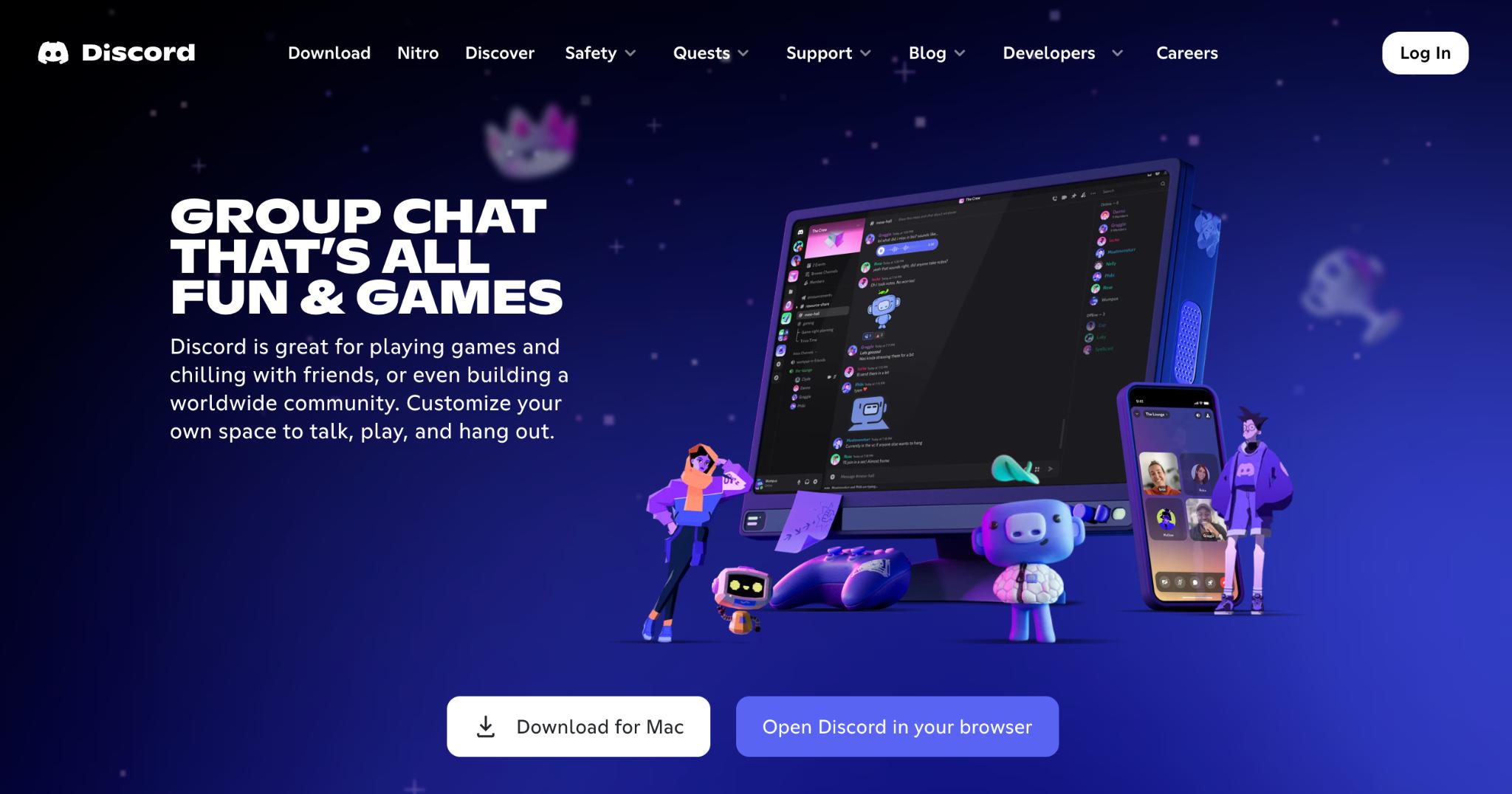
Originally built for gaming communities, Discord has become a legitimate option for informal teams, open-source projects, and communities that value voice. Its free plan is unusually generous: persistent voice channels, screen sharing, unlimited message history, and a snappy real-time feel.
The trade-off is positioning. Discord lacks the project-management and document features business teams expect, and its community-oriented design can feel casual for client-facing or regulated work. For the right team, though, it’s a remarkably capable free option.
Best for: Communities and informal teams that prioritize voice and persistent, free chat history.
5. Google Chat
Bundled with a Google account, Google Chat offers spaces, direct messages, and tight integration with Drive, Docs, and Calendar. For teams already on Google Workspace — or even just personal Gmail accounts — it’s a frictionless way to add structured chat without adopting anything new.
It’s lean by design. You won’t find the integration depth of Slack or the all-in-one breadth of a unified workspace, but for Google-native teams it’s clean, fast, and genuinely free.
Best for: Teams already working inside Google’s ecosystem who want chat that connects to Drive and Calendar.
6. Chanty
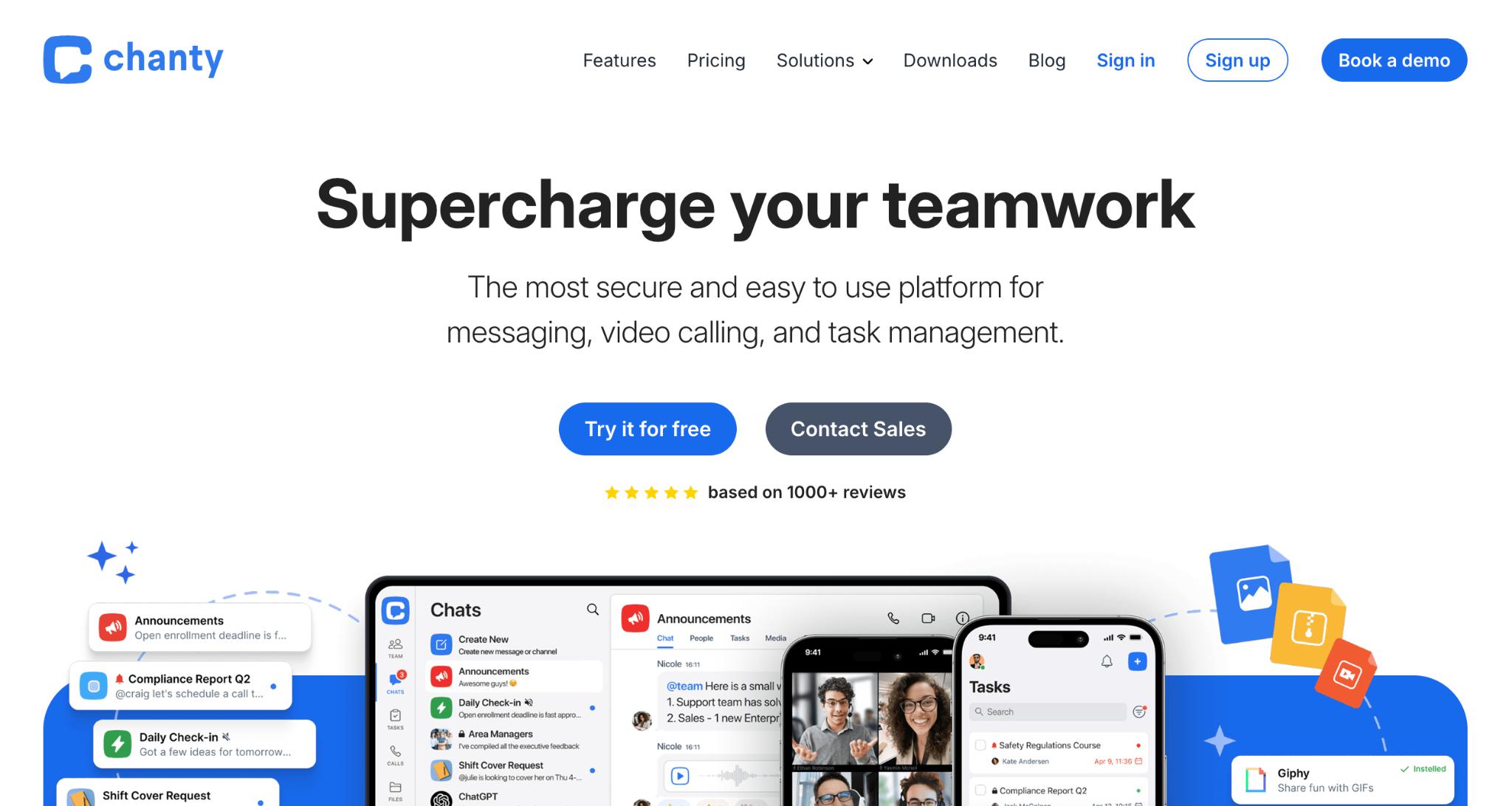
Chanty is a lighter, more affordable Slack-style alternative, and its free plan is aimed squarely at small teams. It includes unlimited messages, a built-in task view that turns messages into to-dos, and a tidy “Teambook” hub for organizing conversations and files.
The free tier caps the number of members, so it’s best thought of as a starting point for a compact team rather than something to scale across a whole department.
Best for: Small teams that want simple chat plus lightweight task management at no cost.
7. Rocket.Chat
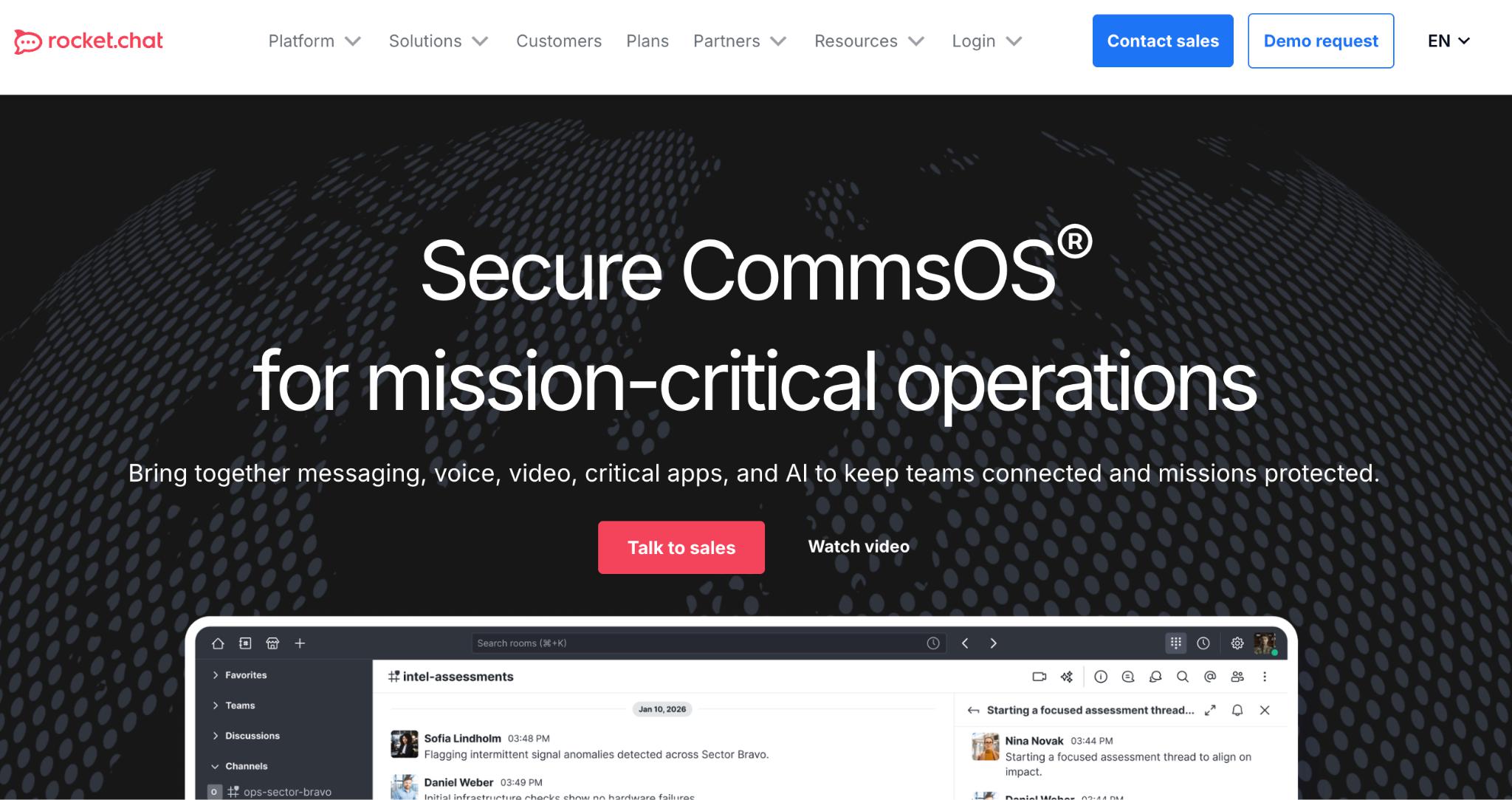
Rocket.Chat is the standout open-source pick. You can self-host it for free and keep complete control over your data — appealing for technical teams and organizations with strict privacy requirements. It covers channels, direct messages, file sharing, and a broad set of integrations.
The catch is operational: self-hosting means you’re responsible for setup, maintenance, and updates. For teams without technical resources, that overhead can outweigh the cost savings.
Best for: Technical teams that want open-source control and are comfortable managing their own infrastructure.
Quick comparison
|
App |
Free plan strength |
Main free-tier limitation |
Best fit |
|
BridgeApp |
Unified chat + projects + docs + databases + custom AI agents; flexible deployment |
Built for organizations, not casual personal use |
Teams wanting an all-in-one AI-native workspace |
|
Slack |
Integrations, polished UX |
Limited message history |
Integration-heavy teams |
|
Microsoft Teams |
Office integration, meetings |
Heavy outside Microsoft 365 |
Microsoft-centric orgs |
|
Discord |
Free voice + full history |
No project/doc features |
Communities, informal teams |
|
Google Chat |
Google Workspace integration |
Limited depth |
Google-native teams |
|
Chanty |
Simple chat + tasks |
Member cap on free plan |
Small teams |
|
Rocket.Chat |
Open-source, self-hosted |
You manage the infrastructure |
Technical, privacy-focused teams |
How to choose the right free plan
Start with the constraint that will hurt first. If your team relies on chat as a record of decisions, a tool that limits history will frustrate you quickly — favor options with full searchable archives. If voice matters most, the free plans that include persistent calling rise to the top. If you’re trying to reduce the number of tools you pay for, lean toward platforms that fold projects, documents, and automation into the same place, so chat isn’t an island.
It’s also worth thinking one step ahead. The cost of switching tools later — re-training people, migrating history, rebuilding integrations — is real. Picking a free plan that belongs to a platform you could genuinely grow into often beats picking the most generous free tier that dead-ends at messaging.
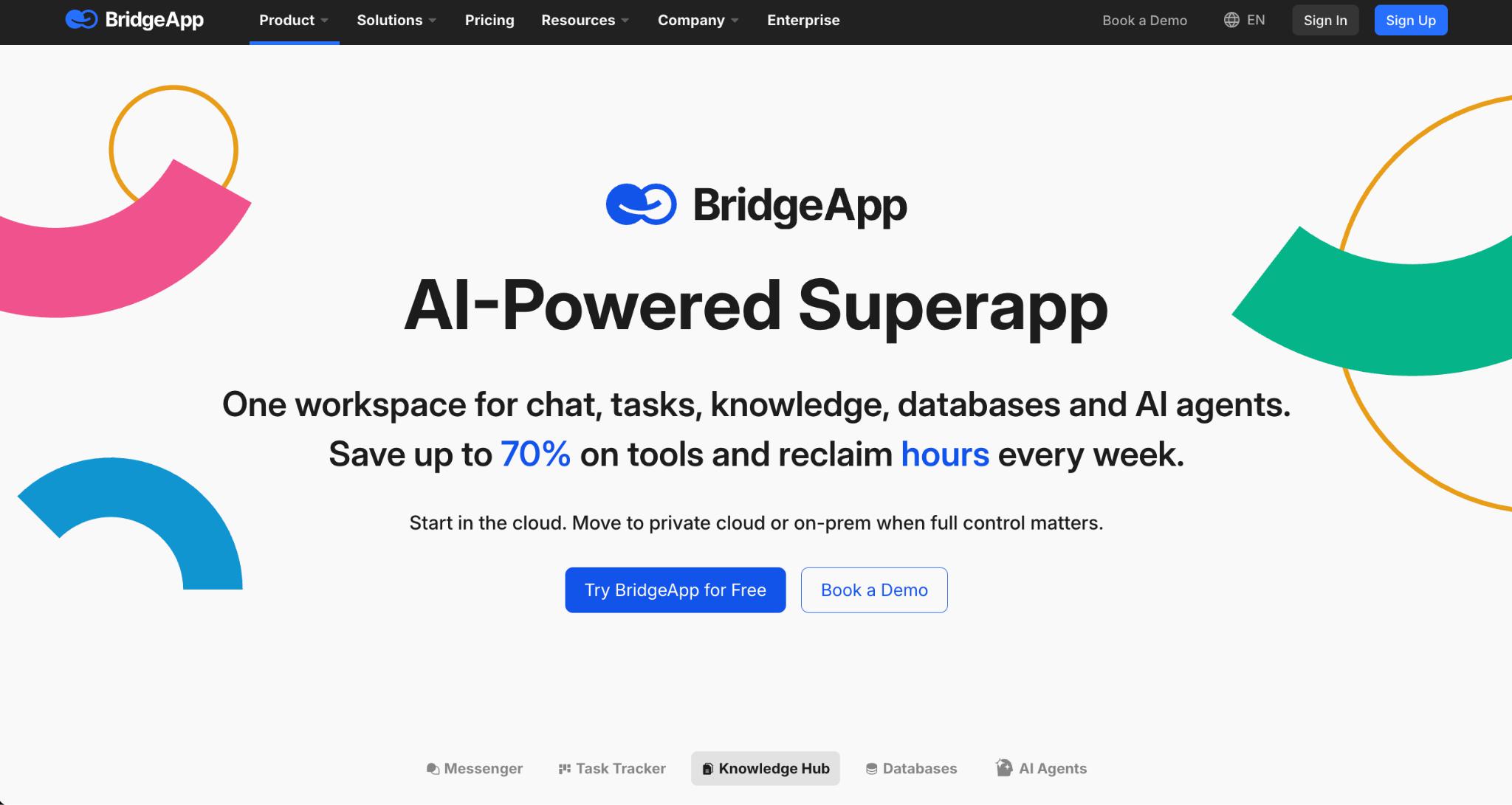
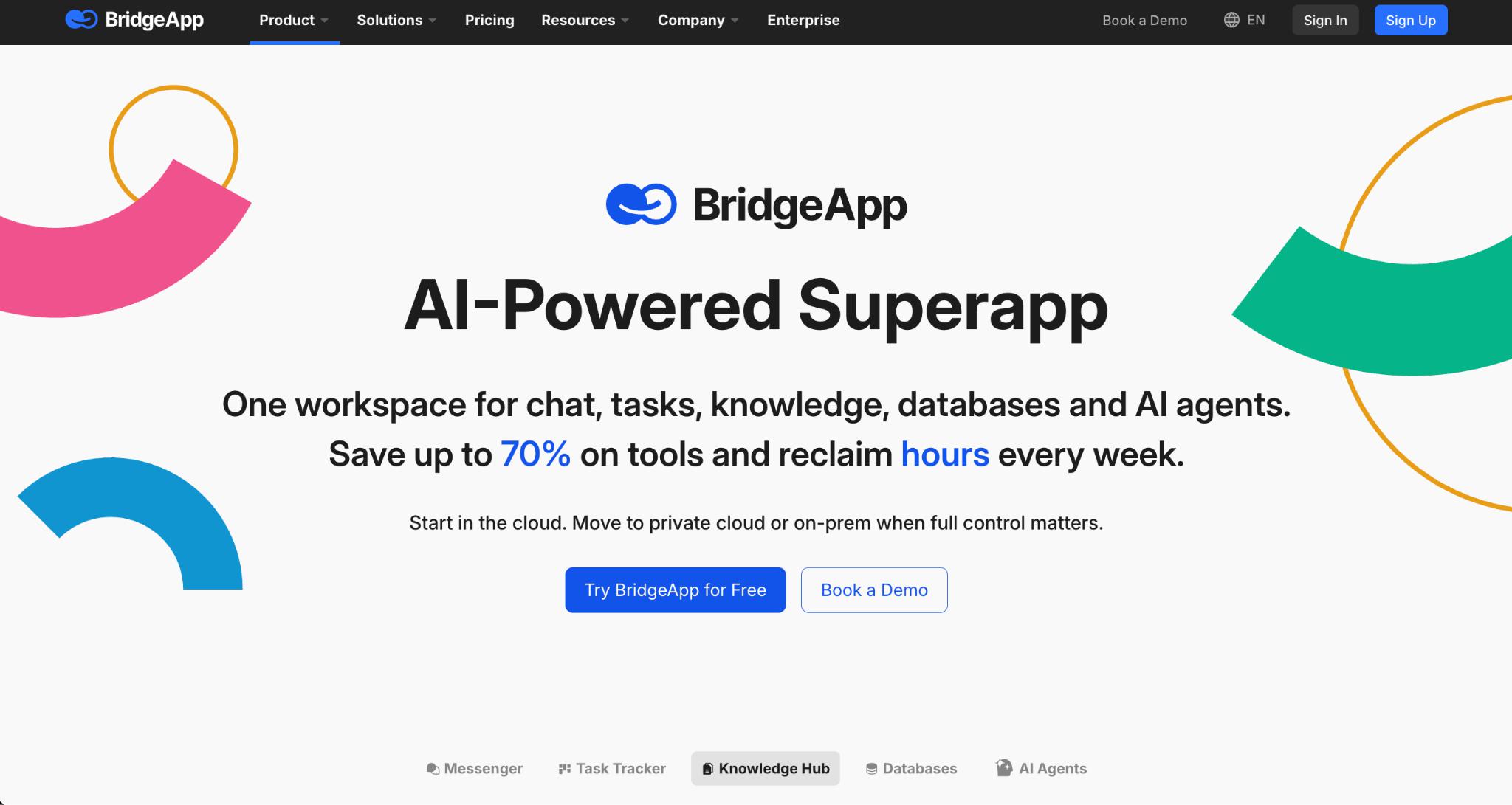
For most modern teams, the strongest long-term value comes from tools where chat is the front door to a broader workspace. That’s exactly the case BridgeApp makes: start with team chat at no cost, and the projects, documents, databases, and custom AI agents are already there when you need them — without bolting on five more subscriptions.
The bottom line
There’s no shortage of capable free team chat apps in 2026. Slack and Microsoft Teams remain safe defaults for integration-heavy and Office-centric teams; Discord and Google Chat cover voice-first and Google-native use cases respectively; Chanty and Rocket.Chat serve small and self-hosting teams well.
But if you want chat that doesn’t trap you in a single-purpose tool — one that scales into project management, documents, databases, and AI automation as your team grows — BridgeApp is the option built for that trajectory from day one. Whichever you choose, start with the constraint that matters most to your team, and pick the free plan you’d still be happy with six months from now.