Homelabbing is a great way to escape an ever-increasing number of subscription services, and there are dozens of great free and open-source self-hosted alternatives out there. However, there is some software that is worth paying a one-time fee for, especially if you’re looking for a setup that minimizes tinkering.
Unraid
A great way to build a DIY NAS

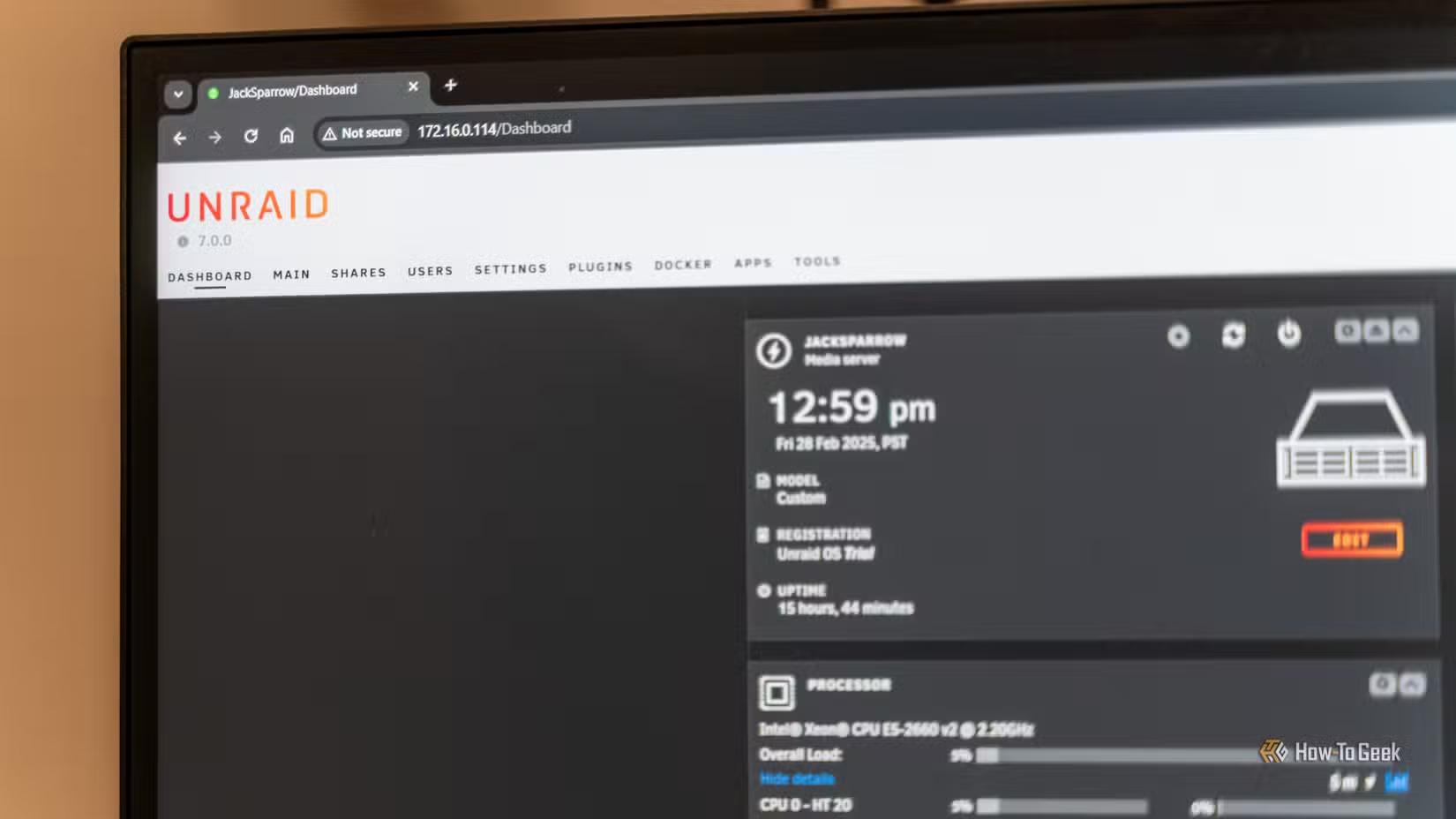
Unraid is an operating system designed to allow you to turn an old PC into a home NAS unit. One of its big strengths is the flexibility—you’re not locked into a limited set of hardware configurations like you are with off-the-shelf NAS units, and you don’t really need matching drives like you do with traditional RAID setups. You can mix different drives, allowing you to expand your storage pool as you go and save money by buying whatever drive is on sale at the time.
Unraid also makes it easy to run a mix of Docker containers, virtual machines, and thousands of apps and plugins, which allows your Unraid NAS to also function as a central home server without also needing to install Proxmox on another PC.
Unraid’s basic tier, Starter, costs $50 and allows you to use up to 6 storage devices with a year of updates. Unleashed, which costs $110, allows you to use unlimited storage devices with a year of updates. Alternatively, you can opt for a $250 lifetime license that gives you access to unlimited storage devices and updates forever.
It isn’t inexpensive, but it is very competitive when you consider the cost of the commercial NAS units you can buy.

- Storage Capacity
-
2 – 26TB
- Workload
-
550TB/yr
- Suitable for
-
NAS
Western Digital’s Red Pro NAS hard drives come in sizes from 2TB to 26TB.
CubeCoder’s AMP
Self-hosting game servers has never been easier
I self-host more game servers than anything else, but they’re also one of the most frustrating things to host. No two games have the same dedicated server setup process, which makes hosting a new server tedious, and there seems to be an endless stream of unique configuration files.
Managing the server via the command-line interface isn’t great either, especially if you’re handling a modded installation. SteamCMD helps some, but it doesn’t solve every issue.

How to Start Your Own Game Server
Friends to play with not included.
That is where CubeCoder’s Application Management Panel (AMP) comes in. Instead of having to SSH into a server and manage things using a command-line interface, you get a web panel to create, manage, and monitor your servers. Since it supports both Windows and Linux, you can host a variety of games or move servers between different machines.
It is also handy for providing basic server controls for friends, since you can grant them limited panel access without giving them full access to the entire machine. It also saves them the trouble of learning how to run a Linux command-line interface just to restart a server when it gets laggy.
If you only run a single Minecraft server, you might be fine just using SSH. However, once you start managing multiple servers and want a centralized control panel rather than a huge list of scripts, AMP is fantastic.
Amp starts at $10 for a license that allows you to run up to 5 app instances, but you can get the advanced edition that allows you to host up to 50 for $40 with a few other advanced features that may be helpful if you’re hosting a ton of games.
Immich
A Google Photos replacement
Immich solves a universal problem: managing phone photos. I use it as a self-hosted replacement for Google Photos, utilizing the mobile app to automatically back up my pictures and videos to my own server. Once they’re uploaded, you can browse your library, organize albums, and use AI-powered search features.
Critically, Immich doesn’t feel like some rough, self-hosted clone; its quality is comparable to a photo app from a big tech company. The automatic uploads are reliable, the interface is easy to use, and the search tools mean you don’t have to manually organize every single photo. If you already have a server with plenty of storage, Immich is a viable alternative to Google Photos.
Technically, Immich is free. However, the developers offer product keys for those who want to support the project—$25 for an individual lifetime key or $100 for a server key that covers everyone on the instance. Considering what it offers, I can’t
Pay for the right things
I certainly don’t want to see every homelab app turn into a subscription. After all, half of the point of self-hosting is owning your hardware and avoiding subscriptions. However, there are a few instances where a one-time fee is worth it for the stability and convenience you get in exchange.
After all, no homelab setup will be a viable replacement for a competing subscription service unless it is comparably easy to use and reliable.