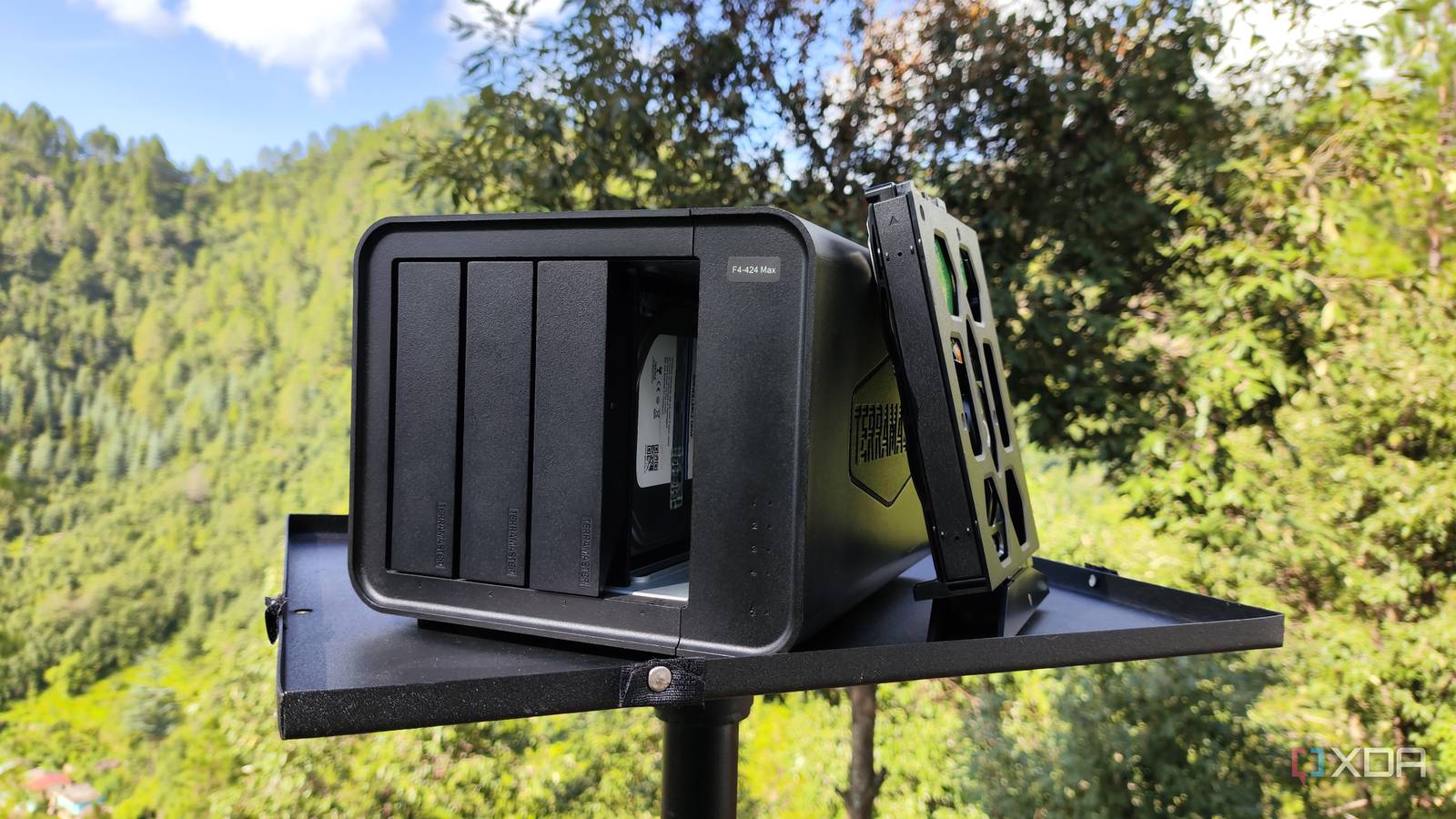
Being able to self-host your own services is one of the best aspects of owning a home server. Not only do these FOSS tools spare your wallet from regular subscriptions, but they also prevent third-party firms from gaining access to your private information. Plus, most self-hosted apps feature dedicated web UIs that you can access from any device on your network (and even from remote systems, once you get a VPN up and running).
The best part? You don’t need an expensive home lab just to run apps locally. Many of the essential self-hosted services are light enough to run on budget-friendly systems. So, if you’ve got a cheap NAS running 24/7, you can arm it with these containers to bring some useful quality-of-life enhancements to your setup.
Seafile
It’s a lot faster than Nextcloud
Personal cloud platforms provide an easy means to store essential documents while letting you maintain complete control over your files. Nextcloud is the most popular self-hosted cloud platform, though it can feel rather sluggish once you arm it with many files. If your NAS lacks the sheer horsepower to run Nextcloud inside a dedicated virtual machine, Seafile is worth checking out.
Rather than using file-based storage, Seafile relies on blocks or chunks when syncing your files, making it quite faster than Nextcloud when transferring files between systems. It supports the essential collaboration features you’ll find on typical cloud platforms, and you can also pair it with a self-hosted OpenOffice container to edit documents, spreadsheets, and presentation slides. Plus, Seafile includes its own client application, allowing you to sync files from your NAS-based server to your daily drivers.
Pi.Alert
Ultra-light network scanner

When you’re hoarding all your private data on a NAS, improving the security of your local network becomes really important, as hackers can easily wreak havoc on your storage server after gaining access to your LAN setup. But if you’re on a low-power NAS that can’t host a dedicated firewall OS, Pi.Alert is a lightweight container that can serve as a makeshift intrusion detection system.
Once deployed, Pi.Alert will constantly monitor your local network and send alerts upon detecting new connections. It can also display detailed information about each device on your LAN, and can detect IP changes, downed systems, and even network sessions.
Firefly III
Manage your budget like a pro
Bookkeeping tools are a great way to track your savings, and unlike popular online platforms, Firefly III’s self-hosted nature makes it perfect for privacy-conscious folks like me. Its intuitive UI can display detailed graphs of your financial records, and you can organize your income and expenditure into categories like savings, subscriptions, budgets, and bills, among others.
Firefly III also lets you import transactions from your bank accounts, and you can track financial records across multiple currencies. If you despise zero-budget systems as much as I do, you’ll be glad to know that Firefly III doesn’t force you to allocate every last dollar to specific categories.
Trilium Notes
A self-hosted PKM server
Most self-hosted note takers are light enough to run on most devices, though they may seem rather limited on the features front. However, Trilium Notes is an exception, as it includes plenty of facilities you’d find in the popular PKM platforms. Besides supporting Markdown autoformatting, Trilium Notes lets you use an Excalidraw integration to bring graphical elements to your ideation documents and can create Mermaid diagrams. The app also logs all updates across your note files, allowing you to track your edits and revise unwanted changes.
However, the real stars of the show are the note and link maps. Since Trilium Notes stores all documents as nodes in a hierarchical format, you can use these maps to better structure your notes. Or, you can create comprehensive relation notes to visualize the connections between your ideas. Throw in its support for code documents, remote-syncs, web clipper, and the ability to export metrics to dashboard apps, and Trilium Notes is a fantastic addition to every NAS owner’s arsenal.
Calibre-Web
Build an ebook library on your NAS
Since NAS units are meant to house huge volumes of data, an ebook management hub is a neat companion for your storage server. With its sleek UI, lightweight nature, and compatibility with most of the popular ebook formats, Calibre-Web is one of the best tools for the job. Uploading media to Calibre-Web is pretty straightforward, and you can harness its robust tagging system, custom shelves, and metadata editing tools to better organize your library.
Calibre-Web includes a convenient ebook reader, but you also use its magic link, Kubo syncs, and OPDS feed facilities to access your self-hosted library on external apps and devices.
Vaultwarden
Easy way to store your passwords
Password managers are some of the best quality-of-life applications out there, and their self-hosted counterparts are especially useful since you don’t have to worry about your private credentials getting leaked from a third-party platform. Unlike the all-popular Bitwarden, Vaultwarden barely consumes any resources, making it a solid option when you want to turn your NAS into a password management server.
Besides normal string-based passwords, Vaultwarden can also store your TOTP codes, bank cards, ID documents, API keys, and other private data inside secure vaults. It includes a built-in password generation tool and works well with the Bitwarden extension, allowing you to send newly-created credentials from your browser to the Vaultwarden server.
A NAS can double as a solid self-hosting machine
Considering the lightweight nature of containerized utilities, I’ve got some other apps that deserve a mention. PairDrop is a fantastic way to quickly share files between multiple devices, while Sterling-PDF provides all the PDF manipulation tools you can ask for. I also wanted to highlight Paperless-ngx, as it makes managing invoices, bills, contracts, and other annoying documents a cakewalk. If your NAS has slightly more processing oomph, you can deploy Immich to manage your photos and Jellyfin to serve locally-stored media files.

