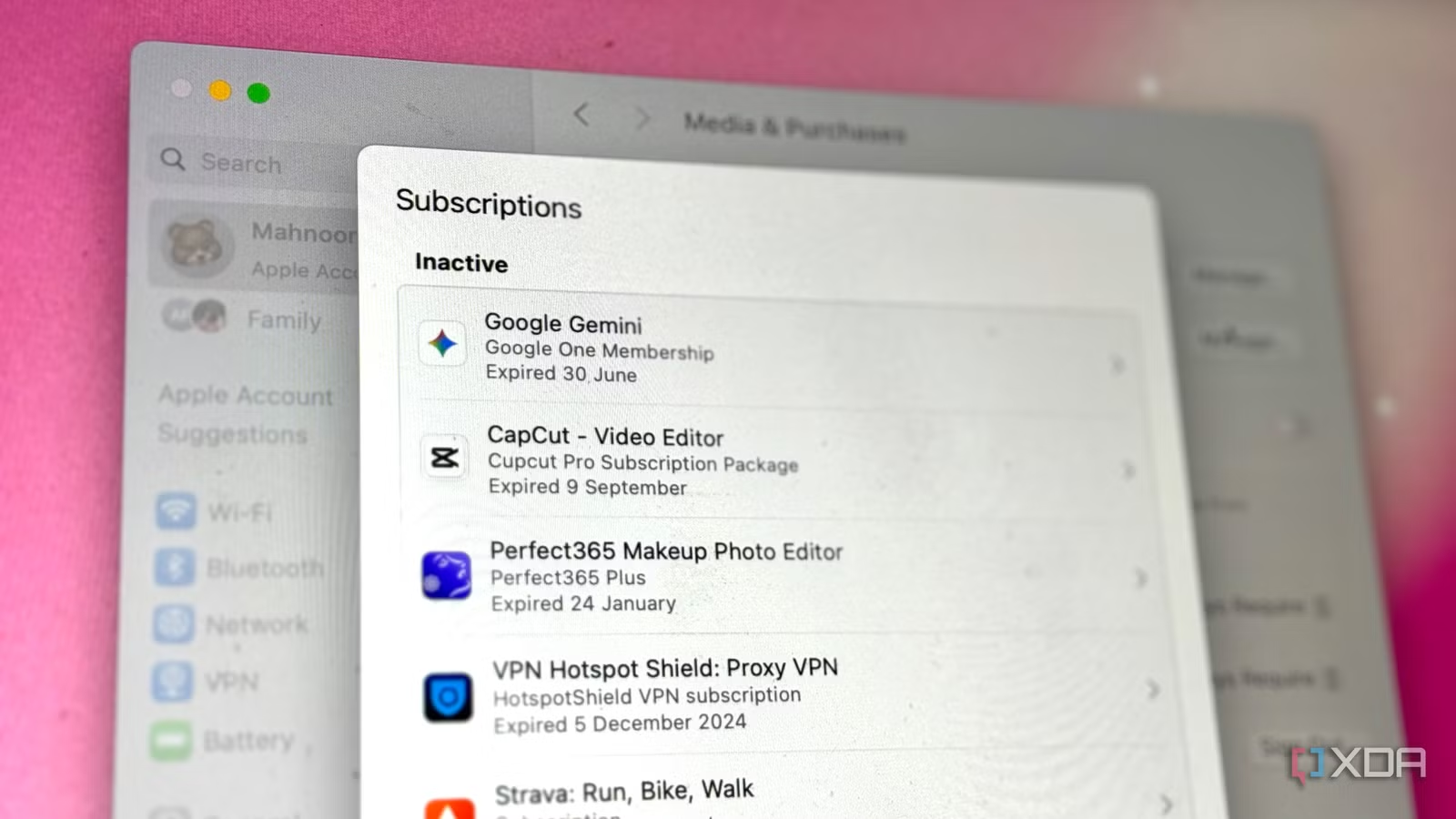
Something I’m sure practically everyone will agree on is that subscriptions are way, way too expensive. Unfortunately, while there are a bunch of all-in-one productivity apps out there, I’ve noticed that just purchasing them doesn’t cut it.
Ultimately, you often have no option but to pay for multiple apps, chase add-ons, or deal with limited features. Over the years, I’ve been trying to find productivity tools that do the same thing, just at a fraction of the cost or even completely free.
Keep in mind that it’s not necessary for the tools I’ll mention to be completely free. If they aren’t, their free tiers are generous enough to handle most of what I need.
Calendly
Cal.com is the perfect alternative
I work remotely, and primarily with people who live hours ahead of me. Even if that weren’t the case, scheduling calls is pretty much always a pain. The constant “does this time work for you?” emails, timezone math, and back-and-forth can turn a five-minute task into a ten-email ordeal. That’s when I started looking for a solution and landed on Calendly.
The tool lets you link your Google Calendar, Outlook Calendar, or another calendar to Calendly, and then select your availability. It then gives you a personal link, which you can simply share with anyone you’d like to schedule a meeting with.
When they click the link, they’ll see your available time slots in their time zone. All they need to do is pick a time that works for them, and the event will then be added to both your calendars.
After trying out Calendly for a while, I quickly realized just how limited it is. On the free plan, you can only create one type of event (e.g., a single 15-minute meeting) and connect one calendar. Its premium tier costs $12/month, which lets you create unlimited events and connect multiple calendars.
Then, I found an excellent alternative with a free plan that lets me create unlimited events and connect multiple calendars: Cal.com. It works the same way as Calendly and is even open-source. Though the tool has paid tiers, they’re for teams and organizations. For individuals, Cal.com is completely free to use.
StirlingPDF
No better Adobe Acrobat alternative

It’s no secret how expensive Adobe’s tools are, including Adobe Acrobat. Unfortunately, most “free” PDF editors you’ll find online either watermark everything (basically making your PDFs useless) or lock every genuinely helpful feature behind a paywall.
StirlingPDF is the only exception I’ve found that genuinely feels like the ultimate Adobe Acrobat alternative without all the hidden catches. The tool is open-source, completely free, and you can even self-host it if you want more control over your files.
StirlingPDF has every PDF manipulation feature you’d possibly need, like the ability to merge multiple documents, split them, convert them to different file types, add digital signatures, redact content, insert images, compare them, remove annotations, compress file size, and more. The tool currently supports over 40 languages and is simply the best option you need if you’re looking for a powerful, genuinely free PDF editor that doesn’t cut corners.
Notion AI, Quizlet, Reclaim
All these tools (and more) replaced by NotebookLM
Now, this is where the “mostly” free part of the title begins to come true. NotebookLM is Google’s AI-powered research assistant, and it’s replaced multiple paid tools for me. For instance, Notion is a tool I use a lot (even though it feels like everyone is switching), and Notion AI is a paid add-on the company constantly pushes.
One thing Notion AI lets you do is interact with your own Notion pages. For instance, if you use Notion for note-taking, you can use Notion AI to quickly search for something within your notes using natural language. It can read the document, extract the relevant information, and give you the answer you’re looking for.
With NotebookLM, you can do the same thing (and more) for free. NotebookLM’s specialty is working with documents you upload and only referencing those documents to answer your questions without hallucinating.
While NotebookLM does have a premium tier, the free version lets you ask 50 questions daily about your uploaded notebooks, which should be more than enough for the average user. NotebookLM has also helped me replace paid tiers of tools like Reclaim and Quizlet, which I’ve talked about in detail in separate articles.
Goodnotes 6
Found the perfect lifetime alternative: Notedrafts

I use an iPad and an Apple Pencil for most of my note-taking. While the Apple Notes app has gotten a lot of improvements over the years, it unfortunately isn’t good enough to use as my primary note-taking app.
So unfortunately, resorting to paid options is the only choice I really have. After trying a handful of them, I landed on Goodnotes 6. Given how expensive its monthly and yearly subscription plans are, I ended up opting for the one-time payment option in 2024, which cost me $29.99 back then and now costs $35.99.
While I’ve already paid for the app and still have access to it forever, I’ve pretty much ditched it entirely for another app, Notedrafts. I came across the app in May while scrolling on Reddit, and it beats Goodnotes 6 in multiple ways. I’m not the biggest fan of the writing experience Goodnotes 6 offers, and the writing experience has always been noticeably smoother on Apple Notes and even Notability.
Notedrafts is another app that instantly stood out to me for how natural the writing feels. It’s extremely lightweight, opens almost instantly, and has a cleaner interface than Goodnotes 6 while still offering all the essentials I need for handwritten notes. It also offers the best zoom level in any note-taking app I’ve used so far.
While Notedrafts does unfortunately limit you to three notes on the free tier, the premium tier (which gives you lifetime access) costs only $4.99, the price of a coffee! That’s practically nothing if you consider the long-term value.
Todoist, TickTick, and any paid to-do tracker
Google Tasks is the completely free replacement

I’ve always been a to-do list type of person. The first thing I do when I wake up in the morning is check my to-do list (that I created the night before). So, my day quite literally begins and ends with my to-do list. A good to-do list app is non-negotiable for me.
While I first used Notion (which I use to organize every aspect of my life), I stopped using it since it didn’t have the best mobile app. I then started playing around with dedicated to-do list apps, like Todoist and TickTick, and it didn’t take me long to realize how most of their free plans are either too limited or restrict the features I actually need to stay organized.
I’ve since switched to Google Tasks, which is completely free. If you’re a Microsoft user, Microsoft To Do is another solid option. Google Tasks integrates seamlessly with other Google Workspace apps, has a minimal user interface that’s extremely easy to navigate, and has a solid mobile app. It has everything I need in a to-do list app and doesn’t cost a cent.
Better alternatives always exist
While it’s hard to find free alternatives for every app you need, you can almost always find a better option for most apps you use — either something that costs less or something that offers way more value for the same price.

