Installing applications has become integral to our daily lives, and from browsers to text editors and full office suites, our devices can quickly get cluttered with software. But what if you simply did not need to install any apps? What if your entire workspace is self-contained? That’s where the concept of portable applications comes in.
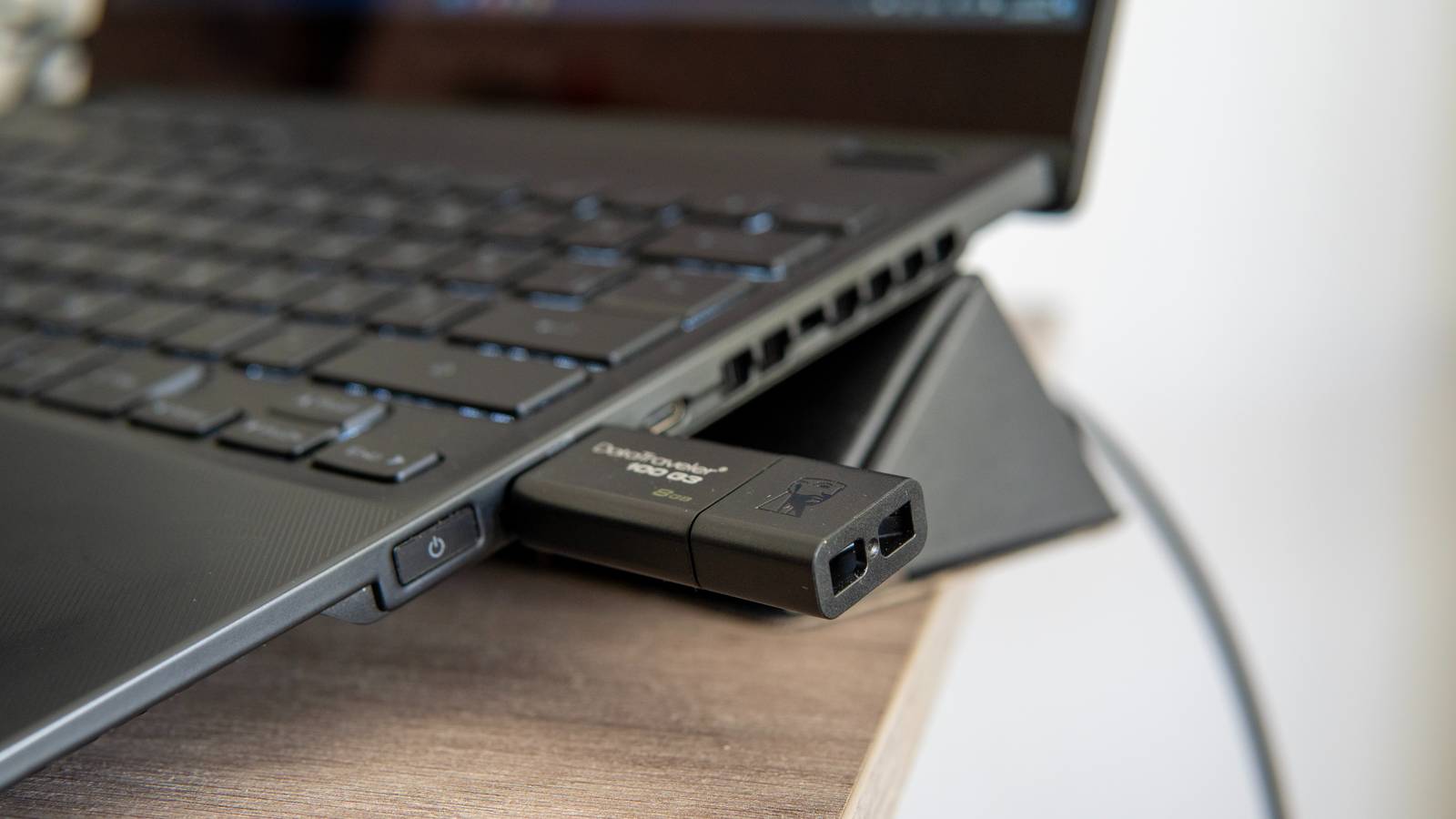
Portable apps are programs you can run directly from a USB drive or a synced cloud folder. Once set up on your USB drive, running them requires no installation, registry edits, or administrator rights on the host computer. Also, they (usually) leave no trace behind when you unplug.
This flexibility led me to challenge myself to a week-long adventure. I decided to live solely off portable apps and refused to use programs installed on my PC. Every tool I used had to run from a portable USB flash drive. The goal was to see if I would remain productive and creative without relying on the installed apps on my PC. Over this period, I worked with several apps, including a browser, an office suite, and an image editor. It turned out to be an interesting experiment. Here’s how it went.
I enjoyed carrying my browser everywhere
Firefox
As a digital nomad and writer, it is a no-brainer that browsers are indispensable to my work. I check my emails, use various online tools, and access content management systems with browsers. So, based on positive reviews from various online communities, I decided to make Firefox portable my browser of choice. And this was a tool that I used regularly during this period. I have never been comfortable signing in to my personal account on someone else’s computer, so Firefox Portable was a useful addition. Even on my friends’ PC, I could access everything I needed without risking my personal information or leaving any trace behind.
Firefox stands out for its commitment to privacy and fast browsing. You can easily set up the full Mozilla browser to run directly on your USB drive. From there, you can load all your personal extensions, access every custom setting, use your bookmarks, and save passwords securely. Also, you don’t have to worry about performing a task away from your PC. I certainly was not, and even when I was on a friend’s PC, I knew I was fully covered. Since all my browsing history is stored on my USB, I left no browsing history or cookies on the host computer when I unplugged.
Using an office suite without the licensing drama
LibreOffice
I knew sticking to this setup wouldn’t be easy. Several times, I avoided tasks that might take me back to my installed software. But then, a friend asked for help preparing a spreadsheet. I couldn’t turn him down, yet I wasn’t ready to reveal my minimalist setup either. He’d probably question my decision and try to talk me out of it. So I just agreed to help. I also had some writing to do. How can I manage these tasks without running into major inconvenience? This was a real test for the experiment, but thankfully, I found a simple solution to the challenge with LibreOffice.
LibreOffice Portable is a complete, full-featured office suite similar to Microsoft Office. However, unlike Microsoft Office, it is completely free. It includes a word processor, a spreadsheet program, and a presentation tool dubbed Writer, Calc, and Impress, respectively. This enables it to support most document formats, including .docx, .pptx, and .xlsx. Using this tool, I could edit tables and update presentations without worrying whether the host computer had Office installed.
I edited several images on the go
GIMP Portable

Editing images is indispensable to a writer’s work since websites often use visual aids to bring ideas to life and create visual breaks. While it was quite easy to download pretty decent royalty-free images, most of them are often presented in sizes that don’t fit well on web pages. So I needed to resize images and even blur out confidential information in screenshots. But with a little research, I discovered GIMP portable. The GNU Image Manipulation Program (GIMP) is an open-source photo editing and graphic design tool. With this tool, I could access layers, filters, and brushes just as you would expect in any desktop editor.
GIMP supports a huge range of files, including common ones like JPG and PNG. Despite running from a USB drive, it handled everything well. If you’re a creative professional or someone who just designs for fun, GIMP might be all you need to edit images and bring life to your work. It literally turns your USB drive into a pocket-sized creative studio that can be accessed wherever you go.
Challenging but useful
At the end of the week, I was really surprised I could go on for that long without breaking my rule. Were there challenges? Sure! Loading and saving files took a few extra seconds, and there were no automatic updates to rely on. While I didn’t install any apps, I must confess that I accessed some web apps from my Firefox Portable browser. Security was another concern. Carrying sensitive data on an unencrypted device carries risks, especially if it is misplaced or stolen. Despite this, I loved the freedom it offers. My workspace isn’t tied to a single place; it moves wherever I go. While living off portable apps isn’t practical for everyone, it’s worth trying, especially when you’re away from home and need a flexible way to stay productive.

