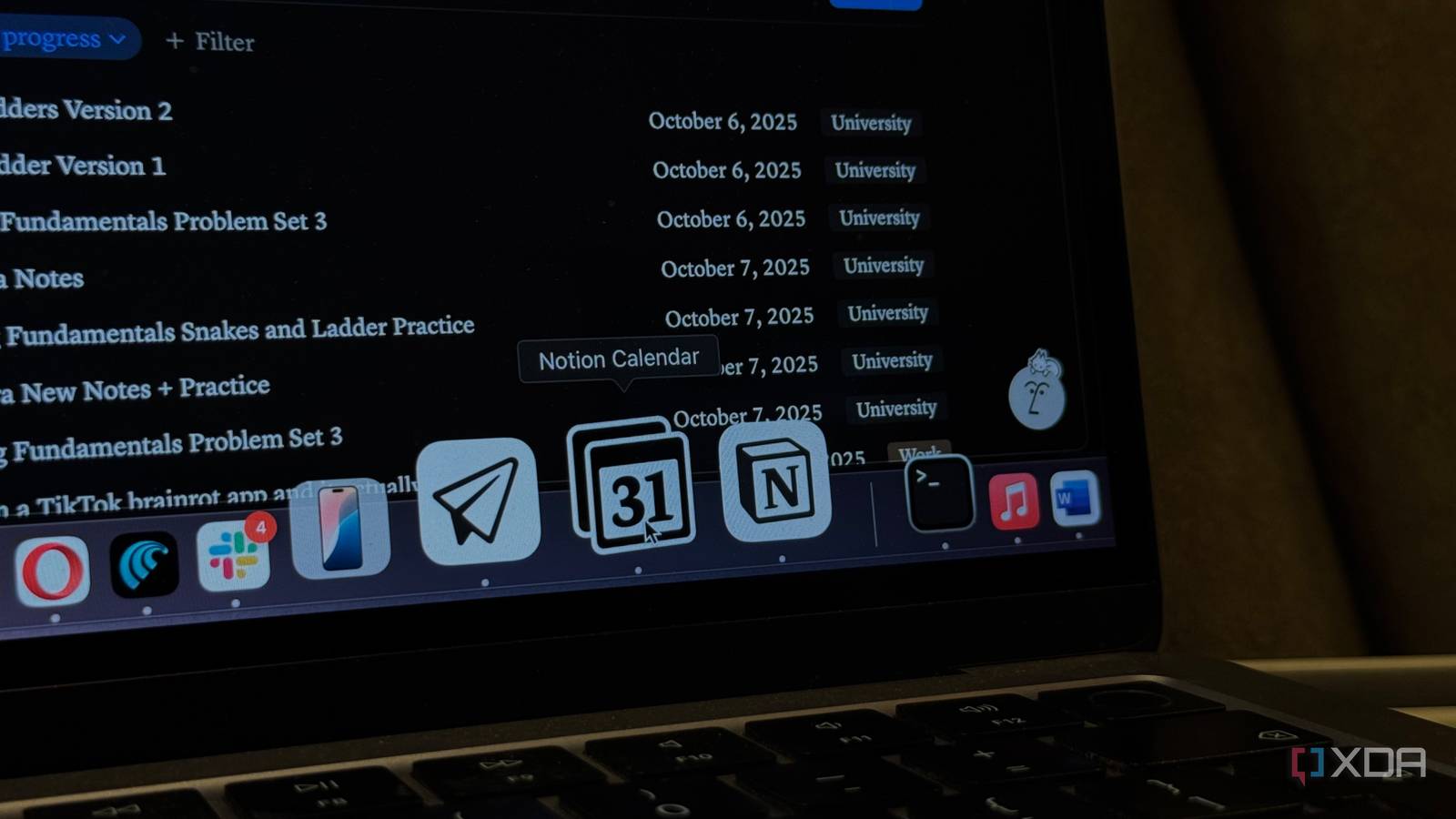
Gone are the days when Notion used to be, well, just Notion — the all-in-one workspace app every other person used to organize every aspect of their life. Similar to a lot of other companies that start with one simple tool that blows up, Notion eventually branched up and realized a single app wasn’t enough.
In 2022, Notion’s parent company acquired the Cron calendar app, and eventually rebranded it as Notion Calendar in 2024. Earlier this year in April, the company decided to add an email app to its portfolio as well, and announced Notion Mail. This was likely the company’s attempt to become a true competitor to Google Workspace and Microsoft Office. With a workspace for notes and tasks, a dedicated calendar app, and now its own email client, Notion’s attempt to take on Google and Microsoft is hard to ignore.
Though I’m a huge Notion fan and use all three tools regularly, I’d be lying if I said I stick to them exclusively. I still end up switching back to Google more often than I’d like to admit, mostly out of habit. So, I finally decided it was time to see if I could replace Gmail, Google Calendar, and Tasks with Notion’s own tools. And well, I don’t think I’ll be switching back anytime soon.
I use Notion for everything, so the switch was easy
My life, fully synced
I’ve been using Notion to organize every aspect of my life, from work and college to everything in between, and I can’t imagine doing it any other way. Sure, adjusting to Notion took me a while, and I still feel like I learn something new every time I open the app, but the possibilities with the tool are endless. A lot of my Notion databases are connected to my Google Calendar, and I couldn’t figure out a smooth way to integrate the two, so I ended up relying on third-party tools.
The biggest issue was that tasks I added to my Notion databases wouldn’t appear on my calendar. This meant I’d often have to manually open my calendar and add them myself, which just wasn’t the smoothest workflow. I knew this wouldn’t be as big of a problem if I switched to Notion Calendar, since it was built with Notion integration in mind, and the developers clearly knew users would be managing tasks across both.
Once I started using Notion’s dedicated Calendar app, the next obvious step was using the Mail app too. As expected, all three tools worked seamlessly together. For instance, when you’re drafting an email in Notion Mail, you can pull up your real-time Notion Calendar view within the composer to check your upcoming availability. Notion Mail also shares Notion’s signature slash (/) command, and typing it in the body of an email pulls up a block menu that lets you quickly add headings, bullet lists, quotes, and more.
Overall, everything about Notion Mail and Calendar feels intentionally familiar, and the way both tools work alongside Notion makes the entire experience feel cohesive — just like how a true ecosystem should.
All of Notion’s apps have a minimalist UI I’m obsessed with
Aesthetics are important too
The reason I started using Notion in the first place was because of how sleek and clean its interface was. I absolutely love tools that aren’t too cluttered and let you focus on what actually matters without distracting you the minute you open them. Fortunately, all of Notion’s apps follow the same design language and have interfaces that weirdly make me want to open the app.
For instance, Google Calendar’s interface feels too bland and, frankly, a bit too… serious for my liking. Notion Calendar’s interface feels much more modern and cohesive, and it doesn’t feel nearly as cluttered as Google Calendar. The same goes for Notion Mail. When I open Gmail, I usually feel overwhelmed almost instantly because of how busy the interface looks. Gmail’s dark mode isn’t even a proper dark mode—the email area (where you view or compose messages) is still displayed on a blinding white screen, which just makes the issue worse.
Notion Mail, on the other hand, keeps everything simple and consistent. Its dark mode fortunately extends across the entire interface, making it much easier on the eyes. As someone who has spent hours organizing her Notion workspace just to make it as aesthetically pleasing as possible, using tools that share that same minimalist, distraction-free design feels incredibly satisfying.
It’s 2025, why don’t all tools have desktop apps?

While this doesn’t apply to Microsoft Office apps, one thing I’ll never quite understand is why Google insists on keeping everything tied to the browser. Google Calendar, Gmail, Tasks, and even YouTube still don’t have standalone native desktop apps for Windows or macOS.
Sure, you can download them as PWAs to replicate standalone apps depending on the browser you use, but I’ve found that it creates more problems than it solves. One of the biggest reasons I don’t see myself switching back to Google Workspace is simply because all three of Notion’s apps have proper desktop versions. I already have enough tabs open in my browser at any given time, and needing to open even more just to check my calendar or email isn’t exactly ideal.
Having to dig through all my tabs just to view my calendar or quickly join a meeting is frustrating. With dedicated desktop apps, I can keep them separate from my work tabs and access them instantly without cluttering my workflow. Notion’s Calendar also lets you add a menu bar calendar, which shows upcoming events in the top-right corner of the screen, even when the app isn’t running in the background. It’s one of my favorite features, and since Google Calendar has yet to launch a proper desktop app, it’s a game-changer.
Goodbye Google apps, forever
While Notion Mail and Calendar are both essentially containers for Gmail and Google Calendar, they offer improvements that make switching feel natural. Sure, Notion’s apps aren’t perfect yet, but they’re intuitive, well-integrated, and already solve many of the pain points I had with Google’s tools.

