I’d stepped into the home lab rabbit hole right as I started uni, which, in hindsight, was a terrible decision for my wallet. However, tinkering with different home servers offered several benefits for my CS major. Thanks to an army of disposable VMs, I never had to worry about dependency hell or cluttered files on my daily driver, while K8s and Proxmox were great for my DevOps projects.
Then there’s the arsenal of self-hosted applications that made my college life a lot easier, ranging from personal clouds like Nextcloud to Jellyfin, Immich, and other media serving platforms. Unfortunately, many of the utilities in my home server stack are a bit obscure, and remain out of the limelight – even though they’re complete game-changers when starting a new school year.
A neat to-do list builder
Between constant classes, frequent group hangouts, and the Damocles’ sword called exams, managing time is quite a challenge when you’re a student. Throw some hobbies, a part-time job, working out, and (infrequent) road trips into the mix, and you’ll have a picture of my uni days. Thankfully, I had Vikunja to help me plan my schedule and map my tasks, so I wouldn’t get overwhelmed by all my interests and assignments.
If you haven’t heard of it, Vikunja is a list builder that removes all the fluff of conventional note takers for a distraction-free UI with Kanban boards, tables, Gantt charts, and list views to stay on top of your tasks. It even includes some collaboration features, including the ability to add other team members to a task, divide a complex assignment into sub-projects, and leverage tags to better organize your ideas.
A centralized coding workstation
Even after graduating from uni, I find it rather annoying to organize project files. So, you can well imagine my barely-adult self’s messy collection of scripts, code files, and other project documents. Luckily for me, I have dedicated dev environments set up inside virtual machines, so my precious daily driver would remain free from project clutter and dependency hell.
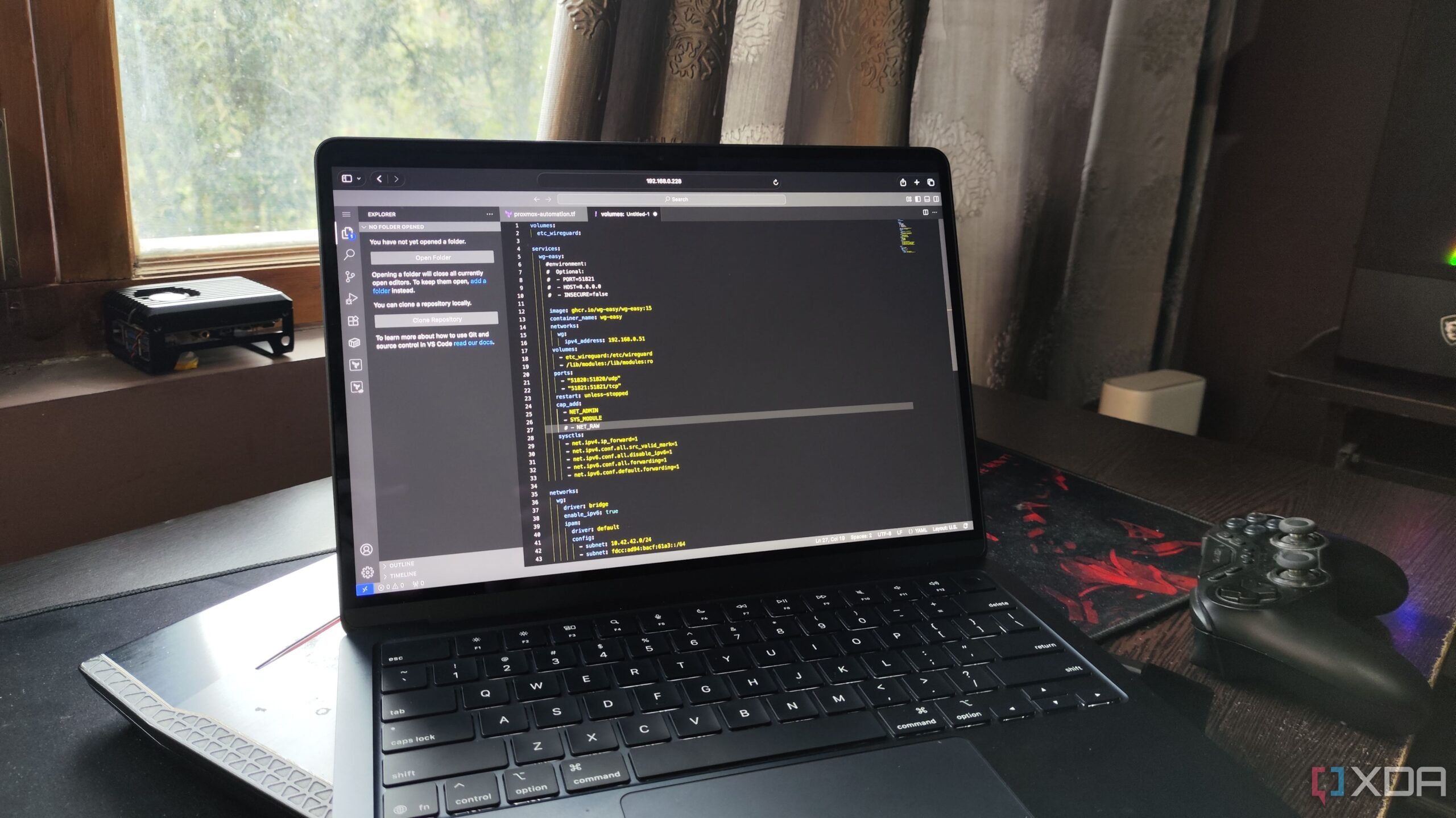
At the center of each development environment lies Code Server, a code editor that – you guessed it – operates as a centralized server that can be accessed from any device over a browser. This includes smartphones, tablets, and other devices that can’t run VS Code by default. With the right keyboard case, my iPad + Code Server combo worked incredibly well for my programming misadventures.
Simple file sharing – no strings attached
Although the all-powerful Nextcloud served as an Office 365 alternative during my uni years, it was far from ideal when transferring huge files. Sure, I could transfer project files (which were admittedly bloated because of my amateur code) to my Nextcloud instance to share them with my buddies, but setting the right privileges for my coding was a pain.
That’s where PairDrop came in handy. Similar to AirDrop, PairDrop is a cross-platform service that can quickly transfer files between devices. But unlike its Apple counterpart, PairDrop isn’t limited to the company’s premium devices and can be accessed from any system over a web browser.
To manage CS:GO LAN parties
Up until this point, every application I’ve mentioned contributed to my major in some way or another. However, Pterodactyl Panel is an exception, as I used this self-hosted utility solely for LAN parties and local multiplayer gaming escapades with my buddies.
As a game server management panel, Pterodactyl makes it easy to set up, configure, and scale private lobbies. It’s also compatible with most of the titles that my gaming brethren enjoyed, and has served as the centerpiece of casual, Friday-night Terraria and Minecraft sessions to ruthless Counter-Strike: Global Offensive and Team Fortress 2 rounds.
It still houses my college textbooks
Over the last couple of years, I’ve accumulated a vast library of academic material, ranging from academic papers to old ebooks on the most obscure technologies. Leaving aside the fact that the sheer volume of these PDF files would occupy too much space on my smartphone, I had to figure out a way to organize them or risk losing my sanity when searching for a specific ebook from hundreds of college documents.
Self-hosting Calibre-Web was the antidote to my ebook management woes. I used shelves to segregate the digital textbooks I’d used during all the terms, so I wouldn’t end up mixing my favorite fantasy novels with the nightmare-inducing microcontroller and assembly language ebooks.
There are even more useful applications for students
As a college survivor, I’ve got plenty of other recommendations for folks looking to level up their student life. I often used Sterling-PDF to modify my academic documents and project files, while Trilium Notes served as my PKM system. I also extensively used Jellyfin for the movie nights with my mates, and wger served as my reliable workout companion by helping me keep track of my exercise sessions.

