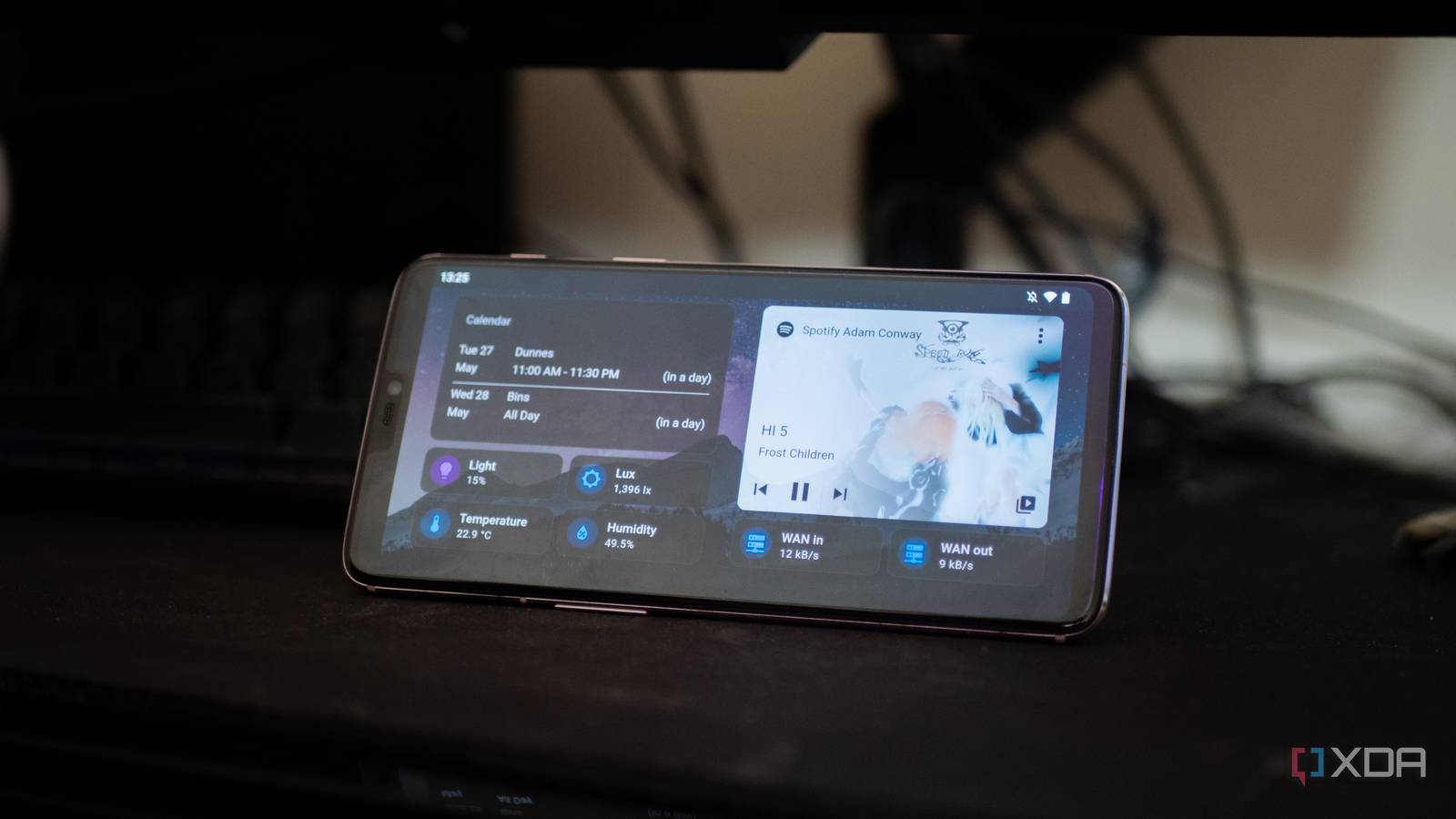
Building out a smart home can be fraught with frustration. Every device uses its own hub, and if not that, most definitely its own app. Before you know it, your smartphone is littered with ten different apps to control lights and fans. Solving this problem was my biggest motivation behind getting started with Home Assistant. Instead of juggling multiple apps and dashboards, I wanted a single spot to control everything and that’s exactly what I got with Home Assistant. While Home Assistant’s near-infinite flexibility allows it to be anything you want it to be, here are three smart home apps that I swapped out for Home Assistant and I wouldn’t have it any other way.
3
Philips Hue
Home Assistant lets me club my Hue lights with the rest of my home
While building my smart home, going for Philips Hue was the obvious choice. Yes, I know there are others technically better and more affordable bulbs on the market. But I wanted a product that was widely available, well-supported, and, most importantly, easy enough for anyone at my home to figure out. The problem? It requires a dedicated app to control most advanced functions. While scenes and more created within the app show up on smart home devices just fine, you can’t do much without using the Hue app at first.
Moving Hue into Home Assistant changed all that. For one, I can now create scenes across a variety of lights, including Hue, but also non-Hue lighting. Not every light needs to be a smart bulb, and in some instances, I’ve combined old-school table lamps connected to a smart switch right into a smart scene. Tapping into Home Assistant also allows me to do things like switch on the lights when my front door unlocks. Or dim them when the TV starts playing. I haven’t lost any of the core functionality, with scene and color functionality available just the same. Except, now it works in tandem with the rest of my smart home ecosystem.
2
Music Assistant
Turn your scattered audio setup into one smart system
I use a lot of music streaming services, and I also host a full-fledged offline music library. Bringing together all these worlds while also dealing with my array of Wiim streamers is a mess. To get the most out of it, I usually have to depend on one, two, and sometimes even three different apps. So, I’ve once again turned to Home Assistant to solve that for me.
While apps like Navidrome or Lyrion Music Server can certainly help make sense of your music library, they don’t quite integrate seamlessly into Home Assistant. Music Assistant, however, does. It can bring together my streaming services, local music library, and even all my smart speakers into one single spot for easy controls.
The app has let me build unified playlists, link speakers and streamers, and swap between streaming sources with ease. Moreover, like everything else in Home Assistant, it all talks to each other. So, I can kick off entire routines and scenes with music deeply integrated into them. For example, I’ve got a Friday chill playlist that swaps my living room lights for fun colors and starts streaming my favorite funk house internet radio station on the living room streamer. If I want, I can also tap into my motion sensors and get it to switch off automatically once I’ve left the room. You simply can’t get that kind of functionality from off-the-shelf solutions.
1
Tuya Smart Life
Freeing Tuya devices from the app and cloud dependance

If you’re building a smart home, there’s no escaping the Tuya-verse. Tuya’s smart home ecosystem is wide and prevalent. Even if you try to avoid the company’s products, it’s sheer variety of relays and niche but useful products, as well as white-labelled goods, means that its inevitable that your smart home has something developed by the company. But, using Tuya products comes with certain pitfalls. Primarily, Tuya’s app and cloud dependence.
You can get rid of one or, in many cases, both of those drawbacks with Home Assistant. For one, since everything is now integrated into my smart home of choice, there’s no need for me to use the rather terrible Tuya app. I can club and combine all my Tuya devices with other devices in my smart home with ease. Remember when I mentioned that I was clubbing smart plugs with my Hue lights? That’s a Tuya plug integrated with Hue lights into a Home Assistant scene. Secondly, Home Assistant can get rid of that cloud dependence for many Tuya devices. That’s a major win for anyone who wants complete control over their IoT data.
Replacing apps with Home Assistant made my smart home truly smart
Replacing individual apps with Home Assistant is more than just about convenience. It’s given me a lot more control, privacy and allowed my smart home to actually be smart. While the Philips Hue lights were a good first step, bringing them into Home Assistant has opened up a whole new world of lighting-based automation. Similarly, Music Assistant has tied my home’s entertainment into my smart lighting set up. And finally, bringing Tuya devices into the mix without the app requirement has given me that much more control over my devices and data. There are many more ways to bridge devices and services into Home Assistant, but by ditching these three apps alone, I’ve improved my smart home experience dramatically.

